
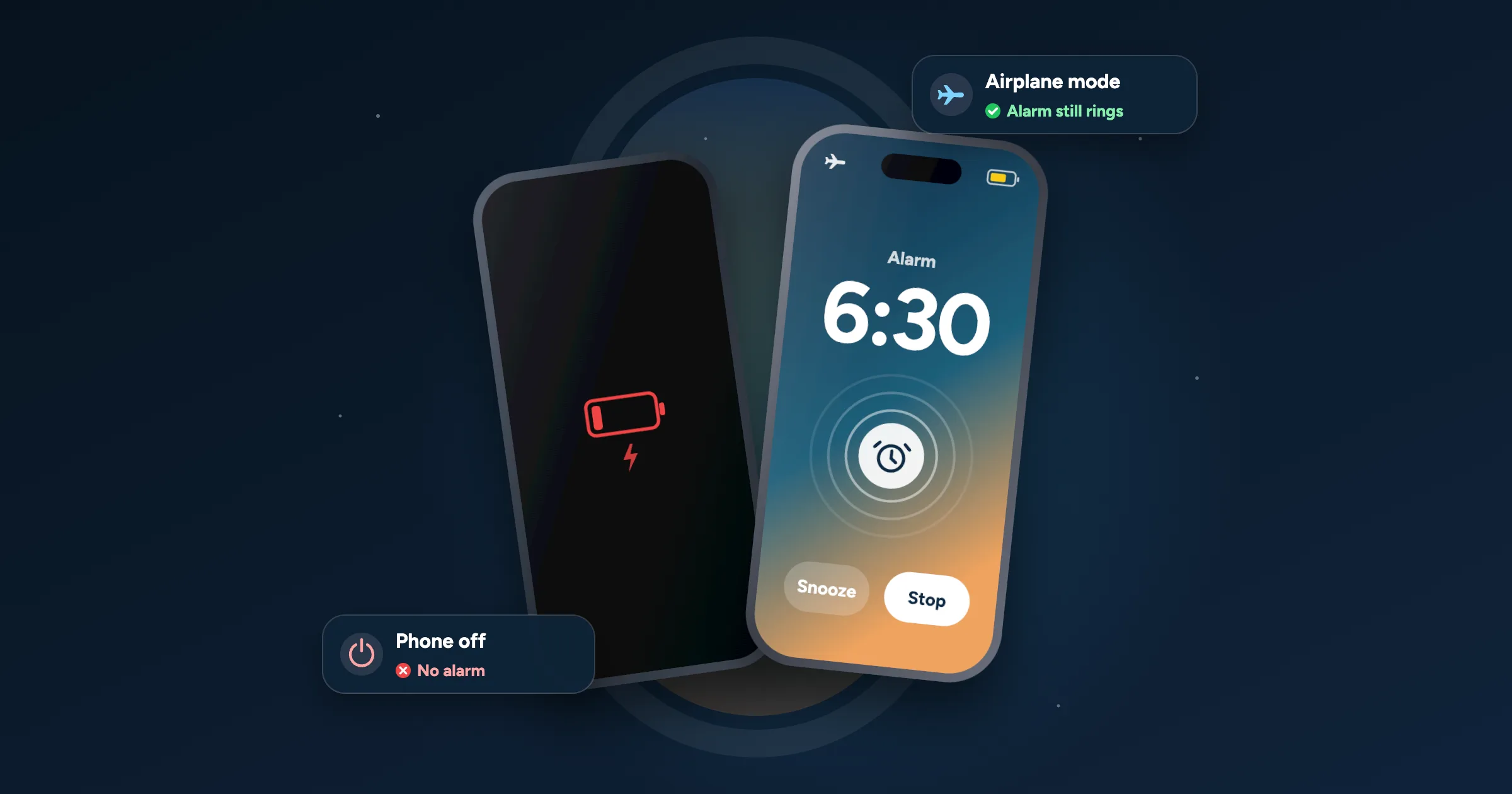
Your alarm needs a phone that’s on. Beyond that, very little stops it:
- Phone off or battery dead: no alarm on iPhone, and none on most Android phones, Samsung Galaxy and Pixel included. Only a few Huawei and Xiaomi phones can ring while off, and only with a setting.
- Airplane mode, no SIM, no Wi-Fi: the alarm rings. It lives on the phone, not on the network.
- Low Power Mode: rings on iPhone. Android’s Battery Saver usually lets it ring, but Google says it can stop an alarm.
- Restarts, updates, closed apps and clock changes are where alarms still get lost, mostly alarm apps rather than the built-in Clock.
So with 9% left: airplane mode, not off.
On this page
At a glance: will the alarm go off?
For the built-in Clock app, in the ten situations people ask about most:
| Situation | iPhone | Android | What to do |
|---|---|---|---|
| Phone switched off | Doesn’t ring | Doesn’t ring on most phones; a few Huawei and Xiaomi models can | Leave it on; use airplane mode to save battery |
| Battery died overnight | Doesn’t ring | Doesn’t ring | Charge it, and check it’s actually charging |
| Airplane mode | Rings | Rings | Nothing |
| No SIM, Wi-Fi or internet | Rings | Rings | Use a tone saved on the phone, not a streamed song |
| Low Power Mode, Battery Saver | Rings | Usually; Google says Battery Saver may stop it | Android: add Clock as an essential app |
| Screen locked | Rings | Rings | Nothing |
| Headphones connected | Rings on the speaker and the headphones | Depends on the phone | Test it with your earbuds in |
| Restart or overnight update | Not documented by Apple | Clock sets its alarms again; apps need permission to start | Install updates during the day |
| Alarm app closed or swiped away | Clock and AlarmKit apps ring | Clock rings; some phones stop apps you clear | Lock alarm apps in recent apps |
| New time zone or clock change | Rings at the set time, local | Rings at the set time, local | Keep date and time automatic |
Silent mode, Vibrate and Do Not Disturb aren’t in the table because they have their own guide: will my alarm ring on silent? (Short answer: yes, with six exceptions.)
Once the phone is on, these are the five ways an alarm can still go missing:
Will my alarm go off if my phone is off?
No, on almost every phone. An iPhone that’s switched off doesn’t ring, and neither do Samsung Galaxy or Google Pixel phones: the alarm is software, and with the phone off nothing is running to play it. That’s how “I’ll turn it off to save battery” turns into a missed morning.
A handful of Android phones are the exception, and even there you have to ask for it:
- Huawei: when you power off with an alarm set, the power-off screen offers Keep alarms active. Pick it and the alarm rings with the phone off.
- Xiaomi, Redmi: some models on HyperOS have a setting in the Clock app’s alarm settings that rings the alarm while the phone is off. It’s off by default, and it may not work if the battery is nearly empty.
Not sure about yours? Set an alarm three minutes ahead, switch the phone off and wait. If it stays quiet, keep the phone on at night. Airplane mode gives you the same quiet without risking the alarm.
Will my alarm go off if my phone dies overnight?
No. A phone that runs out of battery shuts itself down, and from then on it behaves exactly like a phone you switched off. No exception helps here, not even the Huawei or Xiaomi ones, which need power to start the phone.
- Charge it, and look. A loose cable or a phone slightly off its wireless pad charges nothing. Check for the charging icon before you put it down.
- Can’t charge? Turn on airplane mode. It switches off cellular and Wi-Fi, so the phone stops searching for signal all night, and the alarm still rings.
- On iPhone, add Low Power Mode. It doesn’t touch the alarm. On Android, be more careful with Battery Saver; see below.
Do alarms work in airplane mode or without internet?
Yes, on iPhone and Android. Airplane mode turns off the radios: cellular and Wi-Fi, and on iPhone Bluetooth stays on unless you turned it off yourself. The alarm doesn’t use any of them. It’s stored on the phone and runs on the phone’s own clock, so it rings the same with no SIM card, on a dead network or in a hotel with no Wi-Fi.
Two small catches:
- A streamed song as the alarm sound needs a connection to play. For a night offline, pick a built-in tone or a song that’s saved on the phone.
- Headphones. Since Bluetooth can stay on in airplane mode, your earbuds may still be connected. Apple says the iPhone alarm then plays through both the speaker and the headphones. Android phones differ, so if you sleep with earbuds in, test it once.
Will my alarm go off in Low Power Mode or Battery Saver?
iPhone: yes. Low Power Mode dims the screen, shortens Auto-Lock, pauses iCloud Photos and turns off Background App Refresh, among other things. Alarms aren’t on Apple’s list. Apps that use Apple’s AlarmKit hand their alarms to the system too, so they don’t depend on background refresh.
Android: usually, but not guaranteed. Google’s own Clock help says “Battery Saver may have prevented your alarm from going off” and suggests turning Battery Saver off or adding Clock as an essential app in its settings. Samsung says its Power saving mode works by limiting some features and reducing background activity.
The bigger risk is for alarm apps you installed, Wakin included. Battery settings decide whether they may run in the background at all. Give your alarm app Unrestricted battery use, and on Samsung make sure it isn’t in Deep sleeping apps: Samsung says apps on that list never run in the background. The exact setting for each brand is in Android alarm not going off.
- Sleeping apps
- Deep sleeping appsNever run in the background
- Never sleeping appsAdd your alarm app here
Will my alarm go off if my phone restarts or updates overnight?
Android: every alarm is cancelled when the phone shuts down, even for a few seconds. When it starts again, each app has to set its alarms again, and Android lets alarm apps do that before you’ve unlocked the phone. The built-in Clock app is made for this. An app you installed needs two things: permission to start on its own after a restart (Xiaomi, OPPO, vivo, TECNO and Huawei phones often don’t give it by default) and unrestricted battery use. Without them, an overnight update can quietly wipe its alarms.
iPhone: with automatic updates on, iOS downloads and installs updates overnight while the phone is charging and on Wi-Fi, and it tells you beforehand. Apple doesn’t document how an alarm due during the install is handled. Before a morning you can’t miss, install any waiting update during the day in Settings › General › Software Update, or test a restart: set an alarm five minutes ahead, restart the phone and don’t unlock it.
Does the alarm still ring if I close the app?
iPhone: swiping away the Clock app changes nothing. Alarm apps that use AlarmKit (iOS 26 and later) schedule their alarms with the system, so they ring with the app closed and even break through Silent mode and Focus. An older alarm app that asks you to keep it open, or to leave Low Power Mode off, is telling you it can’t do that.
Android: the Clock app keeps ringing whether it’s open or not. Other alarm apps are where it gets risky: some phones, especially Xiaomi and TECNO, stop an app you swipe out of the recent apps screen, which can take its alarms with it, so lock the alarm app there. And never use Force stop on an alarm app: since Android 15 it cancels everything the app had scheduled until you open it again.
What happens to my alarm when the clocks change or I travel?
A phone alarm isn’t a countdown. It rings when the phone’s clock shows the time you set. Land in another time zone and a 7:00 alarm rings at 7:00 local time once the phone has switched zones. When the clocks go forward or back, it rings at 7:00 on the new time.
Two things break this:
- Setting the time by hand. Apple says it isn’t recommended and can affect alarms. Keep Set Automatically on in Settings › General › Date & Time on iPhone. On Android it’s Settings › System › Date & time on Pixel and Settings › General management › Date and time on Samsung.
- A phone that hasn’t switched zones yet. After a flight, check that the clock shows local time before you sleep. If it doesn’t, connect to a network for a minute.
Check it tonight
- Plug the phone in and look for the charging icon.
- Battery low and no charger? Airplane mode, not off.
- Set a test alarm three minutes ahead, lock the phone and leave it where it sleeps.
- Using an alarm app? Restart the phone, don’t unlock it, and see if a test alarm still rings.
- On Android, give the alarm app unrestricted battery use, plus auto-start on Xiaomi, OPPO, vivo and TECNO.
- Install waiting system updates during the day, not the night before an early start.
If the alarm rang and you slept through it anyway, the phone did its job and the problem is sleep inertia. That’s a different fix: see why you sleep through your alarm and the best alarm for heavy sleepers.
Frequently asked questions
Will my alarm go off if my phone is switched off?
No on iPhone, and no on most Android phones, Samsung Galaxy and Google Pixel included. A few Huawei phones offer to keep alarms active when you power off, and some Xiaomi and Redmi phones on HyperOS have a Clock setting that rings the alarm with the phone off; it’s off by default. If you want to save battery, use airplane mode instead: the alarm still rings.
Will my alarm go off if my phone dies?
No. A phone that has run out of battery can’t ring, on iPhone or Android. Plug it in before bed and check that it’s actually charging. If you can’t charge it, turn on airplane mode to make what’s left last longer; don’t switch it off.
Do alarms work in airplane mode?
Yes. Alarms are stored on the phone and don’t need cellular, Wi-Fi or a SIM card, so they ring in airplane mode on iPhone and Android. The one catch is a streamed song as the alarm sound: for a night offline, pick a built-in tone or a song saved on the phone.
Will my alarm go off in Low Power Mode or Battery Saver?
On iPhone, yes: Low Power Mode dims the screen and pauses background work, and alarms aren’t on Apple’s list of what it limits. On Android, usually, but Google says Battery Saver may stop an alarm. If that happens, turn Battery Saver off at night or add Clock as an essential app. Alarm apps you install also need unrestricted battery use.
Will my alarm go off if my phone restarts or updates overnight?
The built-in Clock alarm is the safest bet. Android cancels every alarm when the phone shuts down and each app has to set its alarms again when it starts, so alarm apps need permission to start on their own on Xiaomi, OPPO, vivo, TECNO and similar phones. Apple doesn’t document what happens on iPhone, so install waiting updates during the day before a morning you can’t miss.
Does the alarm go off if the phone is locked?
Yes. A locked phone with the screen off is the normal state for an alarm: it lights the screen and rings. Only a phone that is powered off or out of battery stays quiet.
Do phone alarms change with time zones and daylight saving time?
Alarms ring at the time on the phone’s clock. Fly to another time zone or let the clocks change, and a 7:00 alarm rings at 7:00 local time, as long as the date and time are set automatically. Apple warns that changing the time by hand can affect alarms.
Sources
- Use Low Power Mode to save battery life on your iPhone or iPad (Apple)support.apple.com
- Use Airplane Mode on your iPhone, iPad, Apple Watch and Apple Vision Pro (Apple)support.apple.com
- How to set and change alarms on your iPhone (Apple)support.apple.com
- Update your iPhone or iPad (Apple)support.apple.com
- WWDC25: Wake up to the AlarmKit API (Apple)developer.apple.com
- iOS alarms and time zone changes (Apple Support Community)discussions.apple.com
- Clock Help: fix problems with alarms (Google)support.google.com
- Schedule alarms (Android Developers)developer.android.com
- Support Direct Boot mode (Android Developers)developer.android.com
- Behavior changes in Android 15: package stopped state (Android Developers)developer.android.com
- Sleeping apps on your Galaxy device (Samsung)samsung.com
- Use Power saving mode on your Galaxy phone (Samsung)samsung.com
- The alarm does not go off as scheduled on my HUAWEI phone (Huawei)consumer.huawei.com
- Xiaomi: alarm with the phone switched off (TechBone, in German)techbone.de
More guides
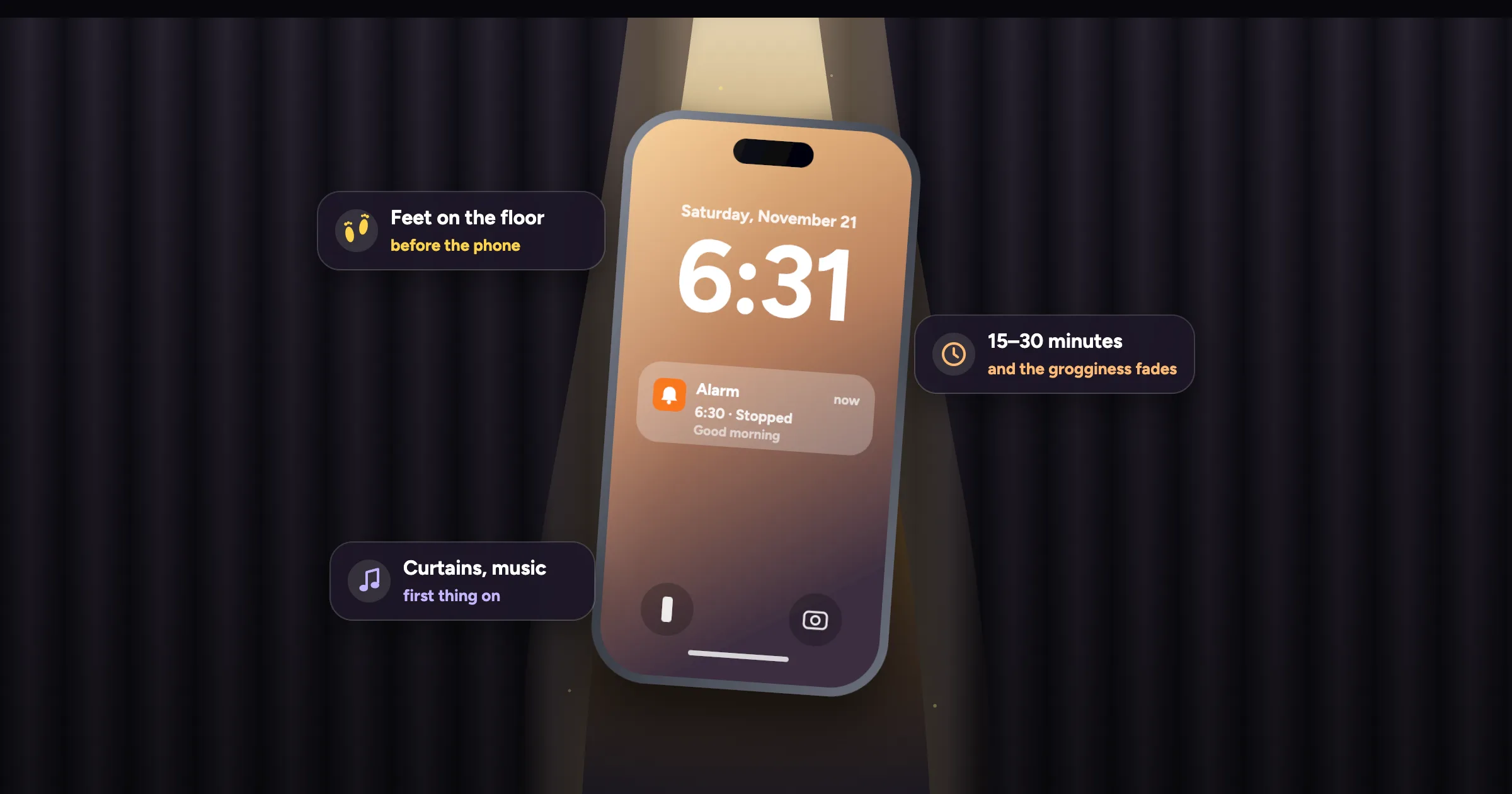
How to Get Out of Bed in the Morning When You Don’t Want To
Awake but can’t get out of bed? Why the first minutes feel so heavy, an 8-step plan for the first 10 minutes, and when it’s more than a bad morning.
Read the guide →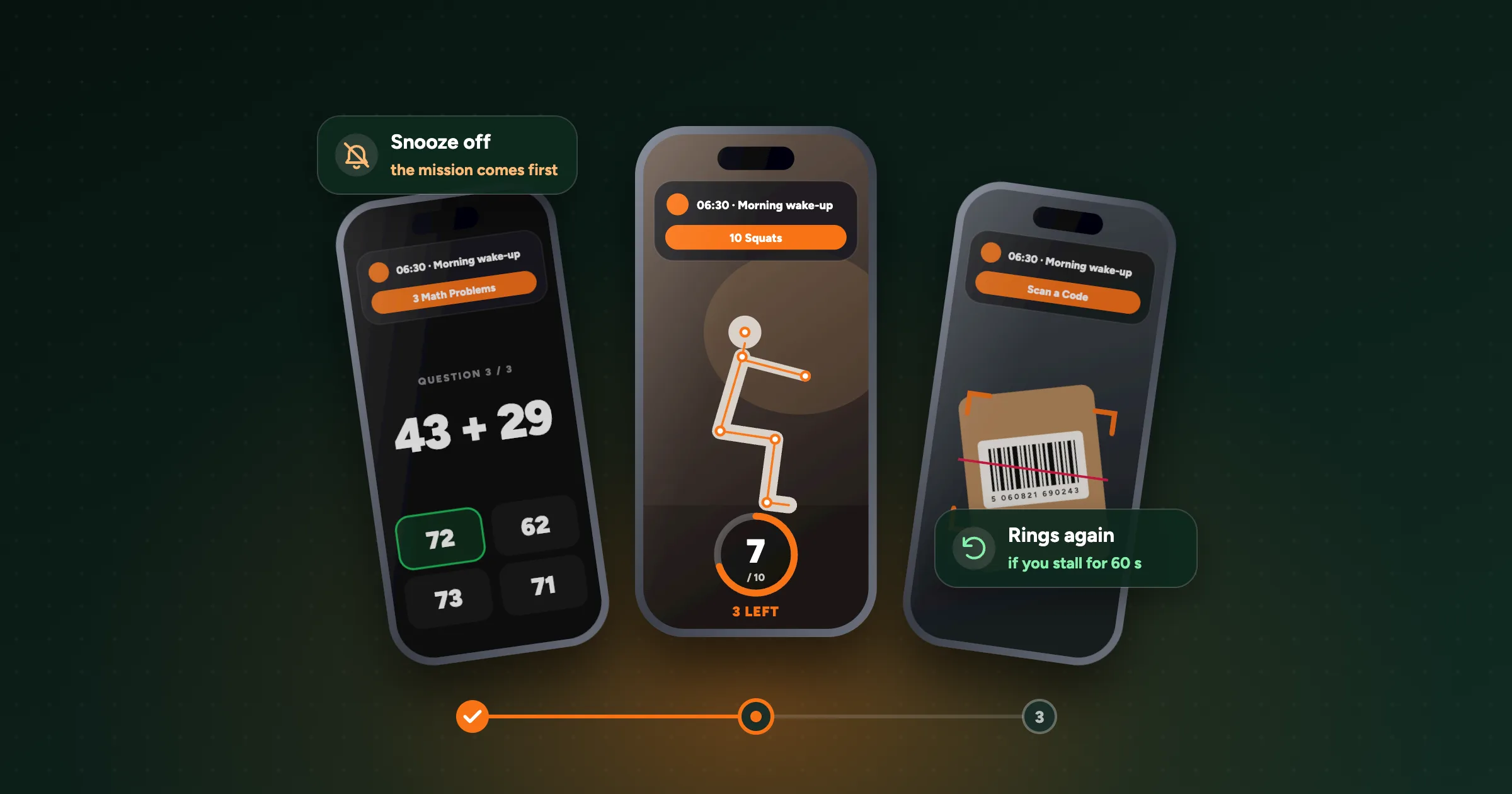
What Is a Mission Alarm? The Alarm That Won’t Stop Until You’re Up
A mission alarm won’t stop until you finish a task: math, a photo, a barcode or push-ups. Which missions really get you out of bed, and how hard to set them.
Read the guide →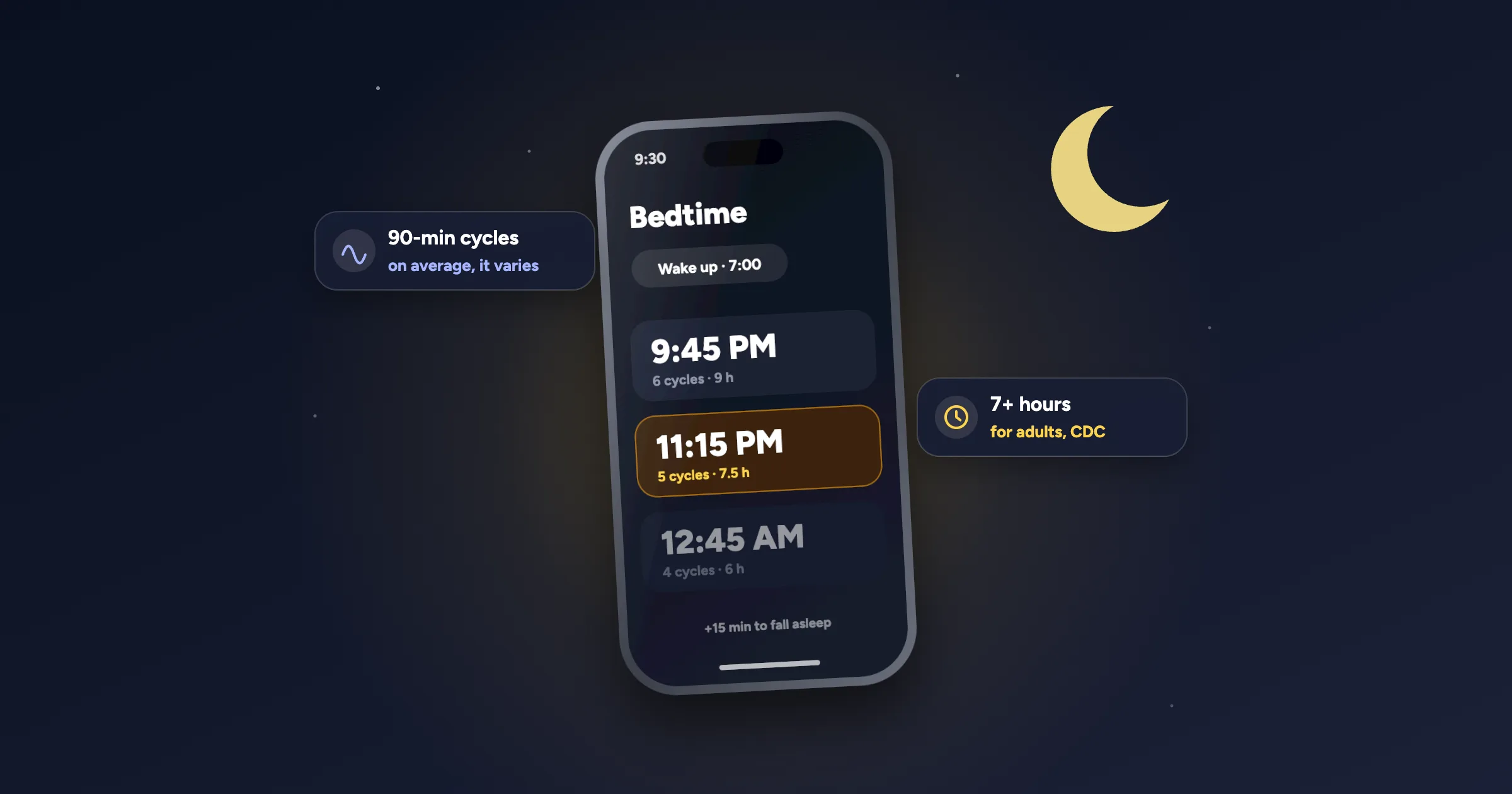
What Time Should I Go to Bed? Sleep Cycle Calculator
Enter your wake-up time and get bedtimes for 4, 5 or 6 sleep cycles. Plus how much sleep you need by age, and why 90-minute cycles are only an average.
Read the guide →
The Best Alarm for Heavy Sleepers: What Actually Wakes You Up
Sleep through every alarm? What research says about sound, vibration, light and mission alarms, how to set up your phone, and which alarm type fits you.
Read the guide →
How to Wake Up Early, Even If You’re a Night Owl: A 3-Week Plan
Night owl who wants your mornings back? The 3-week plan behind a trial that moved sleep 2 hours earlier: 15-minute steps, morning light and one weekend rule.
Read the guide →
Android Alarm Too Quiet? How to Turn Up the Alarm Volume on Samsung, Xiaomi and Pixel
Android alarm too quiet or silent? Where the alarm volume is on Samsung, Xiaomi and Pixel, why it keeps going down, and how to change the alarm sound.
Read the guide →
Is Hitting Snooze Bad for You? What 4 Studies Actually Found
Does hitting snooze make you more tired? What four studies actually found, why you keep doing it, when it’s fine, and how to stop, plus how to turn snooze off.
Read the guide →
Why Can’t I Wake Up to My Alarm? 7 Reasons You Sleep Through It
Sleeping through your alarm, or turning it off without remembering? The 7 real reasons, from sleep inertia to your body clock, and the fixes that work.
Read the guide →
Will My Alarm Ring on Silent, Vibrate or Do Not Disturb? iPhone and Android
Usually yes, on iPhone and Android. But 6 things can still silence it, from a hidden Samsung setting to your Apple Watch.
Read the guide →
iPhone Alarm Too Quiet? How to Change the Alarm Volume on iOS 27 and iOS 26
Make your iPhone alarm louder: the new separate alarm volume in iOS 27, the right slider on iOS 26, the sleep alarm’s own volume and 6 more fixes.
Read the guide →
Android Alarm Not Going Off? 9 Fixes for Samsung, Pixel, Xiaomi and More
Android alarm didn’t ring, rang late or only showed a notification? 9 fixes with the exact settings for Samsung, Pixel, Xiaomi, TECNO, OPPO and vivo.
Read the guide →
iPhone Alarm Not Going Off? 10 Fixes for iOS 27 and iOS 26
iPhone alarm not going off or not working after the iOS 27 update? 10 fixes: no sound, too quiet, only on Apple Watch, the new alarm volume and alarm apps.
Read the guide →