
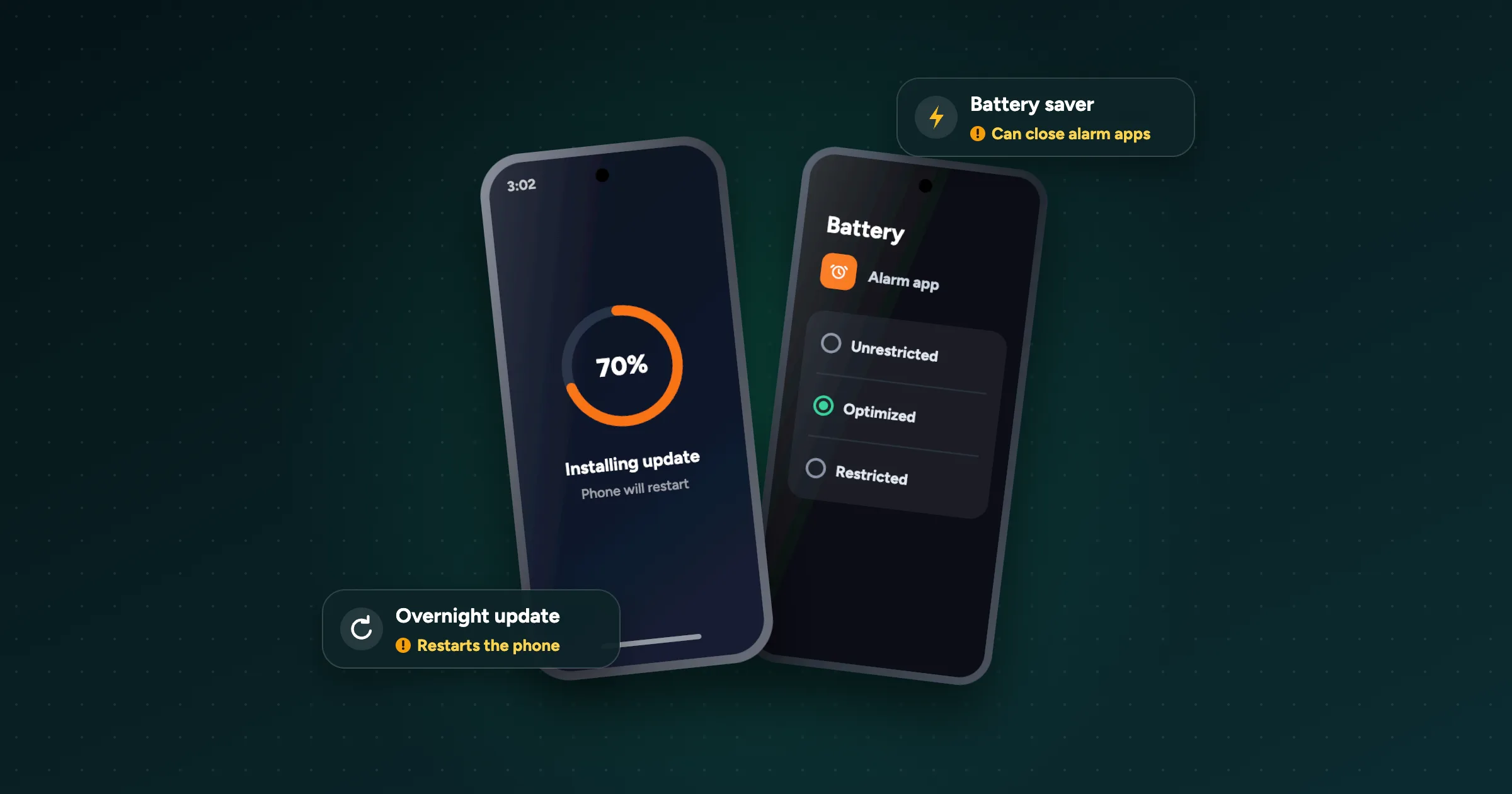
An Android alarm that doesn’t ring is rarely broken. Usually the phone closed the alarm app to save battery, and its alarms went with it.
- Give the alarm app Unrestricted battery use and, on Xiaomi, TECNO, Huawei, OPPO and vivo, allow auto-start.
- Allow Alarms & reminders so it rings on time, and full-screen notifications so it shows the alarm screen.
- Turn up the alarm volume, which is separate from media.
- Then test with a restart: if it only fails after one, auto-start is blocked.
On this page
Find your problem by symptom
Start with what actually happened this morning. Each symptom points to a different setting.
Why Android alarms go missing overnight
Android forgets every scheduled alarm when the phone restarts. Each app sets its alarms again as the phone starts up, if it’s allowed to. The built-in Clock always is. Many phones block third-party apps from starting on their own, and an overnight update is enough to lose the alarm.
- Alarm set for 7:00
- Update restarts the phone. Android clears every alarm.
- App starts and sets 7:00 again
- The alarm rings
- Alarm set for 7:00
- Update restarts the phone. Android clears every alarm.
- App isn’t allowed to start
- Silence
Battery saving does the same thing without a restart: some phones force-stop apps they consider idle, and a force-stopped app loses its alarms. On a TECNO Spark (Android 12) we tested, Phone Master blocked auto-start by default for every third-party alarm app we installed, Wakin included.
9 fixes for an Android alarm that won’t go off
Work through them in order and test after each one. The tag under each fix says which phones need it.
Check the alarm itself
All phones
Open the Clock app and read the alarm back: it’s switched on, AM/PM is right and the days you need are selected. An alarm with no days picked rings once and then turns itself off, which is why “it worked yesterday” is so common.
Turn up the alarm volume
All phones
The volume buttons usually change media volume, not the alarm. Open the full volume panel, or go to Settings › Sound & vibration and raise Alarm volume. Also check the alarm’s own sound: in Google Clock it shouldn’t be Silent, and in Samsung Clock Alarm sound should be on.
- Media volume
- Ring volume
- Alarm volume
Samsung, One UI 7 and later: open Clock › ⋮ › Settings › Volume. With Set different volumes for each alarm, every alarm keeps the volume you set while editing it, and the volume buttons no longer change it.
Bluetooth: depending on the phone, the alarm can play through earbuds or a speaker you left connected. Turn Bluetooth off and test.
Rings but too quietly? Android alarm too quiet covers each brand’s settings and why the volume keeps dropping.
Stop battery saving from closing the alarm app
All phones, third-party alarm apps
Open Settings › Apps › [your alarm app] › App battery usage and choose Unrestricted. On recent Pixels, tap the words Allow background usage, not just the switch, to see the options. The built-in Clock is usually trusted already; third-party alarm apps usually aren’t. Your brand’s exact path is in the brand cards below.
- Allow background usage
- UnrestrictedAllow battery usage in background without restrictions
- OptimizedOptimize based on your usage
Allow auto-start
Xiaomi, TECNO, Infinix, Huawei, Honor, OPPO, realme, vivo
This is the setting behind alarms that vanish after a restart or an overnight update (see why). Find Autostart, Auto-launch or Auto-start management for your brand in the brand cards and allow the alarm app. Pixel and Samsung phones don’t have this switch.
- AutostartLet the app start on its own
- Battery saverNo restrictions
- NotificationsOn
Allow “Alarms & reminders”
Android 12 and later
Without this permission an app can’t set exact alarms, so Android may hold its alarm back by several minutes. Open Settings › Apps › Special app access › Alarms & reminders and allow your alarm app. Since Android 14 it’s off by default for most newly installed apps, though alarm clock apps can get it at install.
- Allow setting alarms and reminders
Allow full-screen alerts
Android 14 and later
A real alarm takes over the screen, even when the phone is locked. On Android 14 only calling and alarm apps may do that, and you can switch it off per app. If yours only shows a small notification, open Settings › Apps › Special app access › Full screen notifications (on some phones Manage full screen intents) and allow it. Keep the app’s notifications on, too.
Check Do Not Disturb, Modes and Bedtime
All phones
Do Not Disturb lets alarms through by default, but the exception can be switched off.
- Pixel (Android 15 and later): Settings › Modes › Do Not Disturb › Alarms & other interruptions and keep Alarms on. Check Bedtime mode too.
- Samsung: Settings › Notifications › Do not disturb › Alarms and sounds and keep Alarms on. Check Sleep mode too.
Samsung also has a Clock setting that keeps alarms quiet in Mute and Vibrate; see Will my alarm go off on silent?
- AlarmsAllow timers, alarms, security systems and other apps to interrupt
- Media sounds
- Touch sounds
Lock the alarm app in Recents
Xiaomi, TECNO and others that force-stop on clear
On some phones, swiping an app away or tapping Clear all force-stops it, and a force-stopped app loses its alarms. Open Recents, long-press the alarm app’s card and tap Lock (a padlock on some phones). Locked apps survive Clear all.
Update the Clock app and restart
All phones
Update Samsung Clock from the Galaxy Store or Google Clock from the Play Store, then restart the phone. Open your alarm app once after any update so it can set its alarms again.
Battery and auto-start settings by phone brand
Every brand hides these in a different place. Find yours and change both: the battery setting keeps the app running, auto-start lets it come back after a restart. Menu names shift a little between versions.
Google PixelAndroid
- Battery
- Settings › Apps › [app] › App battery usage › Unrestricted
- Auto-start
- Nothing else to change.
Samsung GalaxyOne UI
- Battery
- Settings › Apps › [app] › Battery › Unrestricted
- Auto-start
- Settings › Battery › Background usage limits: add the app to Never auto sleeping apps and turn off Put unused apps to sleep.
Xiaomi, Redmi, POCOHyperOS, MIUI
- Battery
- Settings › Apps › Manage apps › [app] › Battery saver › No restrictions
- Auto-start
- Same page: turn on Autostart. Lock the app in Recents.
TECNO, Infinix, itelHiOS, XOS
- Battery
- Settings › Battery: turn off power-saving management for the app
- Auto-start
- Phone Master › Auto-start management: allow the app. Lock it in Recents.
Huawei, HonorEMUI, MagicOS
- Battery
- Settings › Battery › App launch: turn off Manage automatically for the app
- Auto-start
- In the same dialog allow Auto-launch, Secondary launch and Run in background.
OPPO, realme, OnePlusColorOS, realme UI, OxygenOS
- Battery
- Settings › Apps › App management › [app] › Battery usage › Allow background activity
- Auto-start
- Same screen: turn on Allow auto launch.
vivo, iQOOOriginOS, Funtouch OS
- Battery
- Settings › Battery › Background power consumption management › [app] › Allow
- Auto-start
- i Manager › App manager › Autostart manager: allow the app.
Third-party alarm apps: allow all five
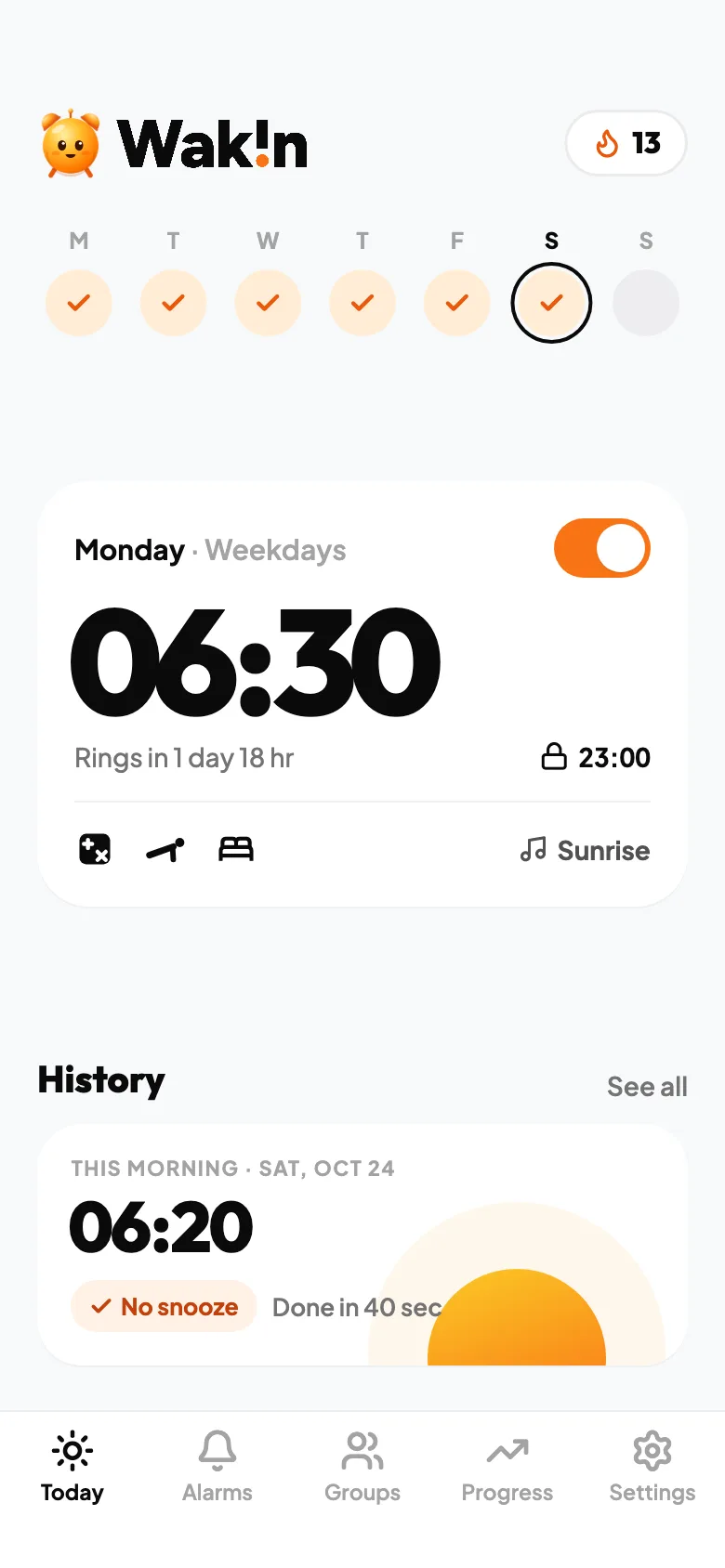
The built-in Clock app gets these by default. An alarm app you installed, Wakin included, needs you to allow them. Most good alarm apps ask during setup; if you skipped a step, here’s the full list.
- NotificationsSo the alarm can show at all
- Alarms & remindersRings on the minute
- Full screen notificationsShows the alarm over the lock screen
- App battery usageKeeps it running overnightUnrestricted
- Auto-startSets alarms again after a restart
How to test your alarm the right way
A test with the phone in your hand proves little. Recreate the night instead:
- Set an alarm two minutes from now.
- Testing a third-party app? Swipe it away from Recents first.
- Lock the screen, put the phone face down and don’t touch it.
- Then restart the phone, don’t open the app, and test again.
Here’s what the result tells you:
| Result | What it means | Fix |
|---|---|---|
| Rang on time, every time | You’re set. | Test again after updates → |
| Failed only after the restart | The app isn’t allowed to auto-start. | Auto-start → |
| Failed after you swiped it away | The phone force-stops apps cleared from Recents. | Lock in Recents → |
| Rang a few minutes late | The app can’t set exact alarms. | Alarms & reminders → |
| Showed only a notification | Full-screen notifications are off. | Full-screen alerts → |
Repeat the test after every system update: updates can reset battery and auto-start settings.
It rang, but you slept through it
If the alarm rang and you don’t remember turning it off, your phone did its job. That’s sleep inertia: the groggy state right after waking, when you can stop an alarm and fall back asleep without remembering it. More volume rarely fixes this. An alarm that needs you to be awake does.
- Put the phone across the room, so turning it off means standing up.
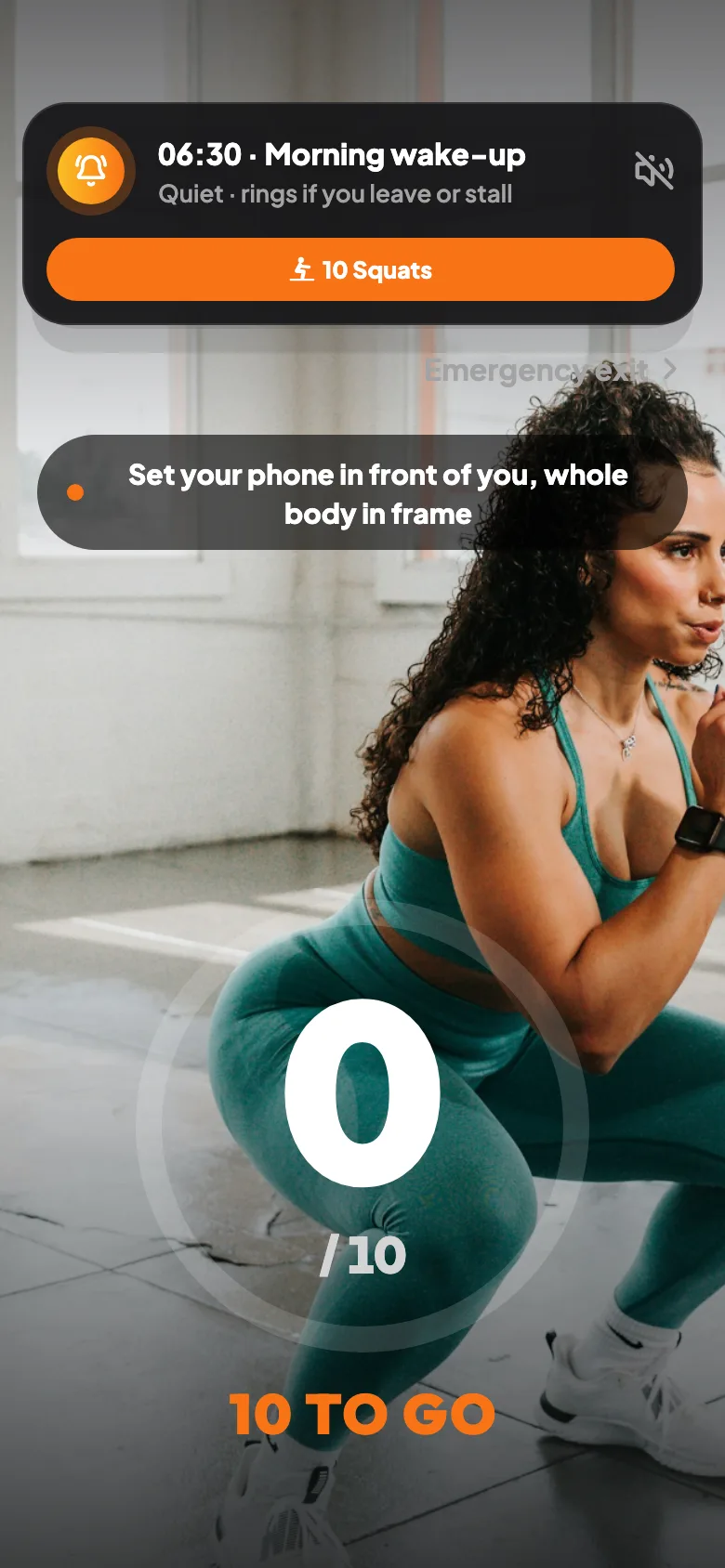
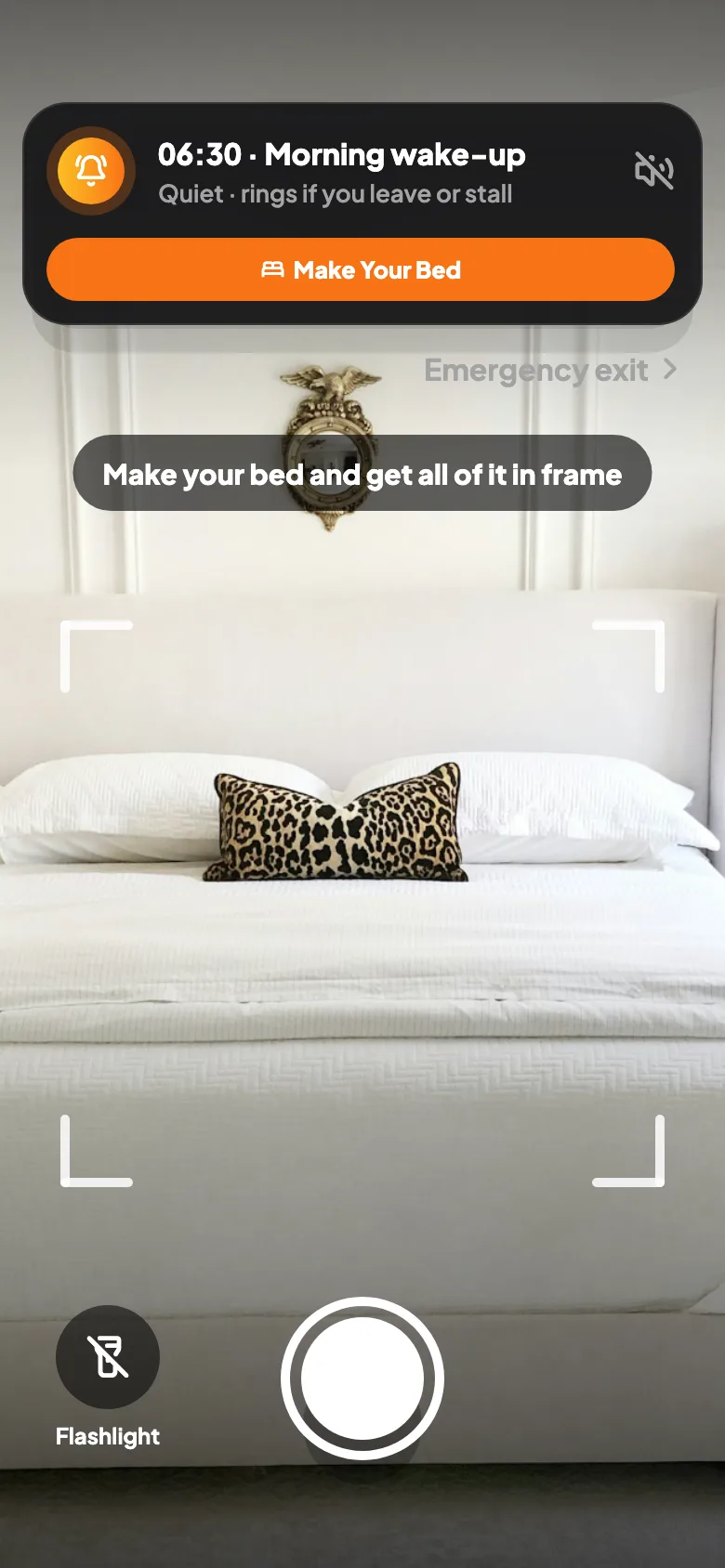
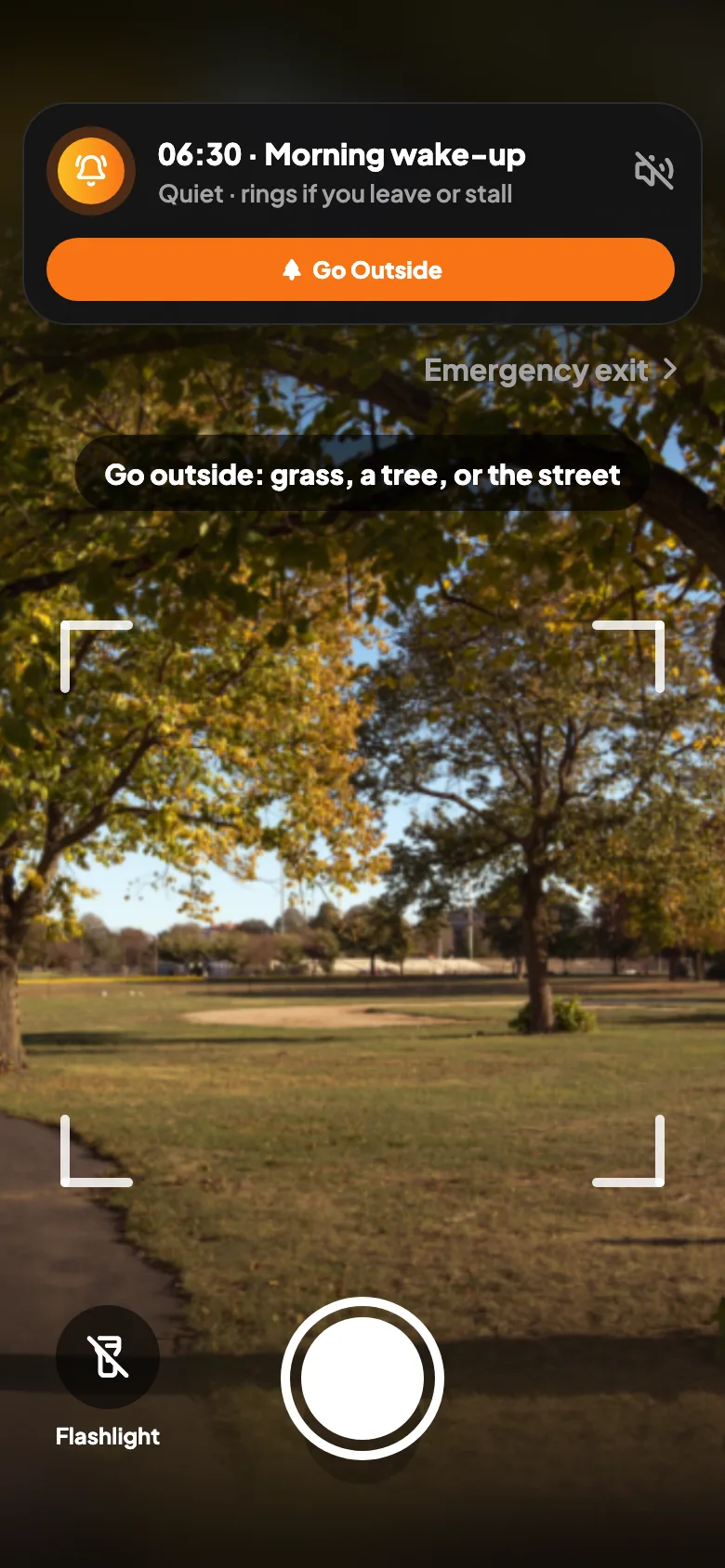
- Use a mission alarm: it keeps ringing until you finish a task out of bed, like squats in front of the camera, a photo of your made bed or a photo taken outside.
- Add a wake-up check: a quiet prompt a few minutes later that rings the alarm again if you don’t answer.
Frequently asked questions
Why didn’t my Android alarm go off?
Most often battery management closed the alarm app overnight, which cancels its alarms. Give the app Unrestricted battery use and, on Xiaomi, TECNO, Huawei, OPPO and vivo phones, allow it to auto-start. Also check that the alarm is on, set for the right AM/PM and day, and that the alarm volume is up.
Will my Android alarm go off on silent or Do Not Disturb?
Yes. The built-in Clock alarm rings in Silent mode, and Do Not Disturb lets alarms through unless you turned off the Alarms exception. On Pixel it’s under Settings › Modes › Do Not Disturb › Alarms & other interruptions; on Samsung under Do not disturb › Alarms and sounds.
Will my alarm go off if my Android phone is off?
No. A switched-off phone can’t ring, apart from a few older models with a power-off alarm. Keep it on and charging overnight.
Does Battery Saver stop alarms on Android?
Usually not the built-in Clock alarm, though Google says Battery Saver can occasionally stop it; if that happens, add Clock as an essential app. Third-party alarm apps are a different story: give them Unrestricted battery use so battery saving can’t close them.
Does closing the app from Recents stop my alarm?
On some phones, yes. Xiaomi, TECNO and other brands force-stop apps you swipe away, which cancels their alarms. Lock the alarm app in Recents or don’t swipe it away.
Why did my alarm stop working after an update or restart?
Android clears every scheduled alarm when the phone restarts, and each app sets its alarms again when the phone starts up. If the app isn’t allowed to auto-start, its alarms are gone until you open it.
Why did my Android alarm go off late?
Without the Alarms & reminders permission an app can’t set exact alarms, so Android may delay them by several minutes. Allow it in Settings › Apps › Special app access › Alarms & reminders.
Why does my alarm only show a notification?
On Android 14 and later, full-screen notifications can be off for an app. Turn them on in Settings › Apps › Special app access › Full screen notifications, and keep the app’s notifications on.
How do I give each alarm its own volume on Samsung?
On One UI 7 and later, open Clock › ⋮ › Settings › Volume and choose Set different volumes for each alarm. Each alarm then keeps the volume you set while editing it, and the volume buttons no longer change it.
Sources
- Android 14: Schedule exact alarms are denied by defaultdeveloper.android.com
- Android 14 behavior changes: full-screen intent permissionsdeveloper.android.com
- Full-screen intent limitssource.android.com
- Limit interruptions with Modes & Do Not Disturb on Androidsupport.google.com
- How to adjust alarm sound volume for each alarm in One UI 7samsung.com
- Use Do not disturb mode on your Galaxy phonesamsung.com
- Don’t kill my app! Background limits by phone makerdontkillmyapp.com
More guides
How to Get Out of Bed in the Morning When You Don’t Want To
Awake but can’t get out of bed? Why the first minutes feel so heavy, an 8-step plan for the first 10 minutes, and when it’s more than a bad morning.
Read the guide →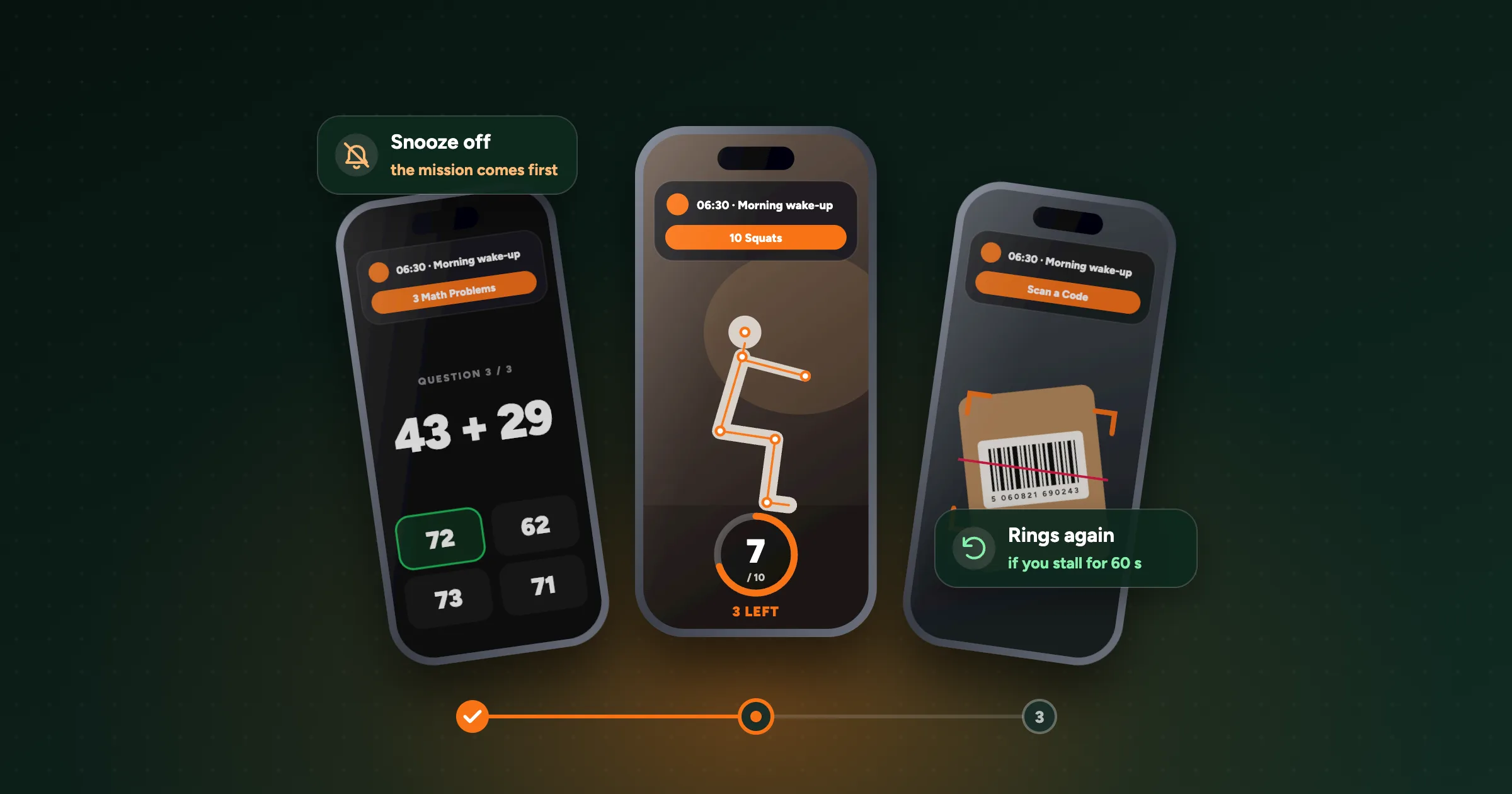
What Is a Mission Alarm? The Alarm That Won’t Stop Until You’re Up
A mission alarm won’t stop until you finish a task: math, a photo, a barcode or push-ups. Which missions really get you out of bed, and how hard to set them.
Read the guide →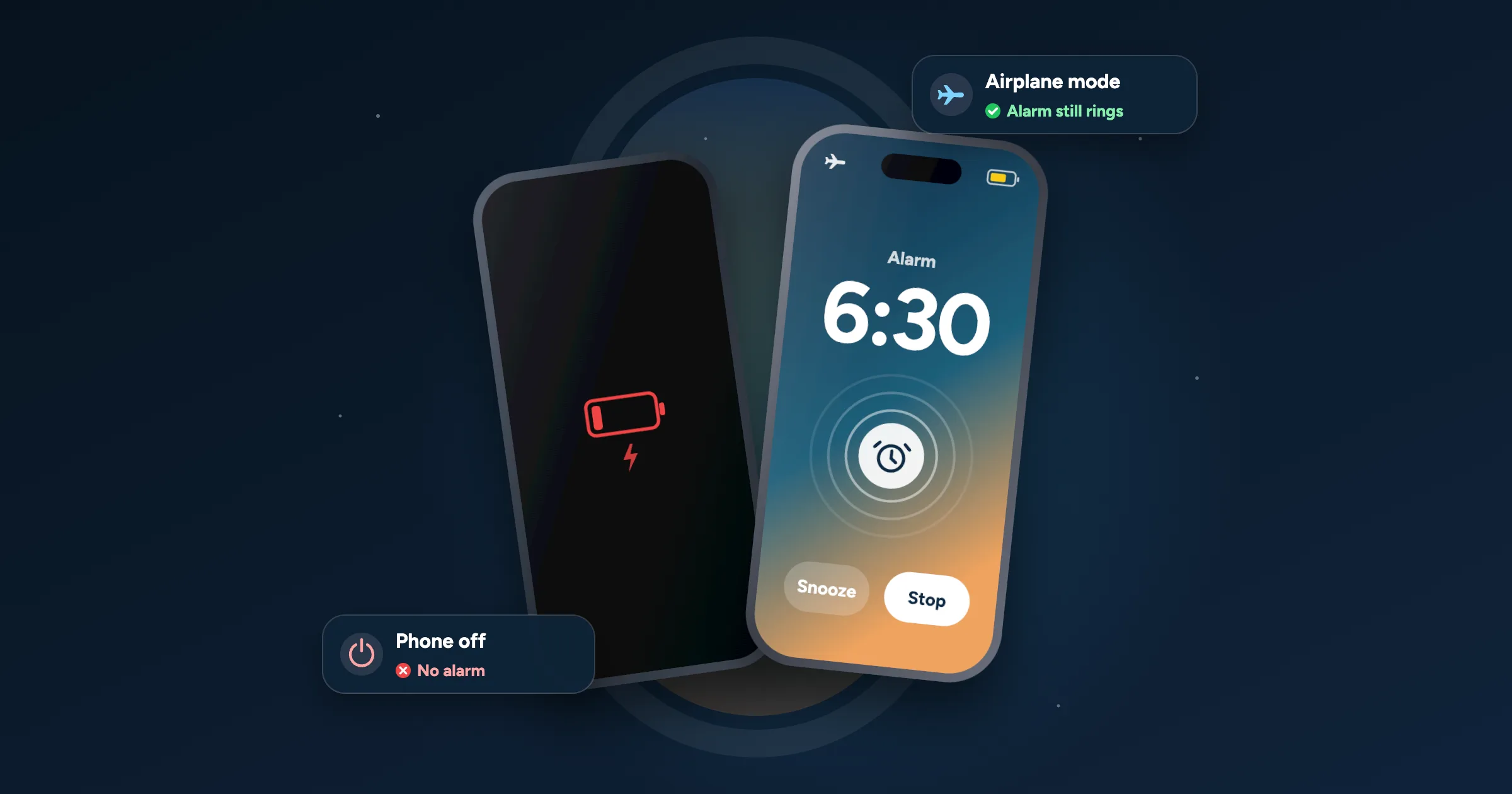
Will My Alarm Go Off If My Phone Is Off, Dead or in Airplane Mode?
Not if it’s off or dead (with two rare exceptions). Yes in airplane mode, Low Power Mode and offline. 10 situations on iPhone and Android, and 5 traps.
Read the guide →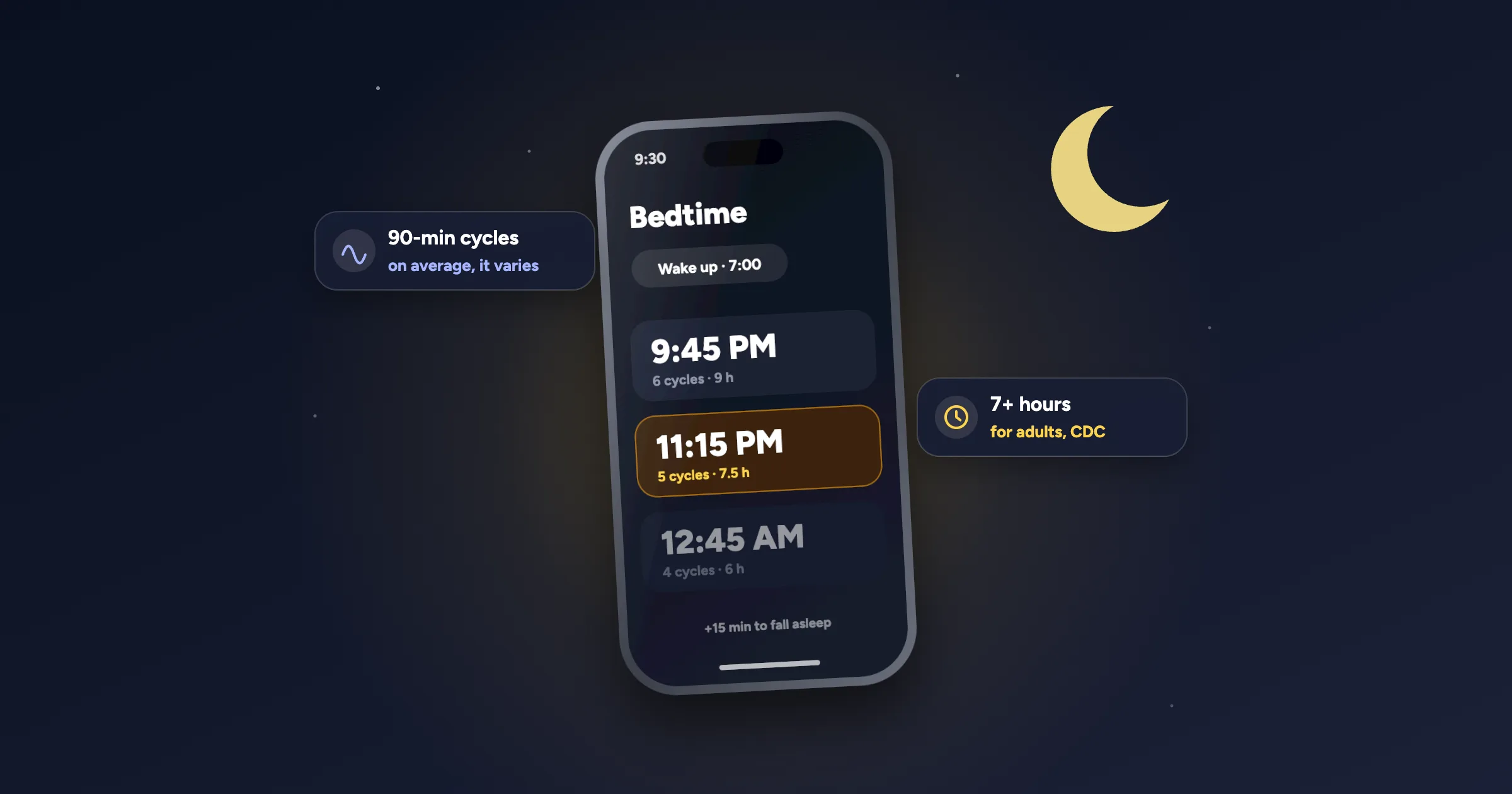
What Time Should I Go to Bed? Sleep Cycle Calculator
Enter your wake-up time and get bedtimes for 4, 5 or 6 sleep cycles. Plus how much sleep you need by age, and why 90-minute cycles are only an average.
Read the guide →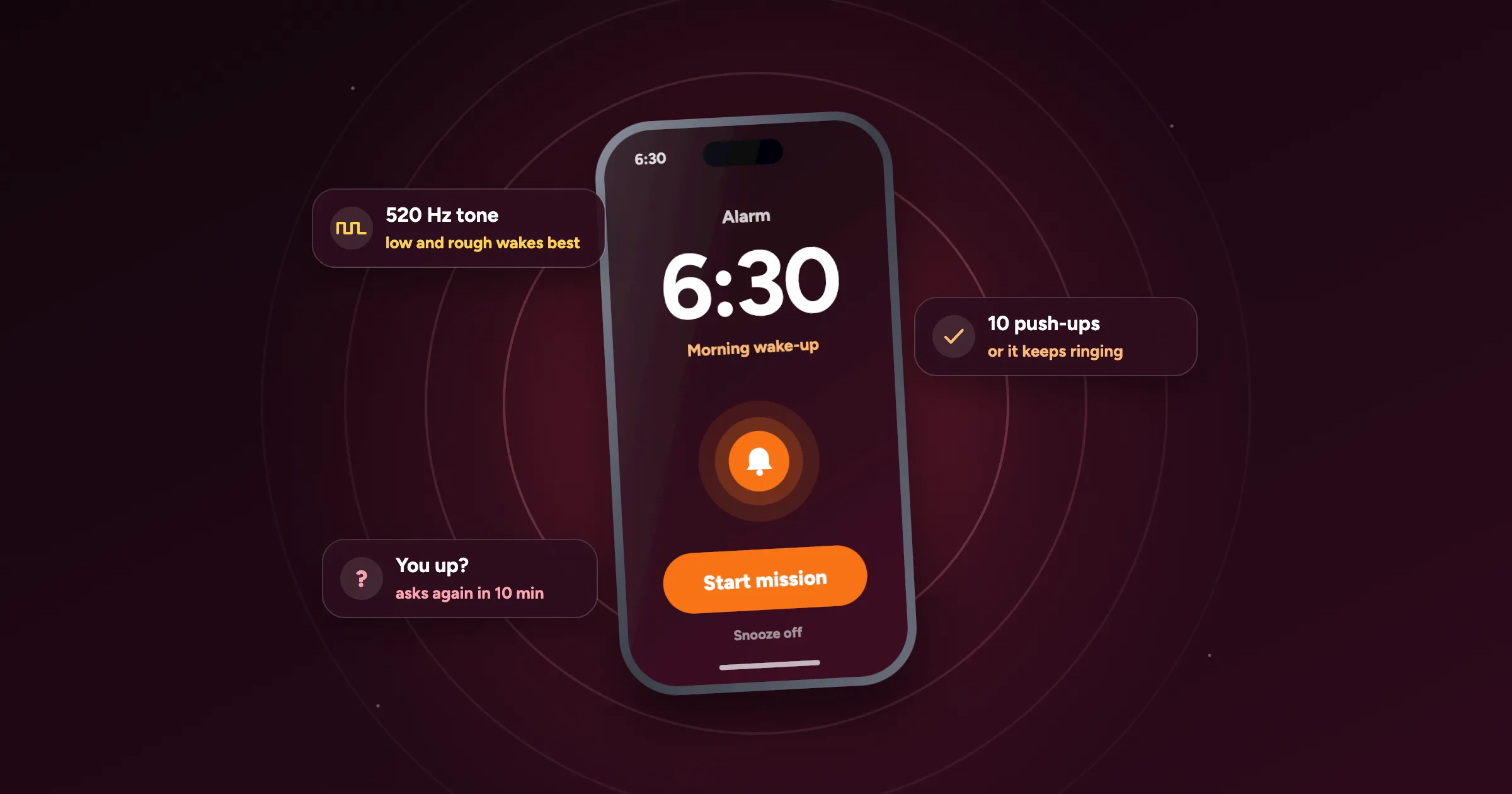
The Best Alarm for Heavy Sleepers: What Actually Wakes You Up
Sleep through every alarm? What research says about sound, vibration, light and mission alarms, how to set up your phone, and which alarm type fits you.
Read the guide →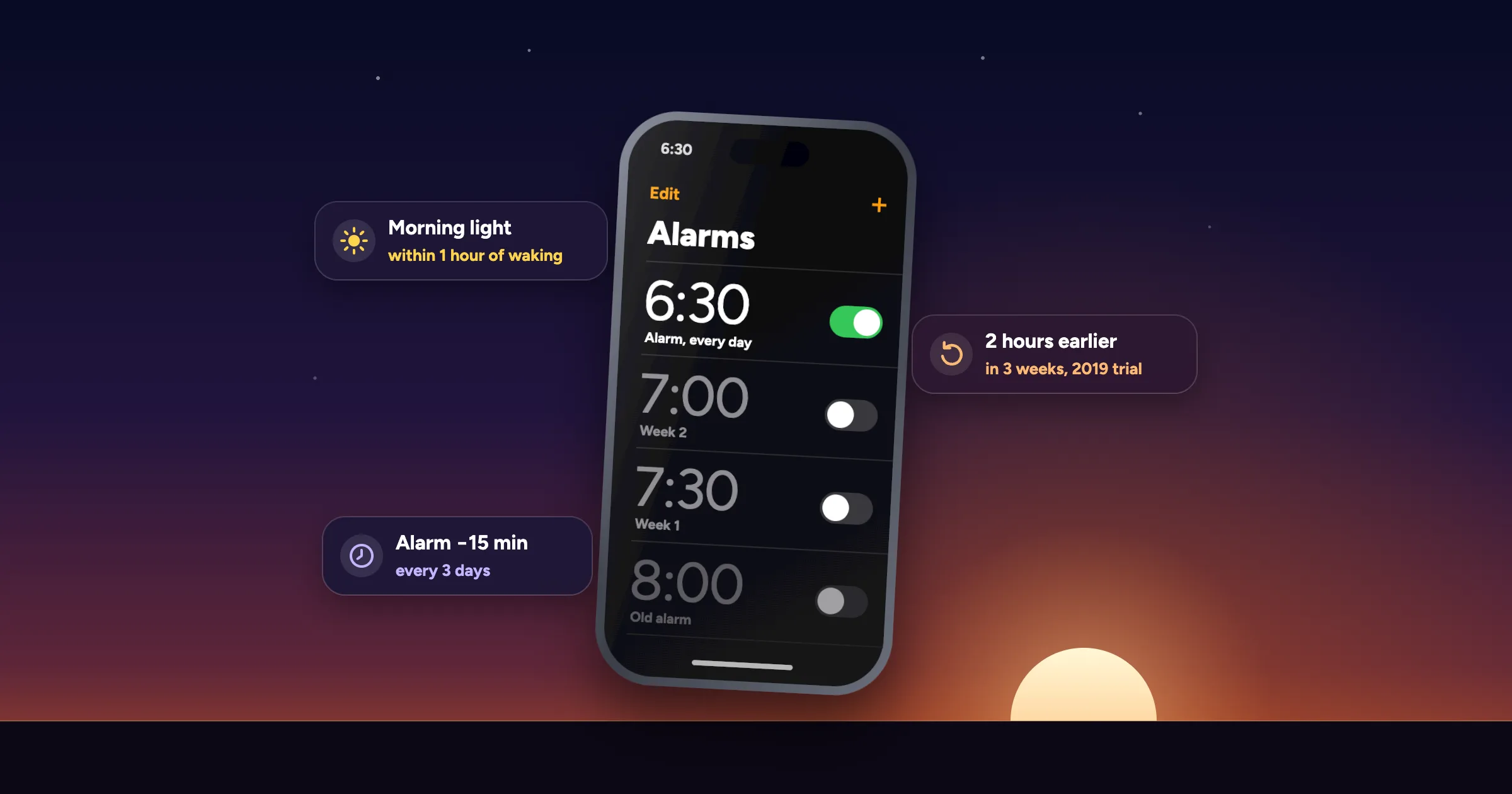
How to Wake Up Early, Even If You’re a Night Owl: A 3-Week Plan
Night owl who wants your mornings back? The 3-week plan behind a trial that moved sleep 2 hours earlier: 15-minute steps, morning light and one weekend rule.
Read the guide →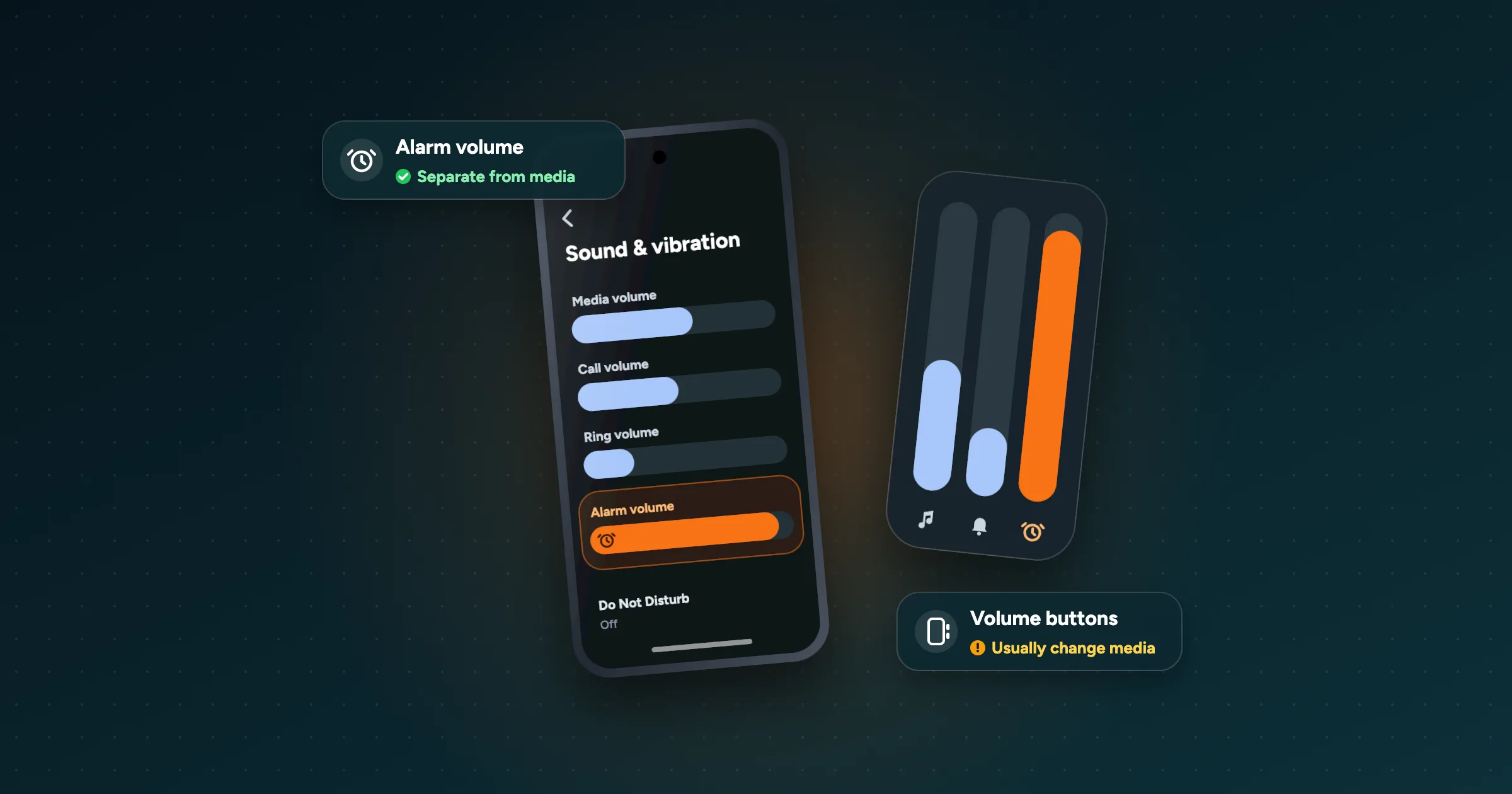
Android Alarm Too Quiet? How to Turn Up the Alarm Volume on Samsung, Xiaomi and Pixel
Android alarm too quiet or silent? Where the alarm volume is on Samsung, Xiaomi and Pixel, why it keeps going down, and how to change the alarm sound.
Read the guide →
Is Hitting Snooze Bad for You? What 4 Studies Actually Found
Does hitting snooze make you more tired? What four studies actually found, why you keep doing it, when it’s fine, and how to stop, plus how to turn snooze off.
Read the guide →
Why Can’t I Wake Up to My Alarm? 7 Reasons You Sleep Through It
Sleeping through your alarm, or turning it off without remembering? The 7 real reasons, from sleep inertia to your body clock, and the fixes that work.
Read the guide →
Will My Alarm Ring on Silent, Vibrate or Do Not Disturb? iPhone and Android
Usually yes, on iPhone and Android. But 6 things can still silence it, from a hidden Samsung setting to your Apple Watch.
Read the guide →
iPhone Alarm Too Quiet? How to Change the Alarm Volume on iOS 27 and iOS 26
Make your iPhone alarm louder: the new separate alarm volume in iOS 27, the right slider on iOS 26, the sleep alarm’s own volume and 6 more fixes.
Read the guide →
iPhone Alarm Not Going Off? 10 Fixes for iOS 27 and iOS 26
iPhone alarm not going off or not working after the iOS 27 update? 10 fixes: no sound, too quiet, only on Apple Watch, the new alarm volume and alarm apps.
Read the guide →