
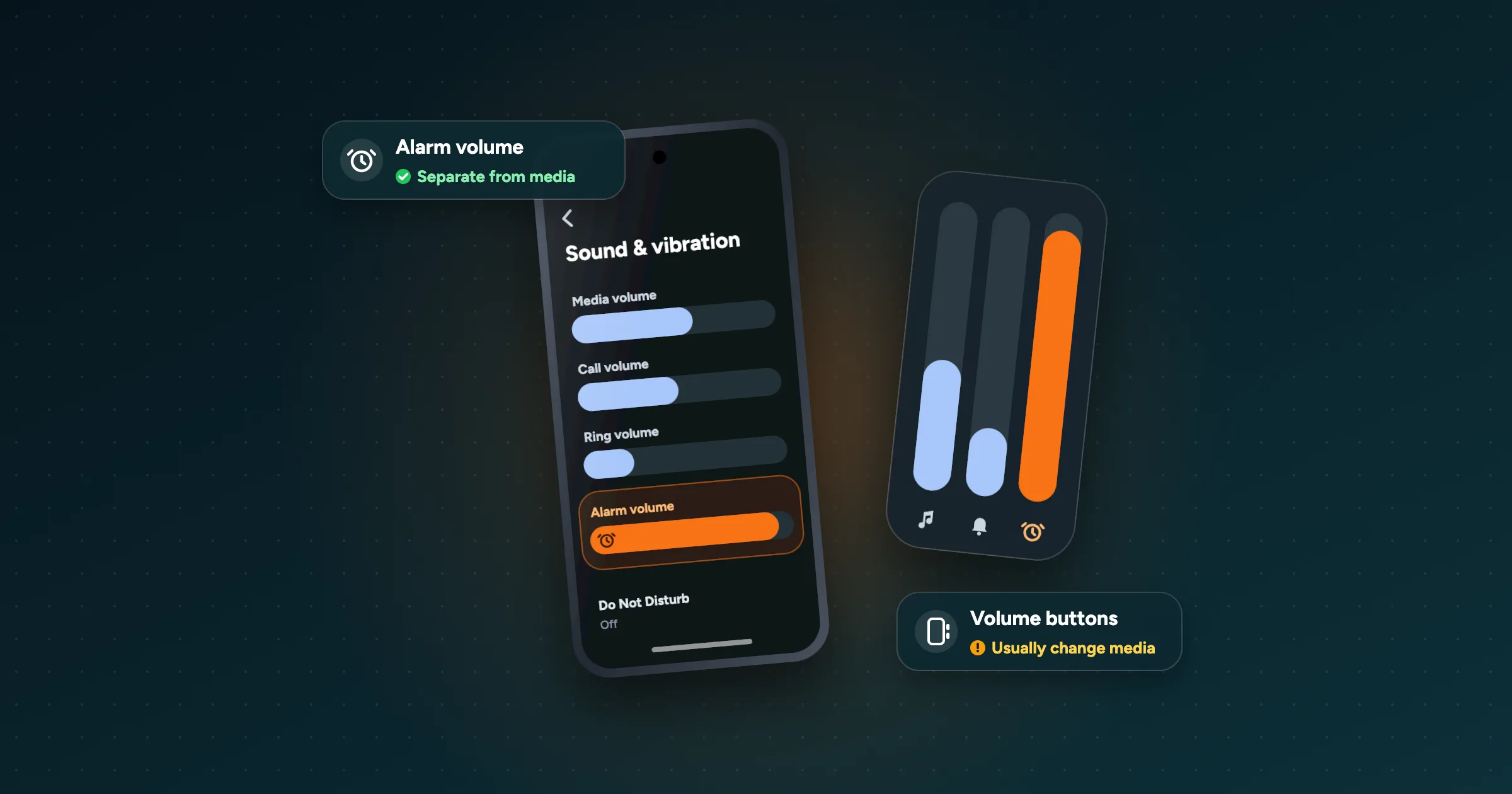
Android keeps the alarm on its own slider, apart from media and ringtone.
- Press a volume button, tap ⋯ and drag Alarm volume up. Or use Settings › Sound & vibration (Samsung: Settings › Sounds and vibration › Volume).
- Keep it above 30%: Google’s Clock app warns that a lower alarm may be too quiet to hear.
- Samsung: in Clock › ⋮ › Settings › Volume, choose Set different volumes for each alarm so the level stops moving.
- Keeps dropping? Check the volume buttons, gradual volume and apps that change the system volume.
On this page
What kind of quiet?
“Too quiet” has a few different causes. Start with the one that sounds like your morning.
Find the alarm volume slider
Pressing a volume button in bed changes what’s playing, not your alarm. The alarm sits on a separate slider, one tap away:
- Press a volume button on the side of the phone.
- Tap the Menu icon (⋯) at the right of the volume panel.
- Drag Alarm volume, the slider with the clock icon, near the top.
- Media volume
- Ring volume
- Alarm volume
The same slider is in Settings › Sound & vibration on most phones. Ringtone and media can stay as low as you like; only the alarm slider decides how loud the morning is.
The 30% line: Google’s Clock app shows “Your alarm went off but the alarm volume was below 30% and may be too low” when it notices a quiet alarm. If you’ve seen that message, this slider is your fix.
Alarm volume on Samsung, Xiaomi, Pixel and others
The idea is the same everywhere. The menus aren’t:
| Phone | Alarm slider | Also check |
|---|---|---|
| Samsung Galaxy | Settings › Sounds and vibration › Volume | Clock › ⋮ › Settings › Volume: one volume for all alarms, or one per alarm |
| Xiaomi, Redmi, POCO | Settings › Sound & vibration | Volume button › ⋯ shows the alarm slider too |
| Google Pixel | Settings › Sound & vibration | Clock › ⋮ › Settings has its own alarm volume slider |
| Motorola | Clock › Menu › Settings | The volume panel’s ⋯ menu shows it too |
| OPPO, realme, TECNO | Usually Settings › Sound & vibration (or Sound) | Look for Alarm volume next to ring and media |
Samsung: one volume for all alarms, or one per alarm
Samsung Galaxy, One UI 7 and later
Samsung’s Clock lets you choose how alarm volume works. Open Clock › ⋮ › Settings › Volume:
- Use the same volume for all alarms: the alarm slider in Settings › Sounds and vibration › Volume sets every alarm, and the slider inside each alarm is locked.
- Set different volumes for each alarm: edit an alarm, tap Alarm sound and drag its slider. Each alarm keeps its own level, and the volume keys can no longer change it.
- Use the same volume for all alarmsThe alarm slider in Settings sets every alarm
- Set different volumes for each alarmEach alarm keeps the level you set in Alarm sound
Some Samsung owners report the shared alarm volume dropping back to the minimum; switching to a volume per alarm is the fix they found. Also check Silence alarms when system sound is off in the same settings screen (on some versions it reads Vibrate only for alarms and timers when the device is set to Vibrate/Silent): when it’s on, alarms only vibrate while the phone is on Mute or Vibrate.
Xiaomi, Redmi and POCO
HyperOS and MIUI
Open Settings › Sound & vibration and drag the alarm slider up. The quicker way: press a volume button, tap the three dots and raise the slider with the clock icon. Silent mode and Do Not Disturb don’t mute Xiaomi alarms, so a silent alarm on a Xiaomi phone almost always means this slider is at the bottom.
Xiaomi’s Clock can also start the alarm soft and raise it over time. On MIUI it’s Clock › Settings › Additional alarm settings › Ascending volume, and it applies to every alarm. If the first seconds feel too quiet, turn it off.
Pixel and Google Clock
Pixel and phones that use Google’s Clock app
Google’s Clock app has its own alarm settings in Clock › ⋮ › Settings, under Alarms: an Alarm volume slider, Gradually increase volume, Volume buttons (they can control the volume, snooze or dismiss a ringing alarm) and Silence after.
- Alarm volume
- Gradually increase volumeStarts soft, gets louder
- Volume buttonsControl volume
Motorola, OPPO, realme and TECNO
Other Android phones
Motorola puts the alarm volume in the Clock app’s Menu › Settings. On OPPO, realme and TECNO, look in Settings › Sound & vibration (or Sound) for an alarm slider next to ring and media. On most of them, the volume panel can also expand to show every slider.
Why does my alarm volume keep going down?
You set it loud on Sunday, and by Wednesday it’s a whisper. Something keeps moving it:
- The volume buttons while it rings. In Google Clock, Volume buttons set to control the volume means a half-asleep squeeze turns the alarm down, and it stays down. Pick a different action in Clock › ⋮ › Settings if that’s you.
- Samsung’s shared volume. With one volume for all alarms, the volume keys and the system slider move every alarm at once. A volume per alarm holds each one where you set it.
- Another app. Sleep trackers and some alarm apps change the system volume. Sleep as Android, for example, documents an option that lowers the system-wide volume while you sleep. If the drops started with a new app, start there.
- Modes and Do Not Disturb. They don’t change the slider, but Do Not Disturb with alarms blocked, or Total silence, keeps the alarm from making any sound.
Still too quiet? 5 more fixes
Slider maxed and it’s still weak? Work through these, testing after each one.
Pick a real, sharp sound
All Android phones
Each alarm has its own sound, and some tones are much softer than others at the same volume. Open the alarm in the Clock app and check its sound. If it’s Silent, the alarm only vibrates, and Google says an alarm with a silent sound and vibration off won’t go off at all. On Samsung, make sure the Alarm sound switch is on.
Turn off gradual volume
Google Clock, Xiaomi
Gradually increase volume makes the alarm start soft and grow louder. It’s gentle, and easy to sleep through if you’re a heavy sleeper. In Google Clock it’s in Clock › ⋮ › Settings; on Xiaomi it’s the ascending volume option above.
Check Do Not Disturb and Modes
All Android phones
Do Not Disturb lets alarms through by default, but the exception can be switched off under Alarms & other interruptions, and Total silence mutes alarms too. Bedtime and Sleep modes can turn Do Not Disturb on for you. The full list is in will my alarm ring on silent.
Don’t muffle the speaker
All Android phones
Under a pillow or face down on a duvet, the speaker loses much of its punch. Put the phone on a hard surface with the speaker facing the room, and check the speaker holes for lint. Across the room is even better: you’ll have to get up to turn it off.
Sleep with earbuds? Test once
Bluetooth headphones and speakers
Phones differ in where the alarm plays while earbuds or a speaker are connected. Set a test alarm with them connected the way they are at night, and listen for the phone speaker.
How to change the alarm sound
A louder tone is often the cheapest fix. Each alarm keeps its own sound:
- Pixel (Google Clock): in Clock › Alarm, tap the alarm’s sound and pick one. You can also Record new, add your own audio file with Add new, or wake up to YouTube Music, Spotify, Pandora or Calm. Spotify needs Premium to pick a single song, and a free YouTube Music account doesn’t work with Clock.
- Samsung: edit the alarm, tap Alarm sound, then Ringtone. Spotify and Bixby options are at the bottom of that screen.
- Xiaomi, Redmi, POCO: edit the alarm in the Clock app and pick a different ringtone.
A song you fall asleep to is a poor alarm. Pick something sharp you don’t hear during the day.
The 30-second bedtime check
- Alarm volume near the top, well above 30%.
- Samsung: a volume per alarm, and that alarm’s own slider is up.
- The alarm’s sound is a real tone, not Silent, and gradual volume is off if you sleep heavily.
- The phone is charging on a hard surface, speaker uncovered.
To test, set an alarm two minutes ahead, lock the screen and put the phone where it sleeps. If you can hear it from the bed with the door closed, you’re set. And if your alarm doesn’t ring at all, that’s a different problem: see Android alarm not going off.
Loud enough, but you slept on
If the alarm was loud and you still don’t remember turning it off, more volume won’t fix it. That’s sleep inertia: the groggy minutes after waking when you can stop an alarm and fall back asleep without remembering it. What works is an alarm that needs you awake to turn it off.
- Put the phone across the room, so stopping it means standing up.
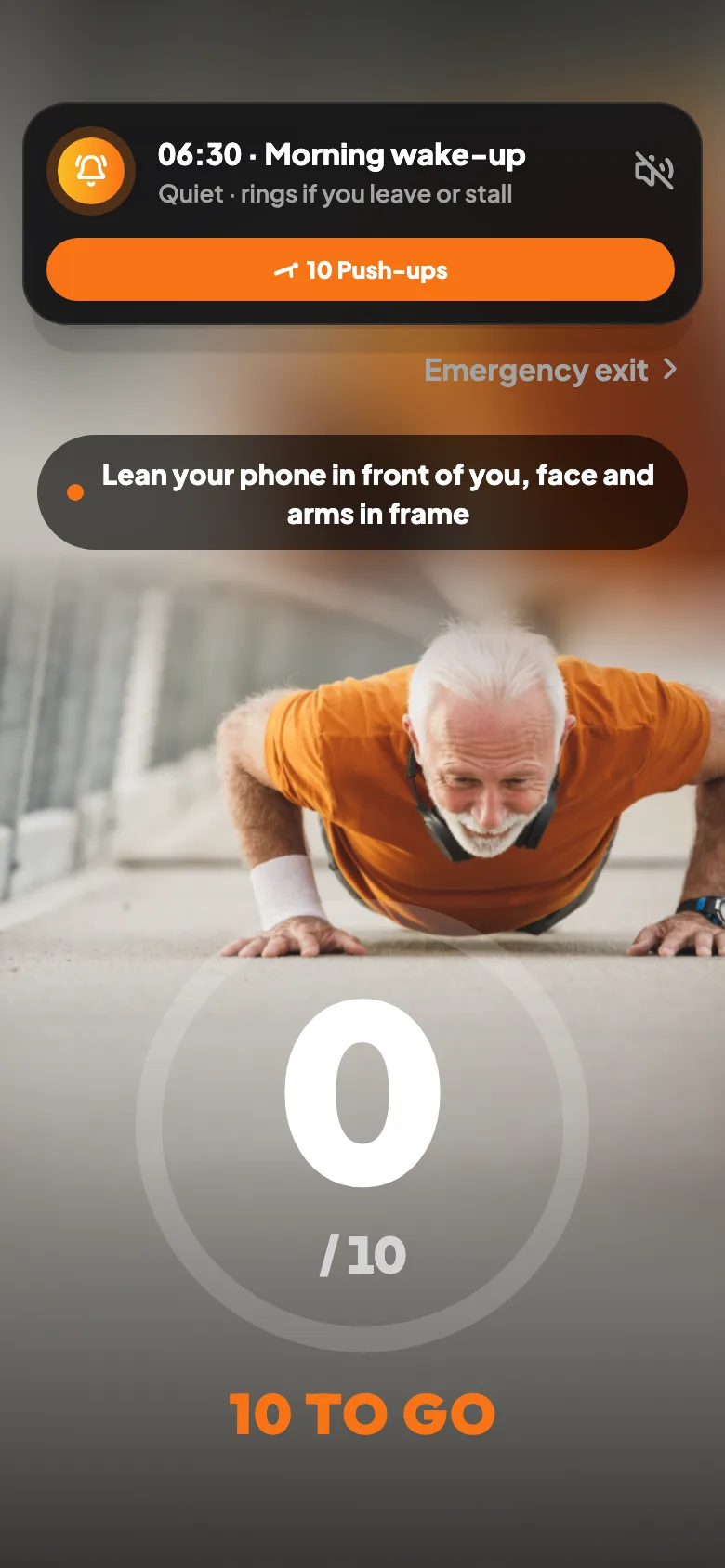
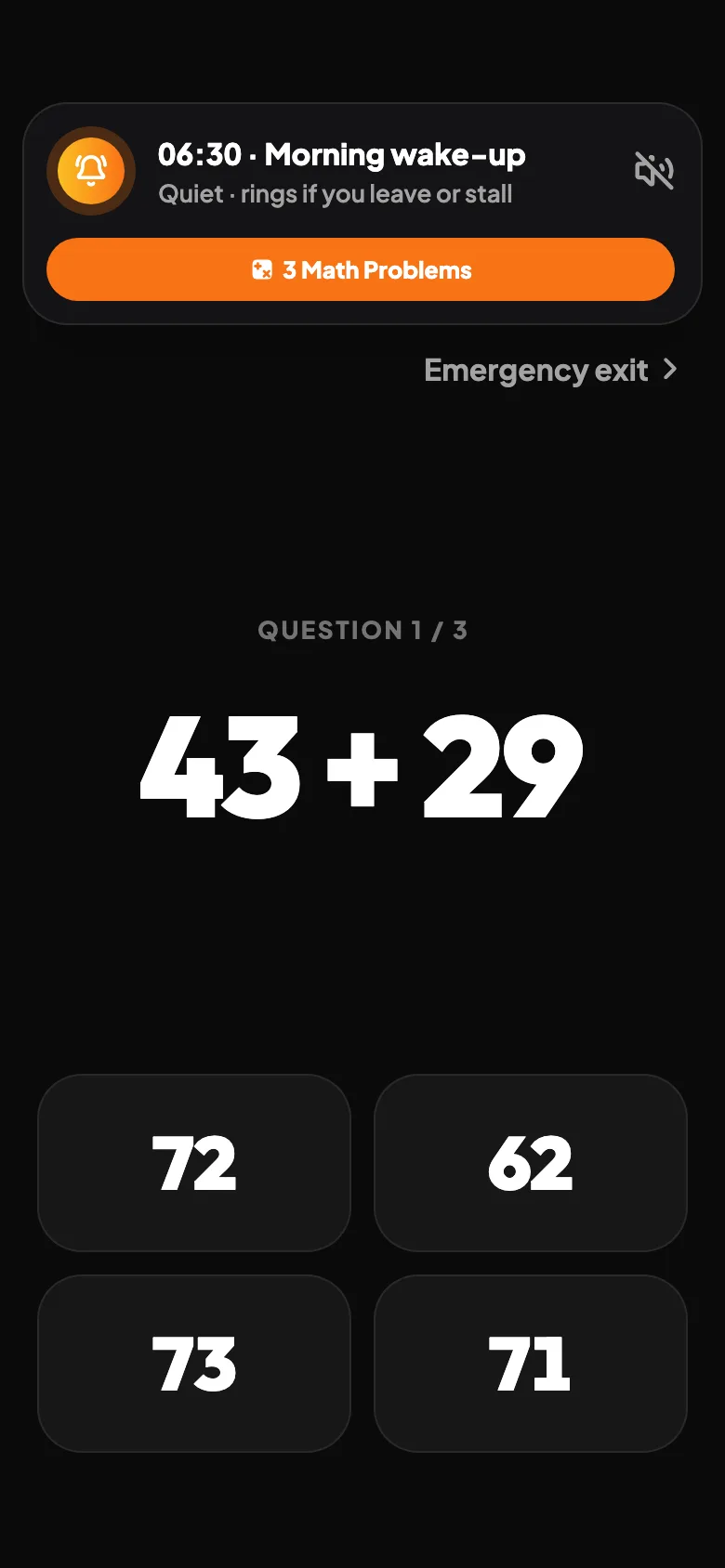
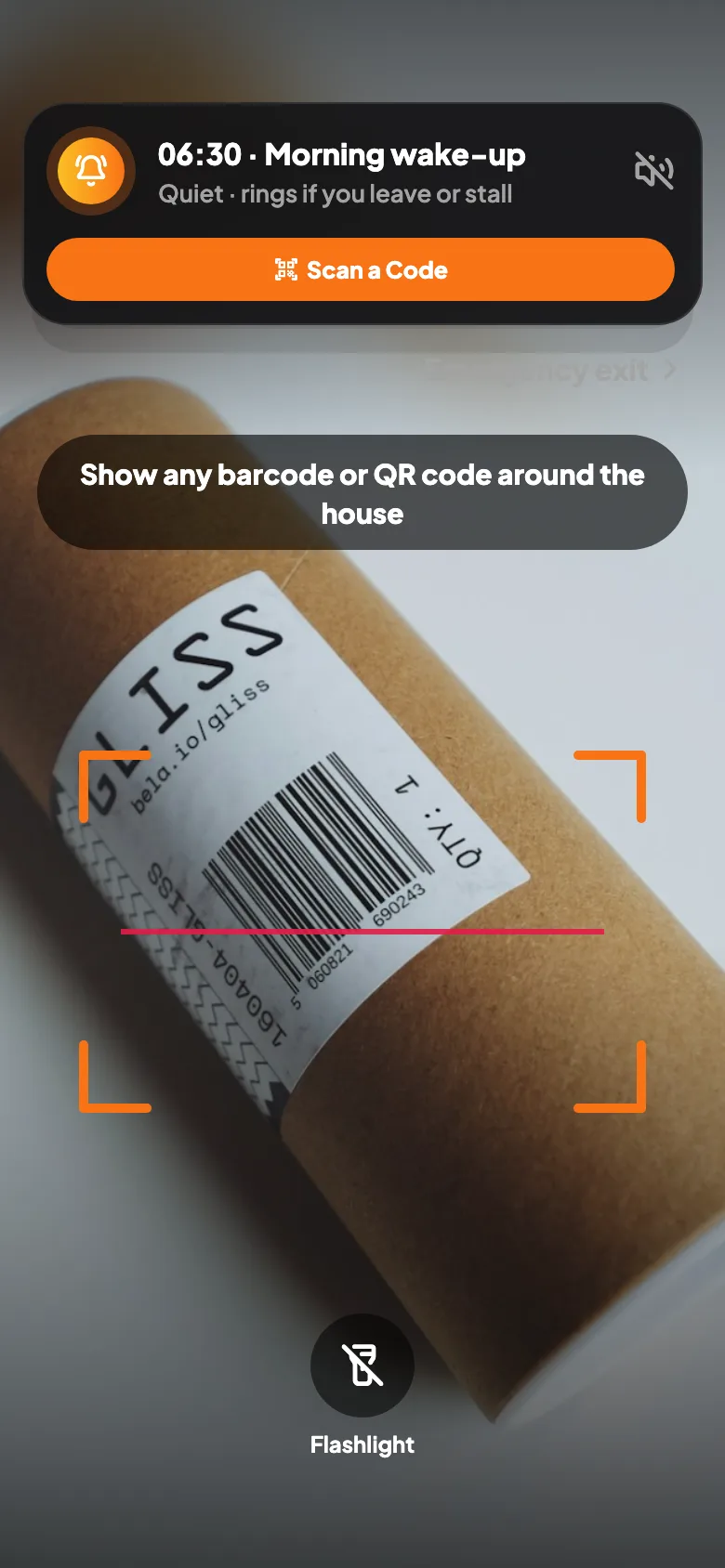
- Use a mission alarm: it keeps ringing until you finish a task that takes a working brain, like push-ups, a math problem or scanning a barcode in another room.
- Add a wake-up check: a quiet prompt a few minutes later that rings the alarm again if you don’t answer.
Frequently asked questions
How do I turn up the alarm volume on Android?
Press a volume button, tap the Menu icon (⋯) at the right of the volume panel and drag Alarm volume up. Or open Settings > Sound & vibration (on Samsung, Settings > Sounds and vibration > Volume) and raise the alarm slider. The volume buttons on their own usually change media, not the alarm.
Why is my Android alarm so quiet?
Usually the alarm slider itself is low; it’s separate from media and ringtone volume. Other causes: Gradually increase volume makes the alarm start soft, the tone is a soft one, the speaker is muffled, or an app turned the volume down. Google’s Clock app warns you when an alarm rang below 30% volume.
How do I set a different volume for each alarm on Samsung?
On One UI 7 and later, open Clock > ⋮ > Settings > Volume and choose Set different volumes for each alarm. Then edit each alarm, tap Alarm sound and drag its slider. With this on, the volume keys no longer change your alarm volume.
Why does my alarm volume keep going down?
Something keeps moving it: pressing the volume buttons while the alarm rings, Samsung’s shared alarm volume, or an app such as a sleep tracker that changes the system volume. On Samsung, switch to a volume per alarm; in Google Clock, change what the volume buttons do in Clock > ⋮ > Settings.
How do I make my Xiaomi or Redmi alarm louder?
Open Settings > Sound & vibration and drag the alarm slider up, or press a volume button, tap the three dots and raise the alarm slider. If the alarm starts soft and grows louder, gradually increasing volume is on in the Clock settings.
Why does my alarm start quiet and then get louder?
Gradually increase volume is on. In Google Clock it’s in Clock > ⋮ > Settings, under Alarms. Turn it off if you want full volume from the first second.
Why did my Android alarm only vibrate?
The alarm’s sound is set to Silent, or on Samsung, Silence alarms when system sound is off is on while the phone is on Mute or Vibrate. Pick a real sound and turn that setting off. If the sound is silent and vibration is off too, Google says the alarm won’t go off at all.
Does silent mode or Do Not Disturb lower my alarm volume?
No. Silent and Vibrate mode don’t touch the alarm volume. Do Not Disturb lets alarms through unless the Alarms exception is off, but Total silence mutes alarms too.
How do I change the alarm sound on Android?
Open the alarm in the Clock app and tap its sound. On Pixel you can pick a tone, record one, add your own audio file, or use YouTube Music, Spotify, Pandora or Calm. On Samsung, tap Alarm sound, then Ringtone; Spotify is offered there too.
Sources
- Adjust the volume on your Android devicesupport.google.com
- Change volume, sound & vibrate settings on your Pixel phonesupport.google.com
- Set, cancel or snooze alarms on your Pixel phonesupport.google.com
- Clock Help: change your alarm settingssupport.google.com
- Clock Help: fix problems with alarmssupport.google.com
- Limit interruptions with Modes & Do Not Disturb on Androidsupport.google.com
- How to modify the volume on a Samsung phonesamsung.com
- How to adjust alarm sound volume for each alarm in One UI 7 (Samsung)samsung.com
- Set and edit alarms on your Galaxy phone or tablet (Samsung)samsung.com
- One UI 7 changes how alarm volume works on Galaxy phones (9to5Google)9to5google.com
- Xiaomi: how to adjust the alarm volumemi.com
- Xiaomi: increasing alarm volume (TechBone)techbone.net
- Motorola: set alarms in Clockhelp.motorola.com
- Sleep as Android: alarm settingsdocs.sleep.urbandroid.org
More guides
How to Get Out of Bed in the Morning When You Don’t Want To
Awake but can’t get out of bed? Why the first minutes feel so heavy, an 8-step plan for the first 10 minutes, and when it’s more than a bad morning.
Read the guide →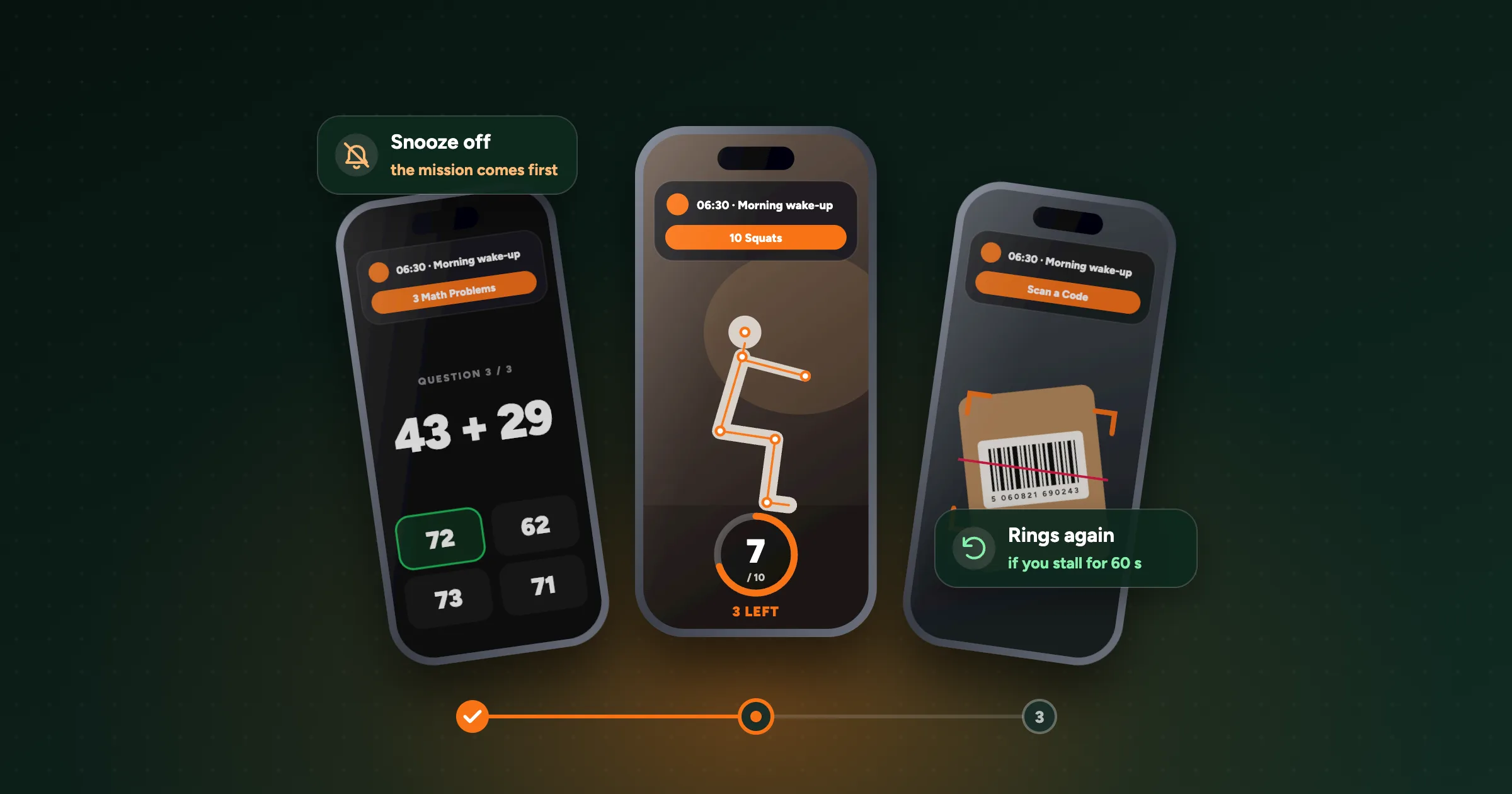
What Is a Mission Alarm? The Alarm That Won’t Stop Until You’re Up
A mission alarm won’t stop until you finish a task: math, a photo, a barcode or push-ups. Which missions really get you out of bed, and how hard to set them.
Read the guide →
Will My Alarm Go Off If My Phone Is Off, Dead or in Airplane Mode?
Not if it’s off or dead (with two rare exceptions). Yes in airplane mode, Low Power Mode and offline. 10 situations on iPhone and Android, and 5 traps.
Read the guide →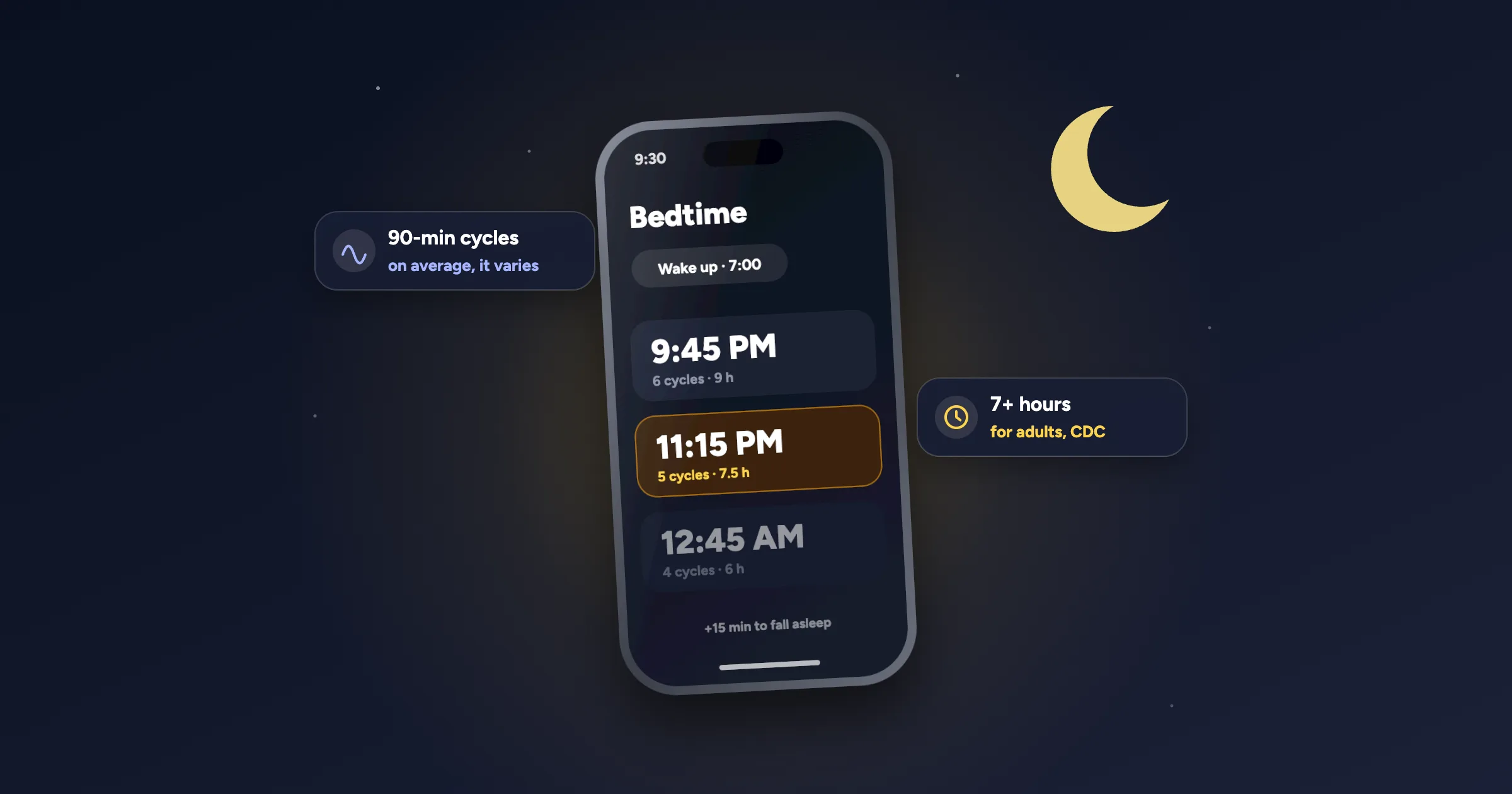
What Time Should I Go to Bed? Sleep Cycle Calculator
Enter your wake-up time and get bedtimes for 4, 5 or 6 sleep cycles. Plus how much sleep you need by age, and why 90-minute cycles are only an average.
Read the guide →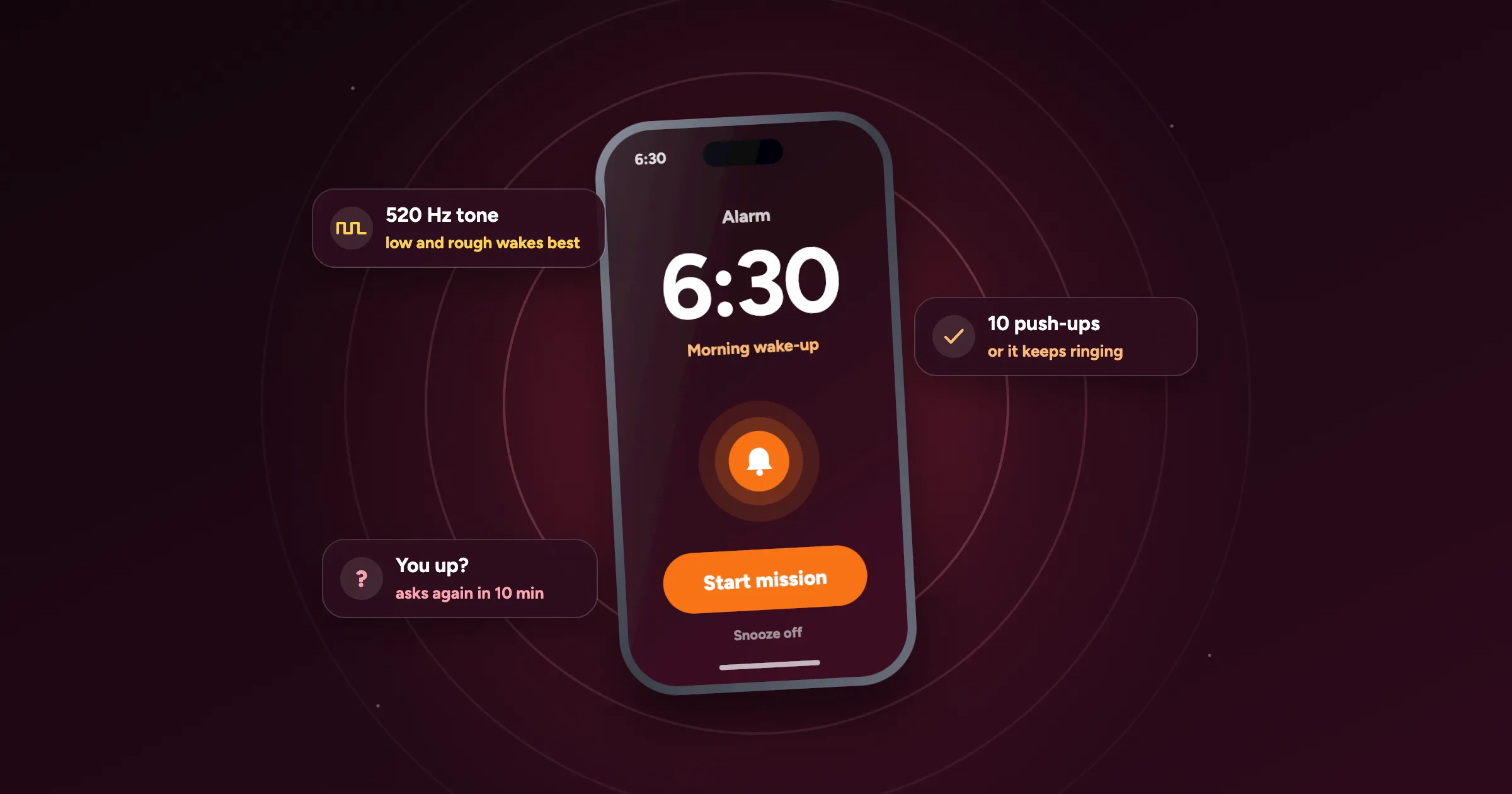
The Best Alarm for Heavy Sleepers: What Actually Wakes You Up
Sleep through every alarm? What research says about sound, vibration, light and mission alarms, how to set up your phone, and which alarm type fits you.
Read the guide →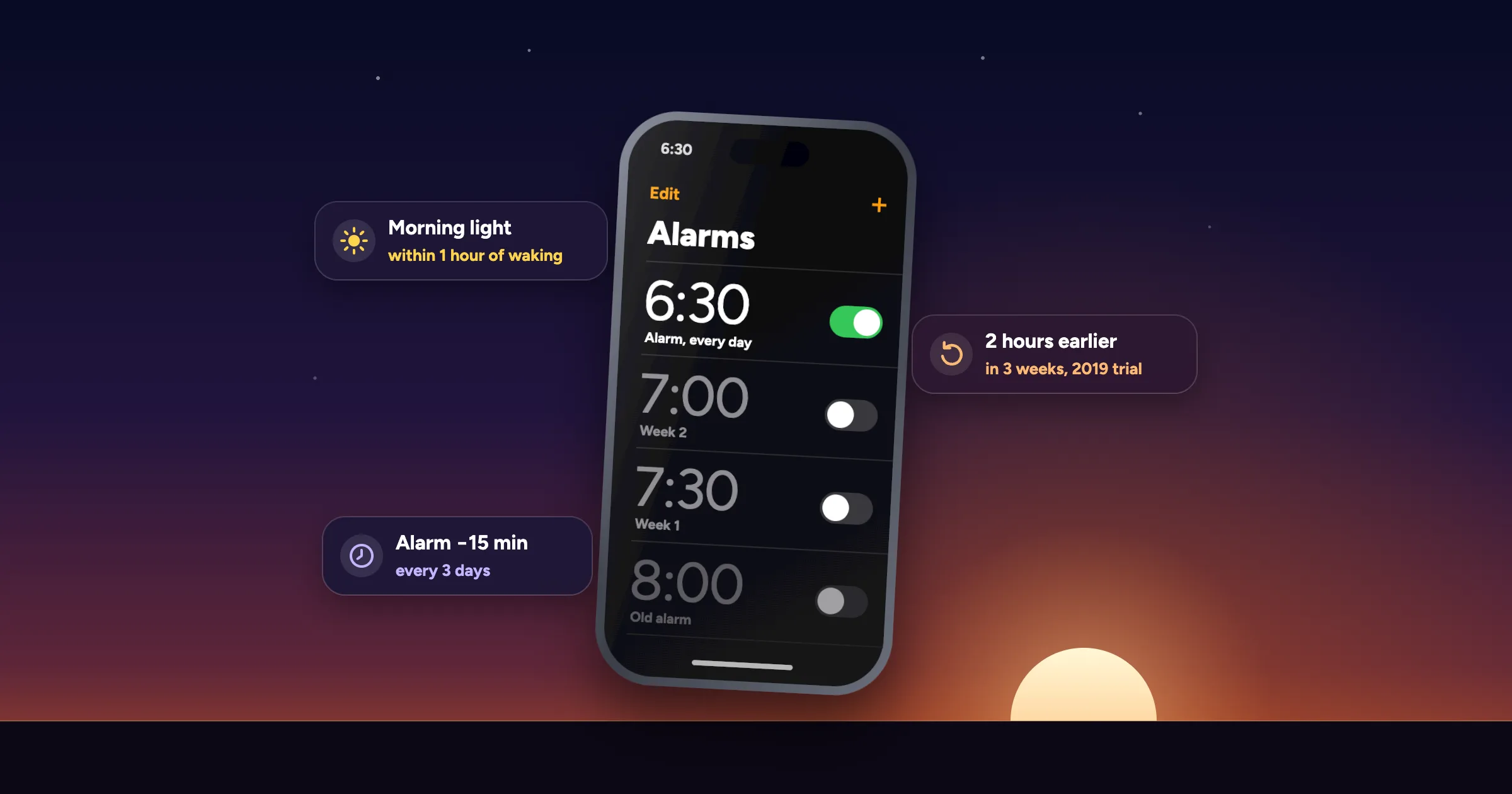
How to Wake Up Early, Even If You’re a Night Owl: A 3-Week Plan
Night owl who wants your mornings back? The 3-week plan behind a trial that moved sleep 2 hours earlier: 15-minute steps, morning light and one weekend rule.
Read the guide →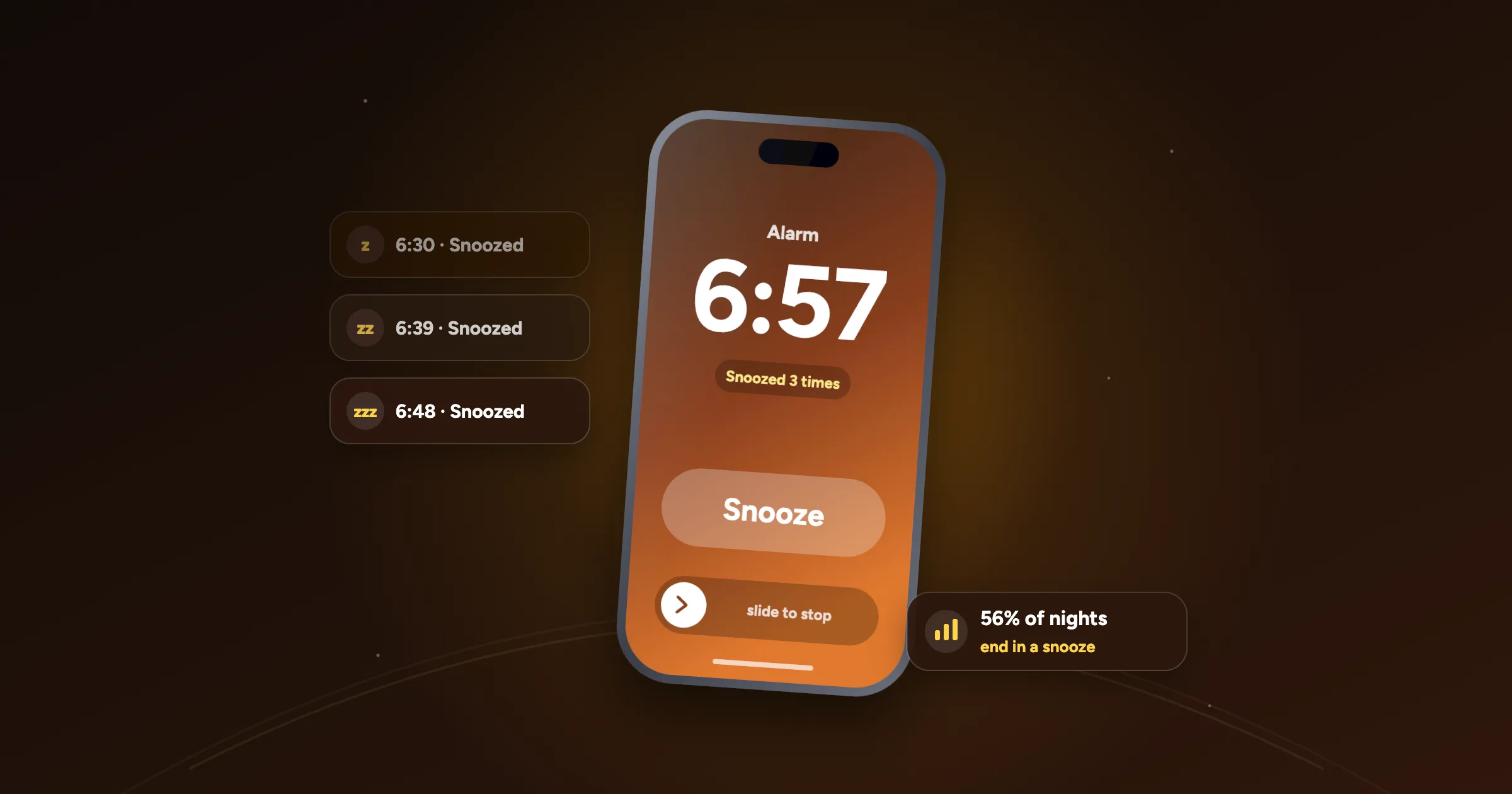
Is Hitting Snooze Bad for You? What 4 Studies Actually Found
Does hitting snooze make you more tired? What four studies actually found, why you keep doing it, when it’s fine, and how to stop, plus how to turn snooze off.
Read the guide →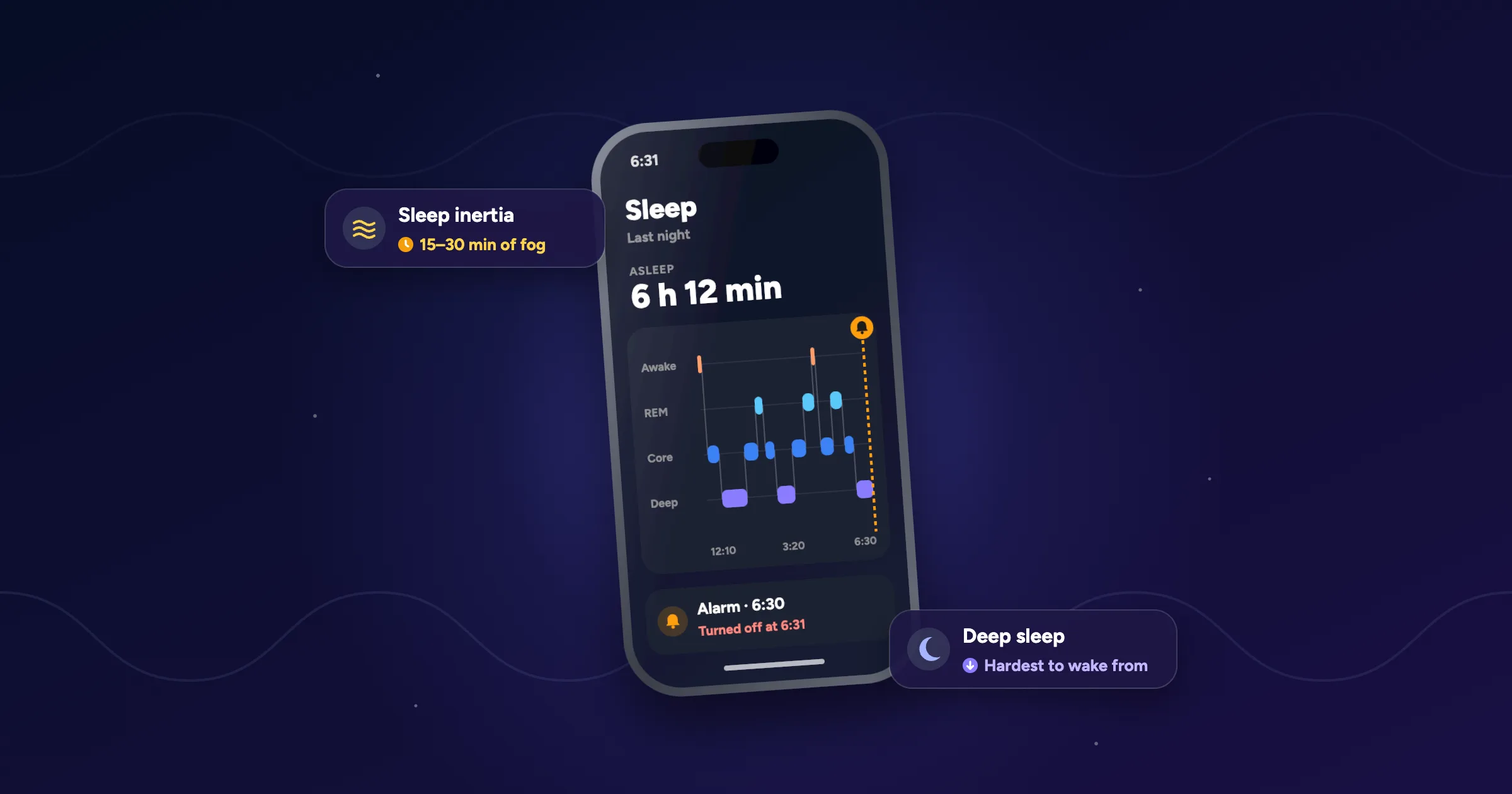
Why Can’t I Wake Up to My Alarm? 7 Reasons You Sleep Through It
Sleeping through your alarm, or turning it off without remembering? The 7 real reasons, from sleep inertia to your body clock, and the fixes that work.
Read the guide →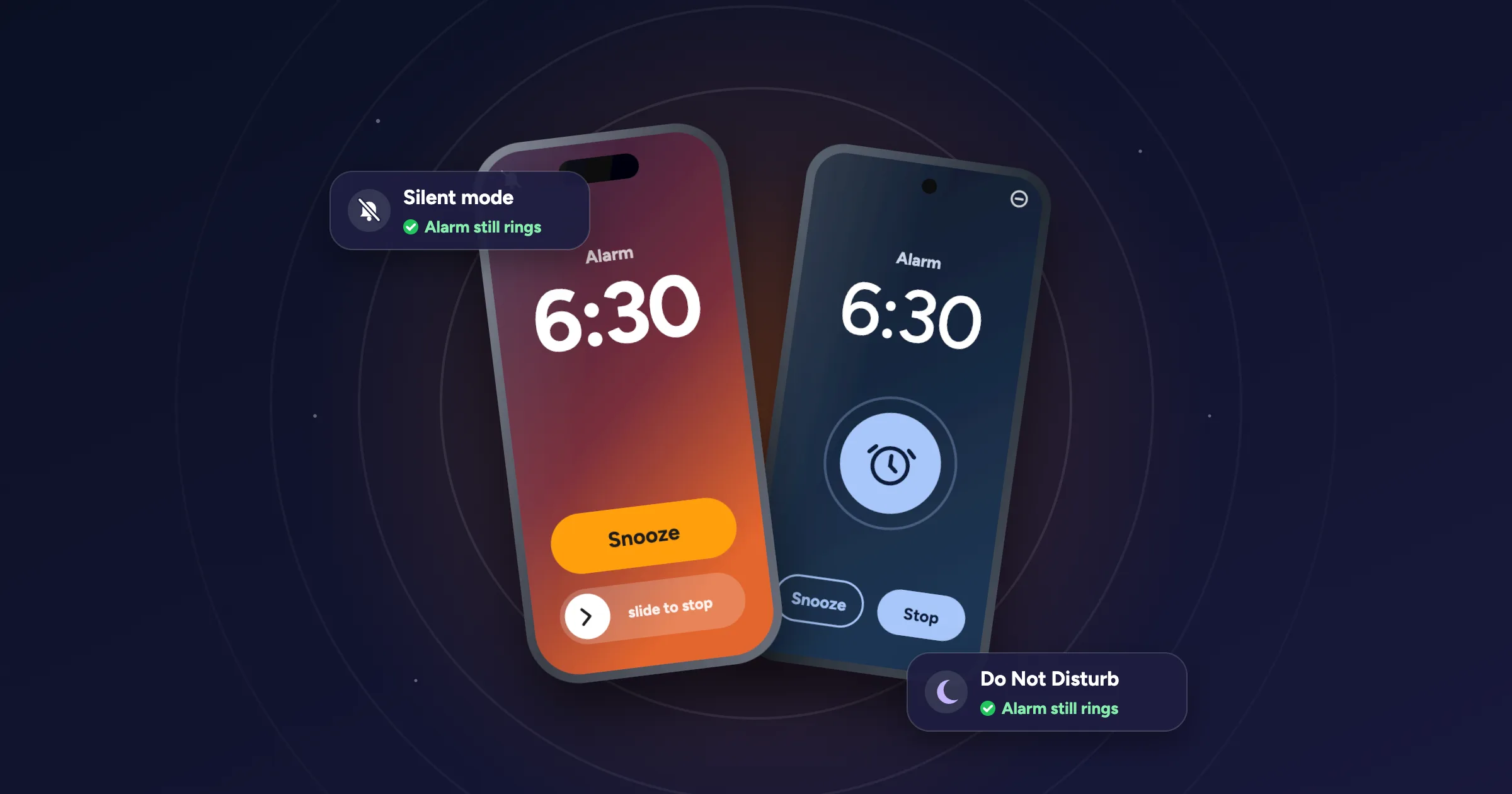
Will My Alarm Ring on Silent, Vibrate or Do Not Disturb? iPhone and Android
Usually yes, on iPhone and Android. But 6 things can still silence it, from a hidden Samsung setting to your Apple Watch.
Read the guide →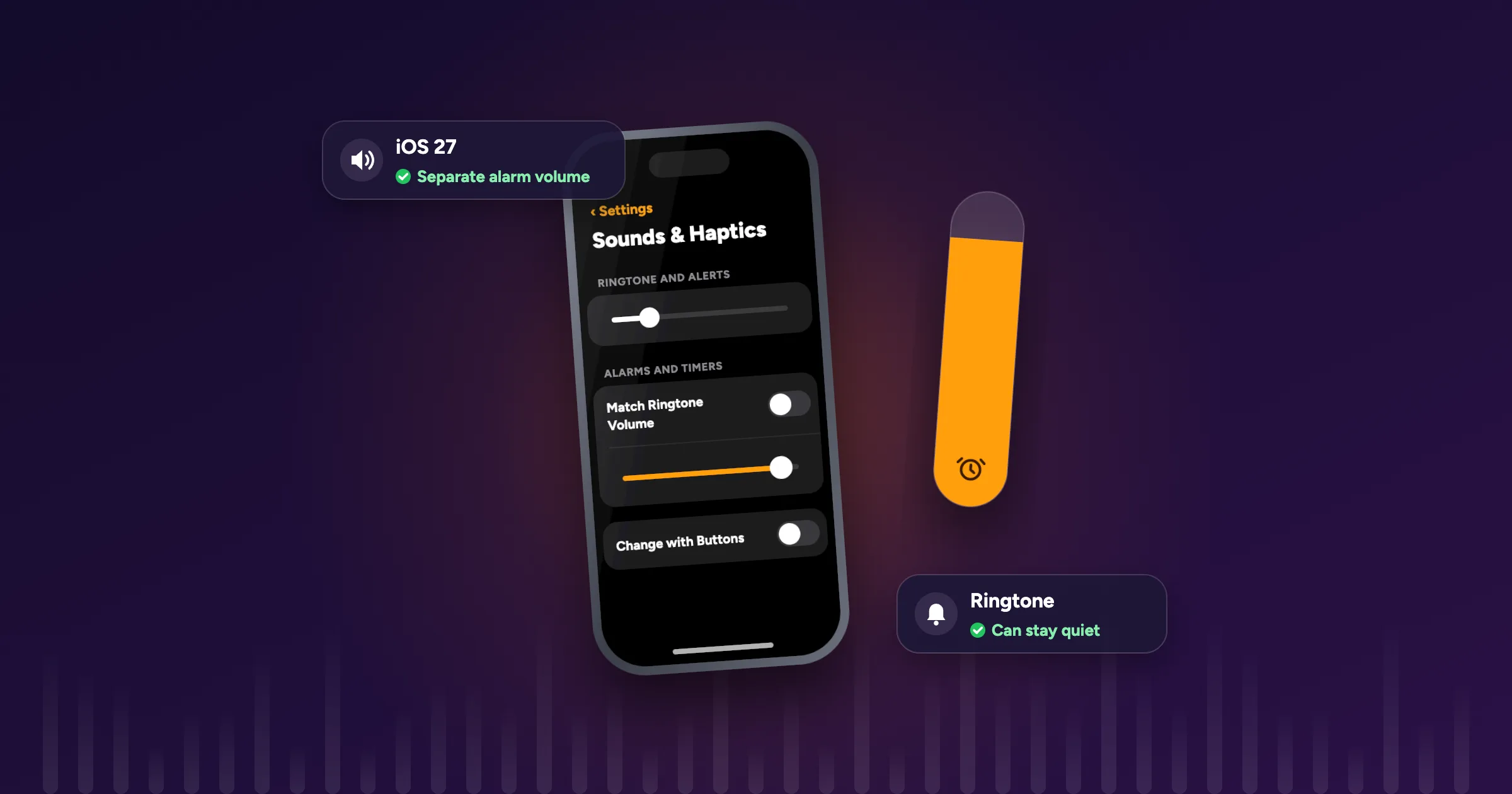
iPhone Alarm Too Quiet? How to Change the Alarm Volume on iOS 27 and iOS 26
Make your iPhone alarm louder: the new separate alarm volume in iOS 27, the right slider on iOS 26, the sleep alarm’s own volume and 6 more fixes.
Read the guide →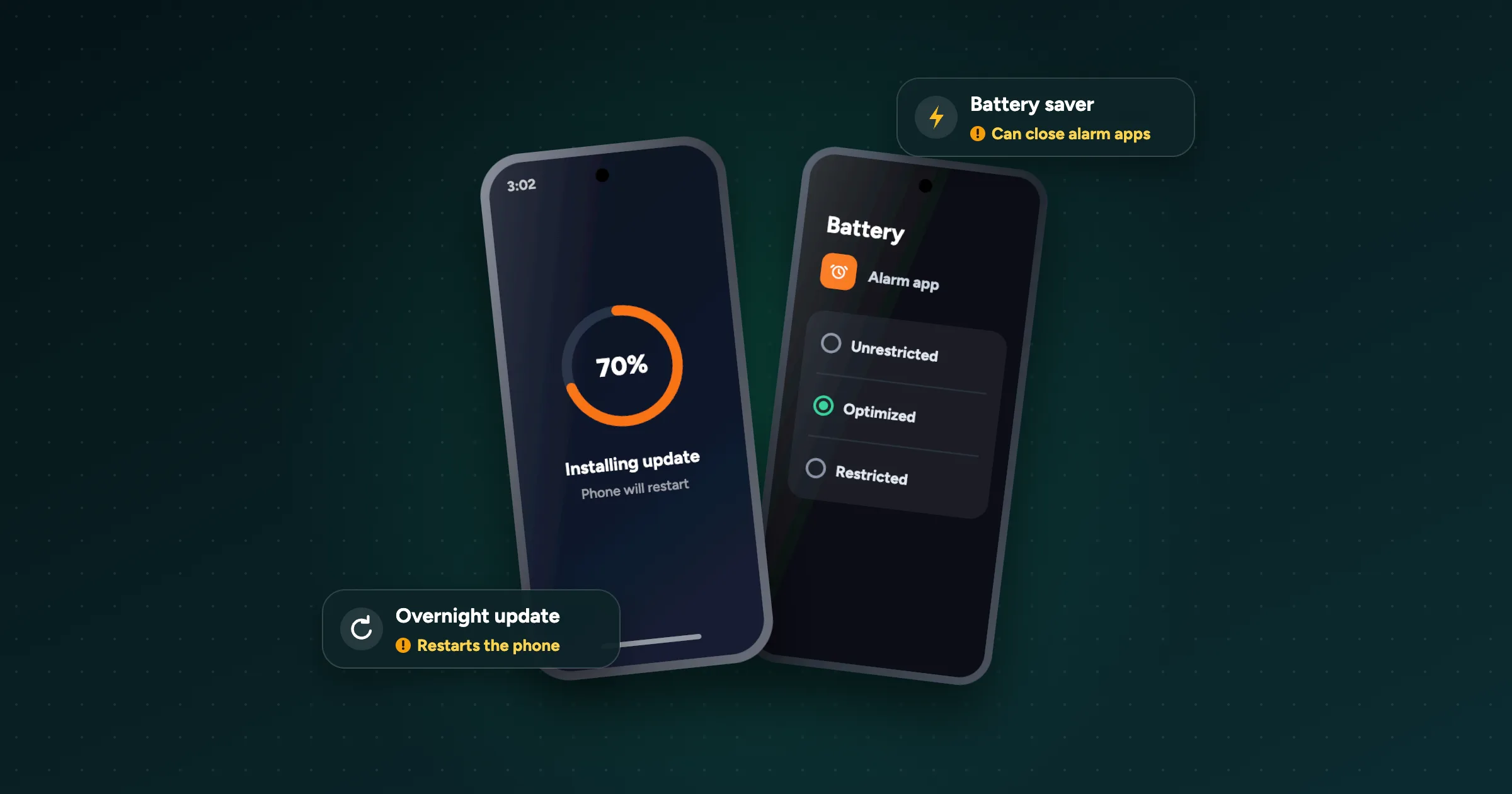
Android Alarm Not Going Off? 9 Fixes for Samsung, Pixel, Xiaomi and More
Android alarm didn’t ring, rang late or only showed a notification? 9 fixes with the exact settings for Samsung, Pixel, Xiaomi, TECNO, OPPO and vivo.
Read the guide →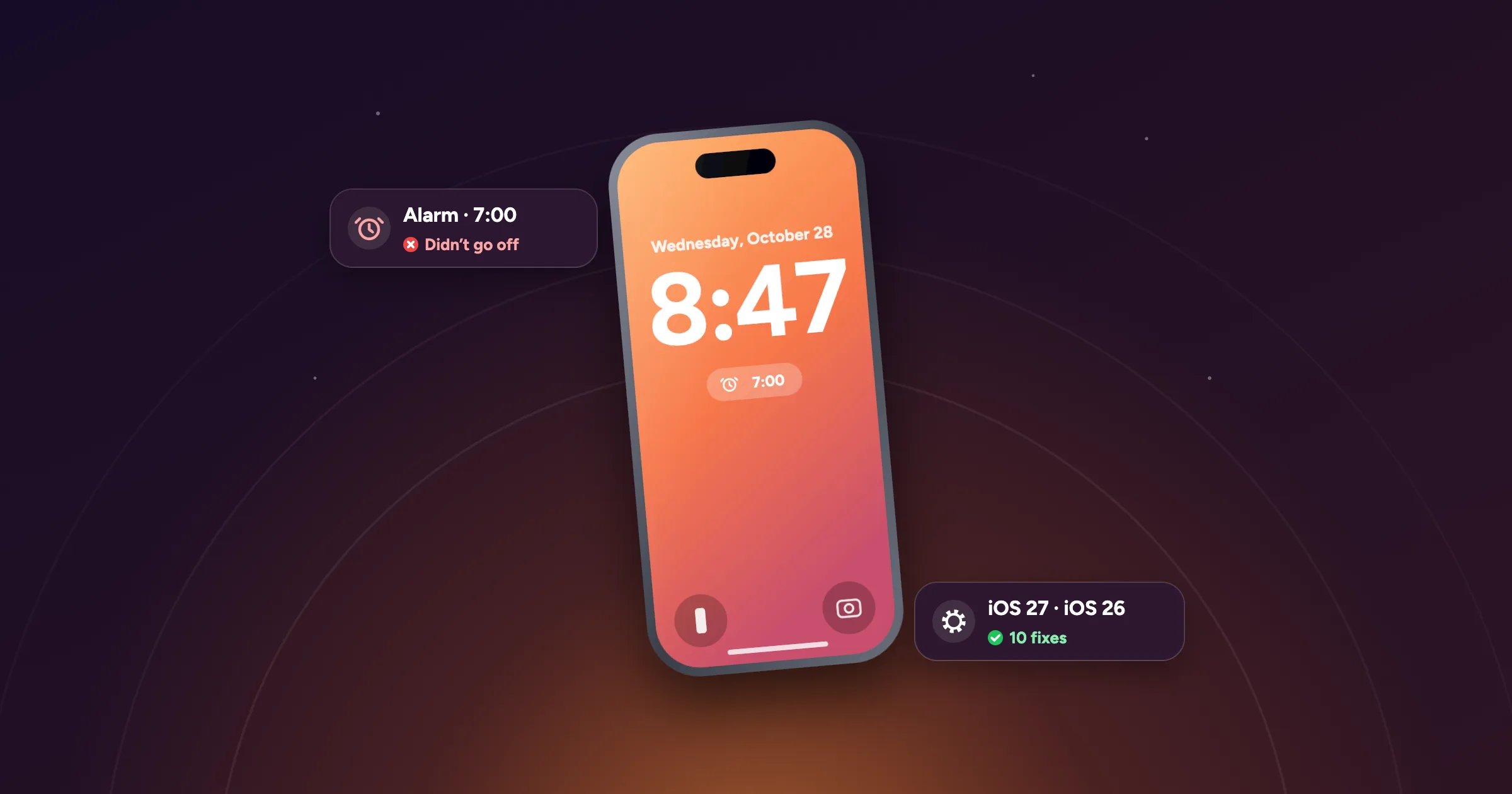
iPhone Alarm Not Going Off? 10 Fixes for iOS 27 and iOS 26
iPhone alarm not going off or not working after the iOS 27 update? 10 fixes: no sound, too quiet, only on Apple Watch, the new alarm volume and alarm apps.
Read the guide →