
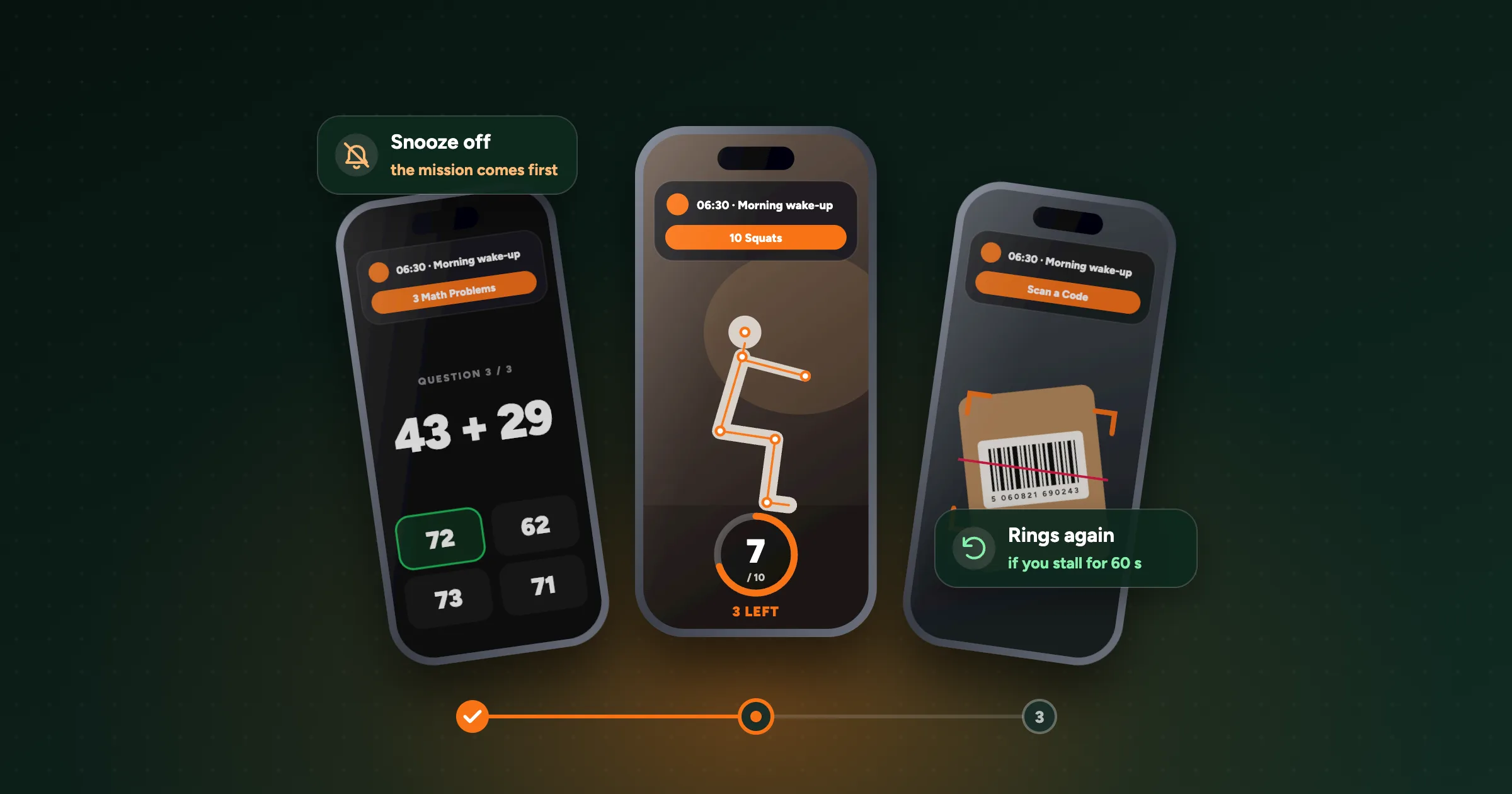
A mission alarm only stops after a task: math, a photo, a barcode, push-ups or a few dozen steps. Snooze is usually off. It works because a task needs you awake, and the minute you usually switch the alarm off in is the minute your brain works worst.
- the strongest missions take you out of the bedroom: a barcode or a photo in another room,
- exercise missions get you on your feet; math wakes your mind but can be done lying down,
- pick a level you can finish groggy in a minute or two, and add a check later if you go back to bed,
- it won’t help if the alarm never rings or you’re simply not sleeping enough.
On this page
What is a mission alarm?
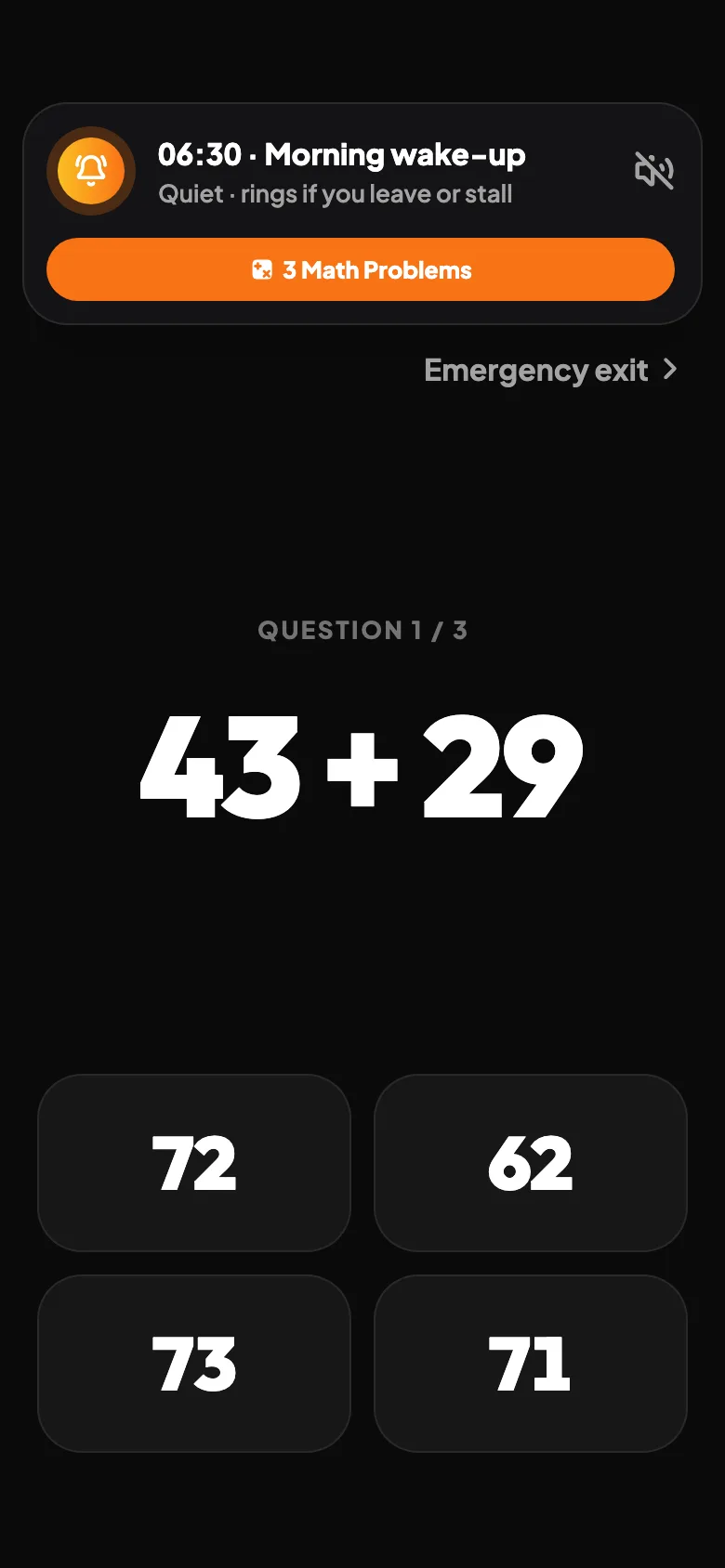
A mission alarm is an alarm clock app that won’t turn off until you complete a task, the mission. A normal alarm asks for one tap. A mission alarm asks you to solve three sums, scan the barcode on a jar in the kitchen, photograph your made bed or let the camera count ten squats. Until you do, it keeps ringing, and snooze is usually off.
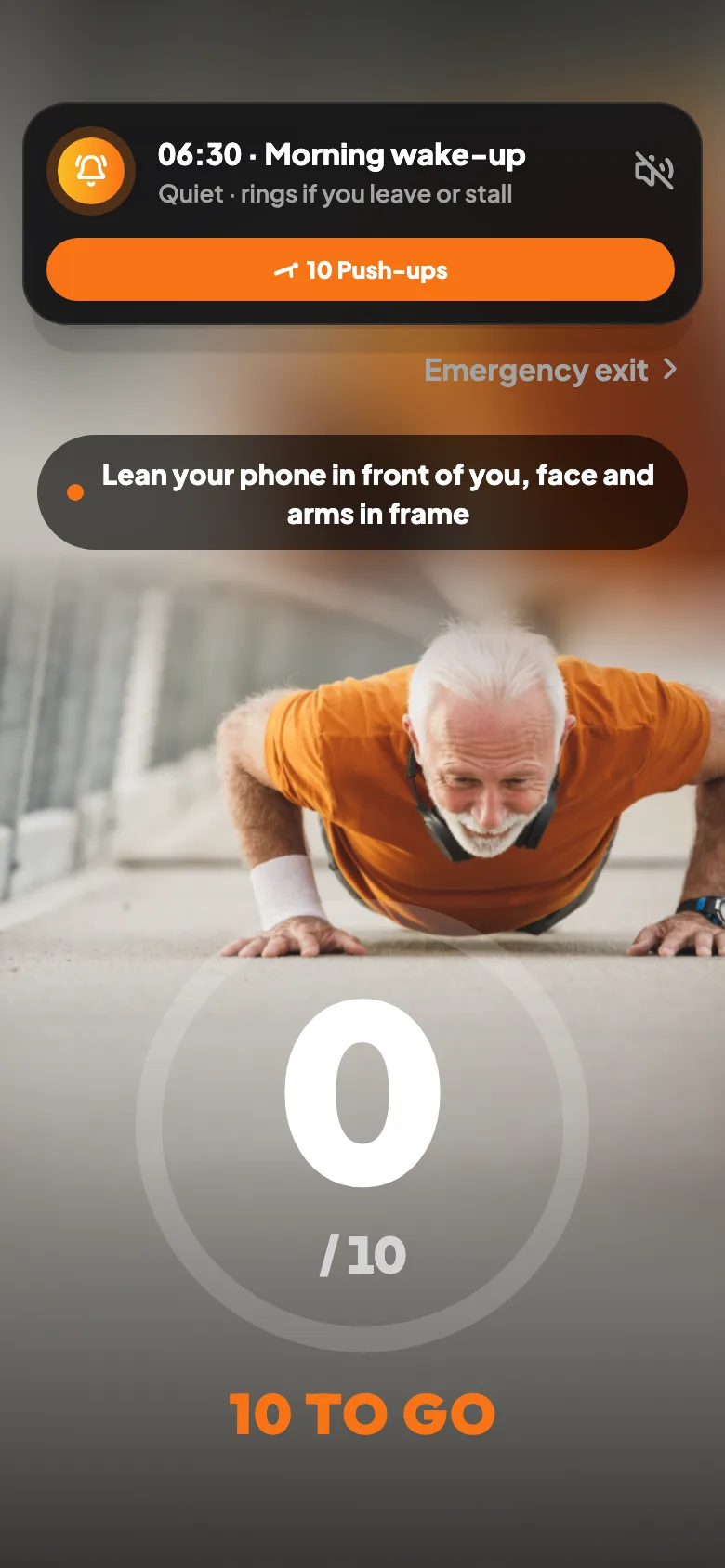
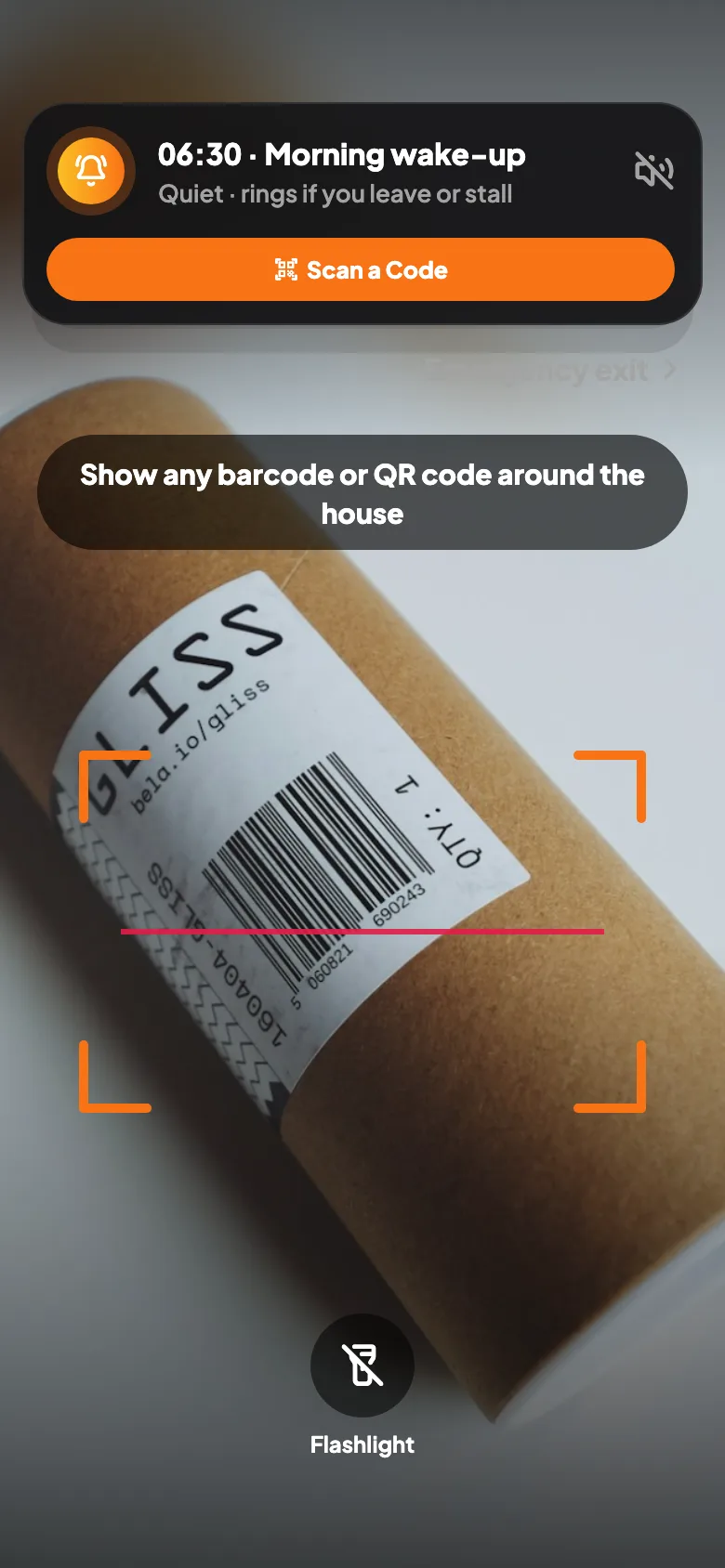
Most mission alarm apps share the same building blocks: mind missions (math, memory, typing), movement (shaking the phone, steps), photo missions and, in some, exercise checked by the camera. In Wakin, for example, there are 18 missions in those four groups, you can chain up to three on one alarm and most come in easy, medium and hard. While you do the mission the alarm goes quiet; leave the app or stall for 60 seconds and it rings again.
Why does a mission alarm work when a normal one doesn’t?
Because of what your brain is like in the first minutes after waking. Researchers call it sleep inertia. In a small 2006 study at the University of Colorado Boulder, people woken after a full eight hours did worse on a simple test of adding two-digit numbers than they did after more than 24 hours without sleep. The impairment was worst in the first three minutes, most of it faded within ten, and some of it could still be measured up to two hours later.
A 2019 review puts the usual recovery at 15 to 30 minutes and notes it is worse after short sleep or when you wake during your body clock’s night, and that it affects memory too. That is the window a normal alarm lands in. One tap stops it, and those seconds may never be stored, which is why you find an alarm you “never heard” switched off. Snoozing just repeats the window, as we cover in is hitting snooze bad for you.
A mission can’t be finished on autopilot. By the time you’ve answered the sums or found the barcode, you’re past the worst minutes. The good missions add a second thing: where they leave you. Nobody has yet tested whether exercise clears grogginess faster (the 2019 review found no studies on it), so the value of a physical mission is simpler. It ends with you standing, out of bed, often with the lights on.
Which missions actually get you out of bed?
They don’t all do the same job. Some wake your brain, some get you vertical, and only a few get you out of the bedroom, which is where most of the going-back-to-sleep happens.
| Mission | What it forces | Weak spot | Best for |
|---|---|---|---|
| Math, memory, typing | A brain awake enough to think | Easy to do lying under the covers | Waking your mind, paired with a move |
| Shake the phone | A few seconds of movement | Can be done from bed, half asleep | An extra, not a mission on its own |
| Steps | Getting out of bed and walking | A few steps, then straight back to bed | Getting up without using the camera |
| Push-ups, squats, sit-ups, plank | Standing up and moving your whole body | Needs floor space and a camera angle | Being on your feet within a minute |
| Photo of a saved item | Walking to one exact spot you chose | Useless if the item is next to the bed | The surest way out of the bedroom |
| Barcode or QR code | Finding a real code, usually in the kitchen | A barcoded box by the bed ends it early | Stopping the alarm at the bedside |
- Mind missions (math, memory, typing a sentence) prove you’re thinking. They’re the classic “alarm that makes you solve math”, and they’re fine for waking up, but you can do them lying down and doze off right after.
- Movement missions range from weak to decent. Shaking the phone takes seconds and works from bed. Steps get you up, as long as the app checks real walking: in Wakin, shaking the phone doesn’t count as steps.
- Exercise missions have you stand and move. The camera counts push-ups, squats or sit-ups, or times a plank, so half a squat under the duvet doesn’t count. In Wakin the frames are processed on the phone and never uploaded, if a camera in the bedroom bothers you.
- Photo and barcode missions are the strongest for getting out of the room. With a saved item (Wakin calls it Your Item) the alarm only stops where that item is: save the coffee machine and it stops in the kitchen. The barcode mission takes any real code, so it works best when the boxes and bottles live outside the bedroom. Sky Photo sends you to the window, and its light.
How hard should the mission be?
Hard enough that you can’t do it asleep, easy enough to finish in a minute or two while groggy. Remember the 2006 study: right after waking, even two-digit addition is slower than usual. A mission that takes five minutes of fumbling doesn’t wake you up more; it makes you angry, and an angry, sleepy person goes looking for the emergency exit.
- Start on easy. Raise the level only when you notice you’re finishing it without really waking up.
- Combine instead of escalating. Three easy sums followed by a barcode in the kitchen beats ten hard sums in bed.
- Plan for bad mornings. Sick, injured or a camera that can’t see you: a good app has an exit. In Wakin you pick a reason and that morning counts as missed, or you switch to math problems if the camera mission isn’t working.
Can you cheat a mission alarm, or go back to bed?
A half-asleep you is surprisingly inventive. The usual tricks: solving the math under the covers, scanning a box on the nightstand, turning the alarm off the night before, or doing the mission and crawling back in. You can’t make any phone alarm cheat-proof (nothing stops you holding the power button), but you can make the honest route the easier one.
- Put the target where your morning starts. The kettle, the bathroom sink, the front door. Not the bedroom.
- Keep snooze off. Most mission alarms start with it off. In Wakin you can turn on a 5, 10 or 15-minute snooze, but the mission is still waiting when it rings again.
- Add a check after the mission. Wakin’s optional “You up?” check asks again 5, 10 or 15 minutes later. No tap within 100 seconds and the alarm rings again, missions and all.
- Lock it the night before. If you’re the type to switch off tomorrow’s alarm at midnight, Wakin’s locked alarm can’t be turned off or changed after bedtime until it has rung.
How to set up a mission alarm tonight
- Set the time you actually need to get up, not the time you start snoozing from.
- Choose one mission that gets you out of the bedroom: a barcode or a photo in another room.
- If you want, add a short mind or exercise mission before it.
- Pick a level you can finish groggy in one or two minutes.
- Turn snooze off, and turn on a check after the mission if you go back to bed.
- Make sure it can ring: on Android, let the app run without battery restrictions; on iPhone, use an app built on Apple’s AlarmKit (iOS 26 and later) so it rings in Silent mode like the built-in alarm.
- Test it tonight with a two-minute alarm, then give it a week before judging.
When a mission alarm isn’t the answer
A mission alarm solves one problem: stopping the alarm before you’re awake. It doesn’t solve the others.
- The alarm didn’t ring at all. Then the problem is the phone, not you. See iPhone alarm not going off and Android alarm not going off.
- You don’t hear it. That needs a different sound and volume first; our guide to the best alarm for heavy sleepers compares every alarm type.
- You’re sleeping six hours. No mission makes up for that. Work back from your alarm with the bedtime calculator, or move earlier step by step with our three-week plan.
- You sleep seven to nine hours and still can’t wake up. That’s worth a doctor’s visit; the signs to watch for are in why you sleep through your alarm.
Frequently asked questions
What is a mission alarm?
A mission alarm keeps ringing until you finish a task: solving math problems, scanning a barcode, taking a photo of something in another room or doing push-ups. Stopping it takes a brain or a body that is actually awake, so you can’t switch it off on autopilot and fall back asleep. Snooze is usually off.
Do mission alarms actually work?
For the most common problem, turning the alarm off half asleep, they do: you can’t finish a task without waking up enough to do it. No study has tested mission alarms directly, but sleep inertia research shows the first minutes after waking are when thinking is at its worst, which is exactly when a normal alarm gets switched off. They don’t fix short sleep, and they can’t help if the alarm never rings.
What is the best mission to wake up?
One that takes you out of the bedroom, like scanning a barcode in the kitchen or photographing the bathroom sink. Exercise missions such as squats get you on your feet; math and memory games wake your brain but can be done lying down. Many people pair one of each: a quick puzzle, then a code in another room.
Do math alarms work?
They wake your brain, because you can’t answer sums asleep. Their weak spot is that you can solve them under the covers and drift off again. Keep them short: in a small 2006 study, people did worse at two-digit addition in the first minutes after waking than after more than 24 hours without sleep. Three easy sums are enough; pair them with a mission that gets you up.
How hard should the alarm mission be?
Hard enough that you can’t do it asleep, easy enough to finish in a minute or two while groggy. Very hard puzzles mostly lead to frustration and the emergency exit. Start easy and raise the level once you notice you’re finishing it on autopilot.
Can you cheat a mission alarm?
Half asleep, you can be inventive: solve the math under the covers, shake the phone from bed, scan a box on the nightstand or power the phone off. Put the target in another room, choose missions that check themselves (a camera counting reps, a real barcode), keep snooze off and add a check a few minutes later that rings again if you don’t answer.
What if I go back to bed after the mission?
Add a follow-up check. Wakin’s optional “You up?” check sends a quiet notification 5, 10 or 15 minutes after the mission. If you don’t tap it within 100 seconds, the alarm rings again and the missions start over. Putting the target where your morning starts, such as saving the coffee machine as the item to photograph, helps too.
Sources
- Wertz, Ronda, Czeisler & Wright (2006): Effects of sleep inertia on cognition. JAMAdoi.org
- Grogginess and disorientation on awakening more debilitating than sleep deprivation (University of Colorado Boulder, 2006)colorado.edu
- Hilditch & McHill (2019): Sleep inertia, current insights. Nature and Science of Sleeppmc.ncbi.nlm.nih.gov
- Hilditch, Dorrian & Banks (2016): Time to wake up, reactive countermeasures to sleep inertia. Industrial Healthjstage.jst.go.jp
More guides
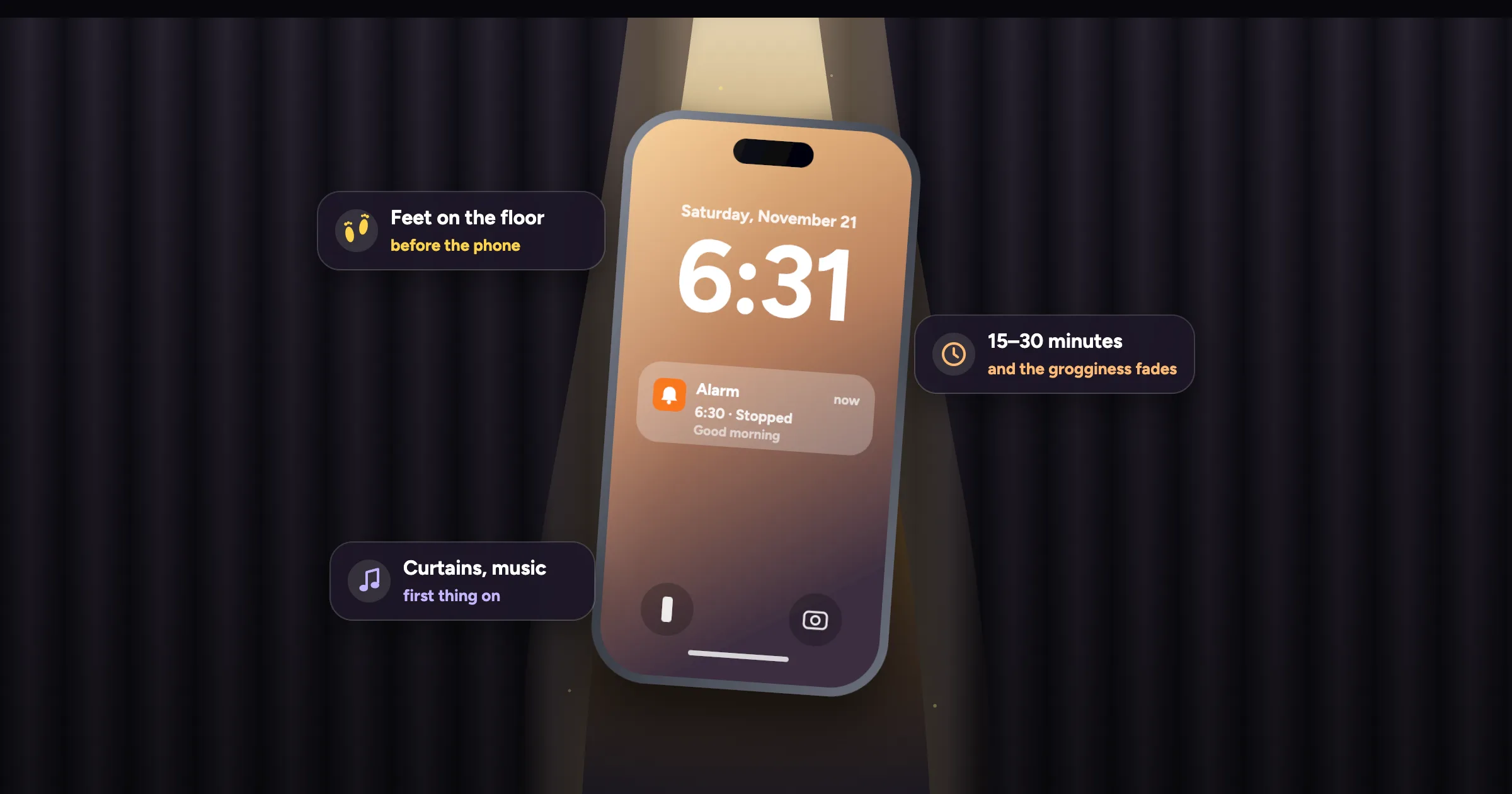
How to Get Out of Bed in the Morning When You Don’t Want To
Awake but can’t get out of bed? Why the first minutes feel so heavy, an 8-step plan for the first 10 minutes, and when it’s more than a bad morning.
Read the guide →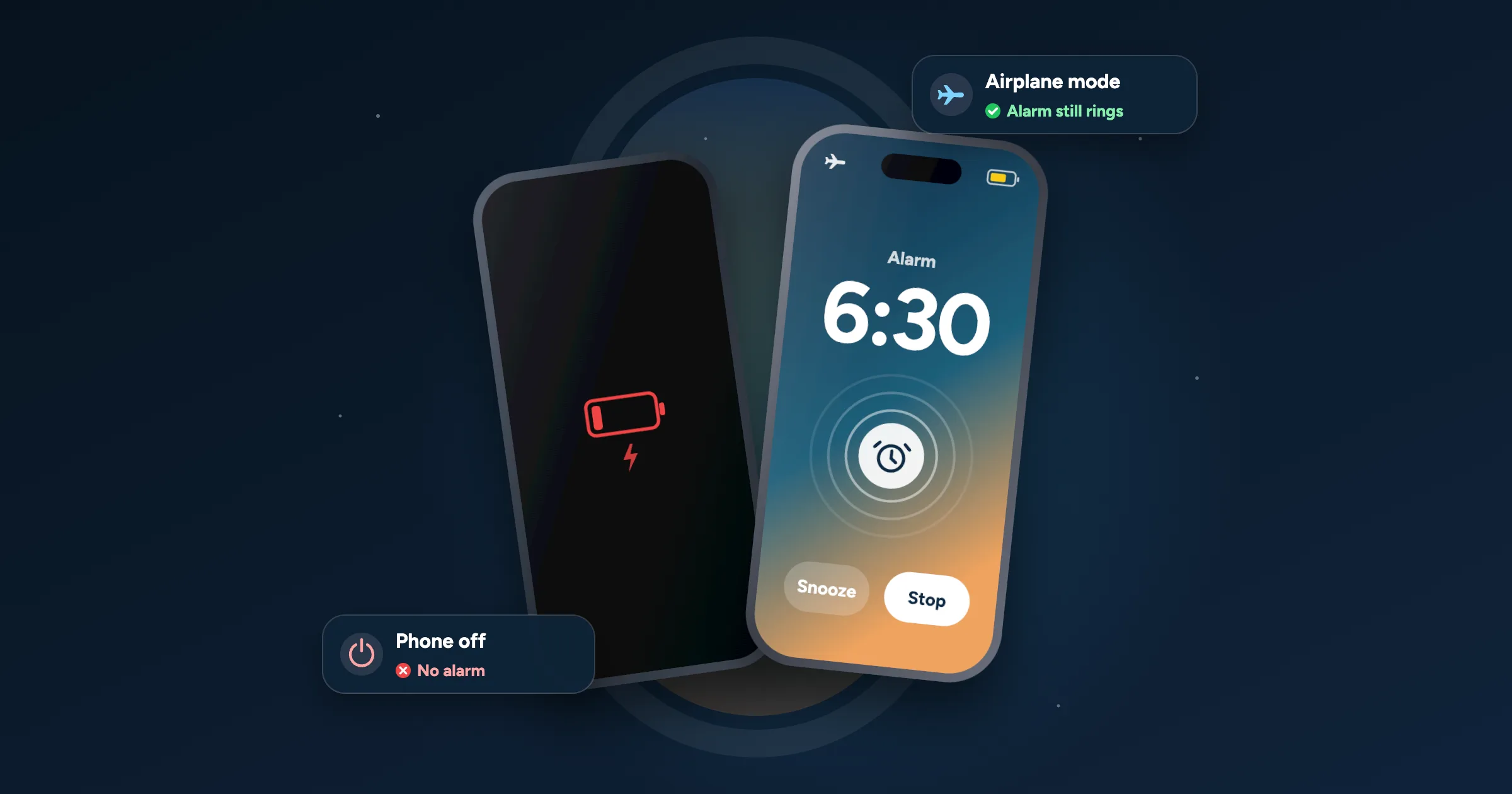
Will My Alarm Go Off If My Phone Is Off, Dead or in Airplane Mode?
Not if it’s off or dead (with two rare exceptions). Yes in airplane mode, Low Power Mode and offline. 10 situations on iPhone and Android, and 5 traps.
Read the guide →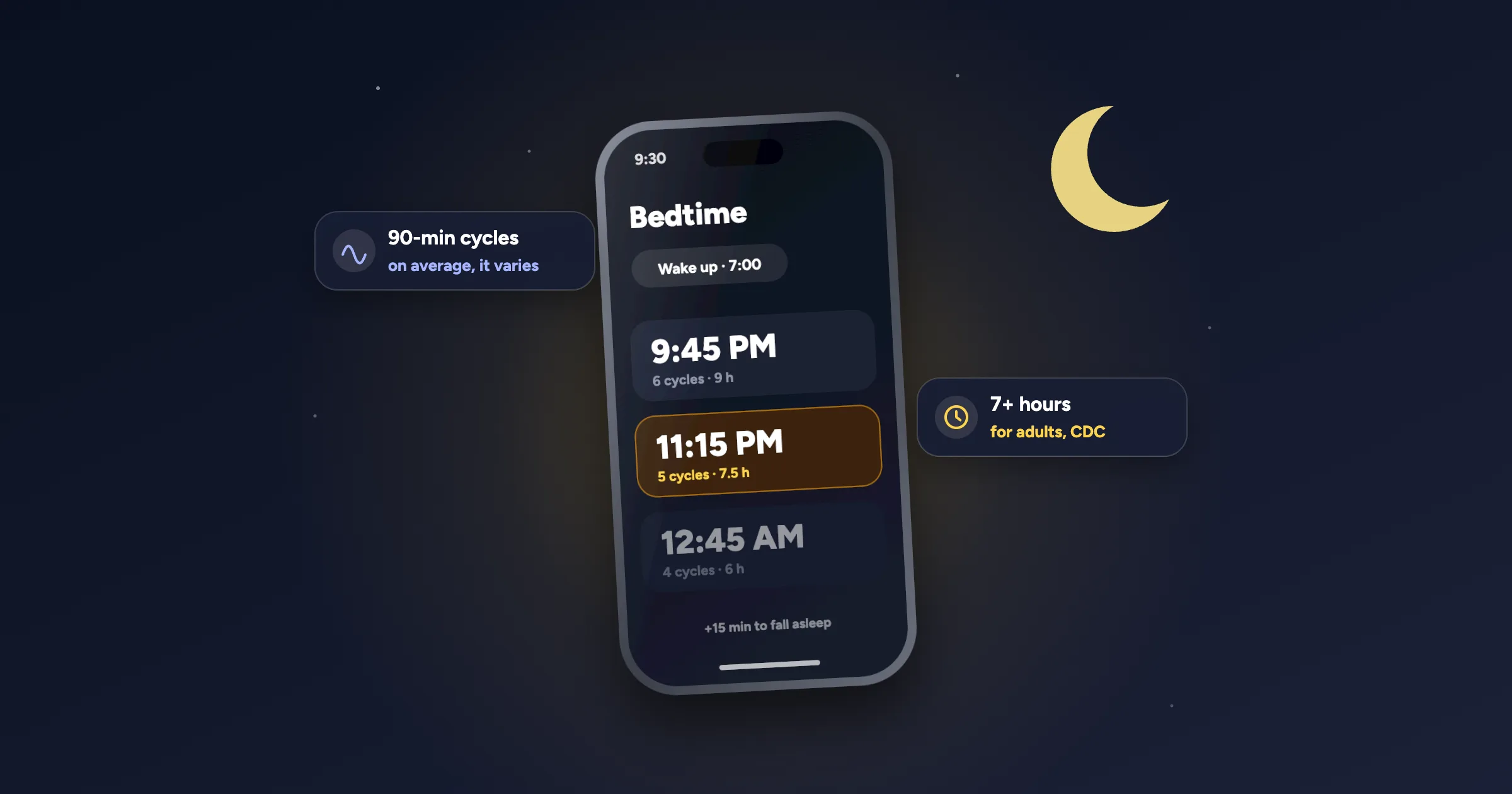
What Time Should I Go to Bed? Sleep Cycle Calculator
Enter your wake-up time and get bedtimes for 4, 5 or 6 sleep cycles. Plus how much sleep you need by age, and why 90-minute cycles are only an average.
Read the guide →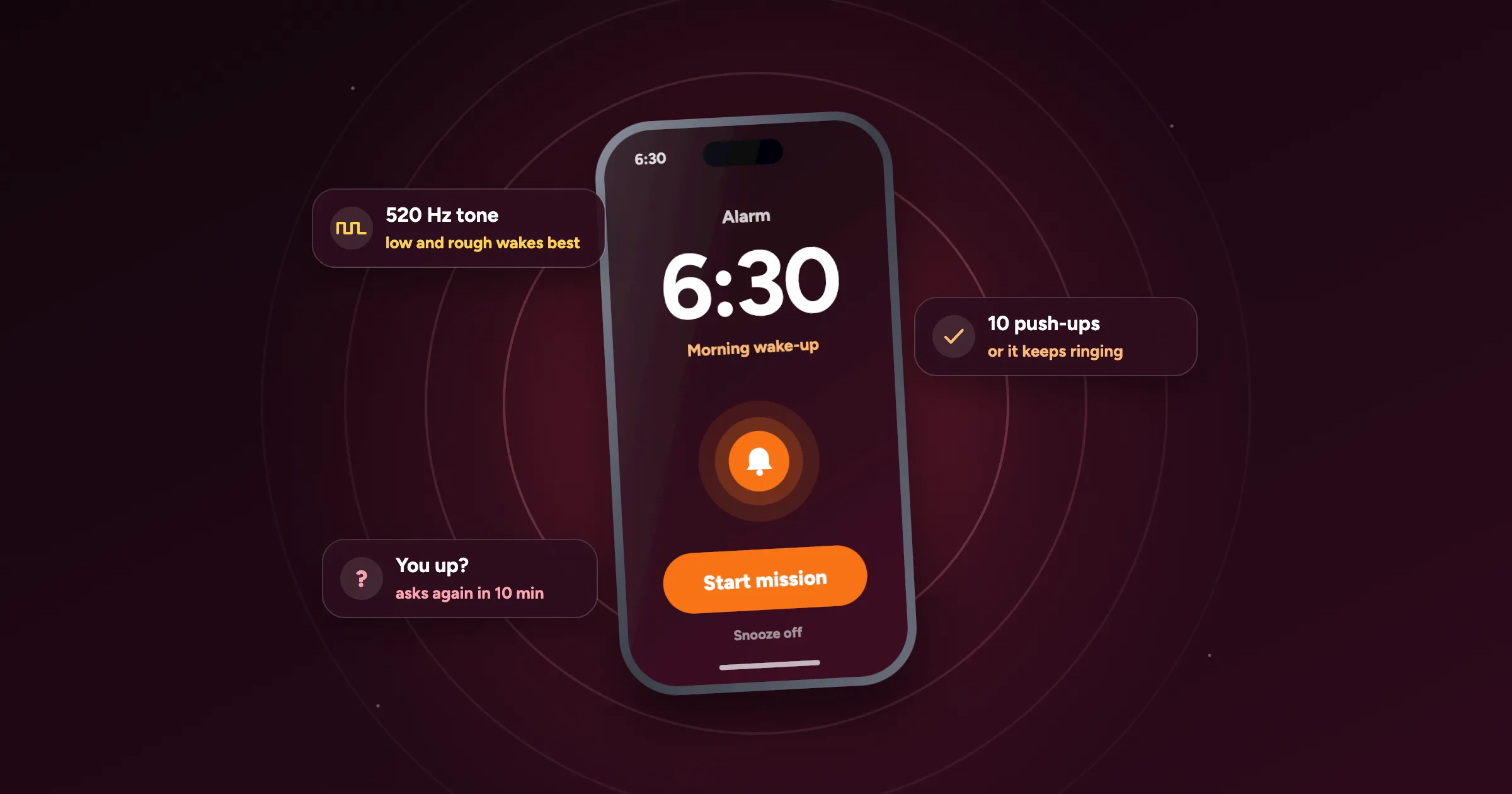
The Best Alarm for Heavy Sleepers: What Actually Wakes You Up
Sleep through every alarm? What research says about sound, vibration, light and mission alarms, how to set up your phone, and which alarm type fits you.
Read the guide →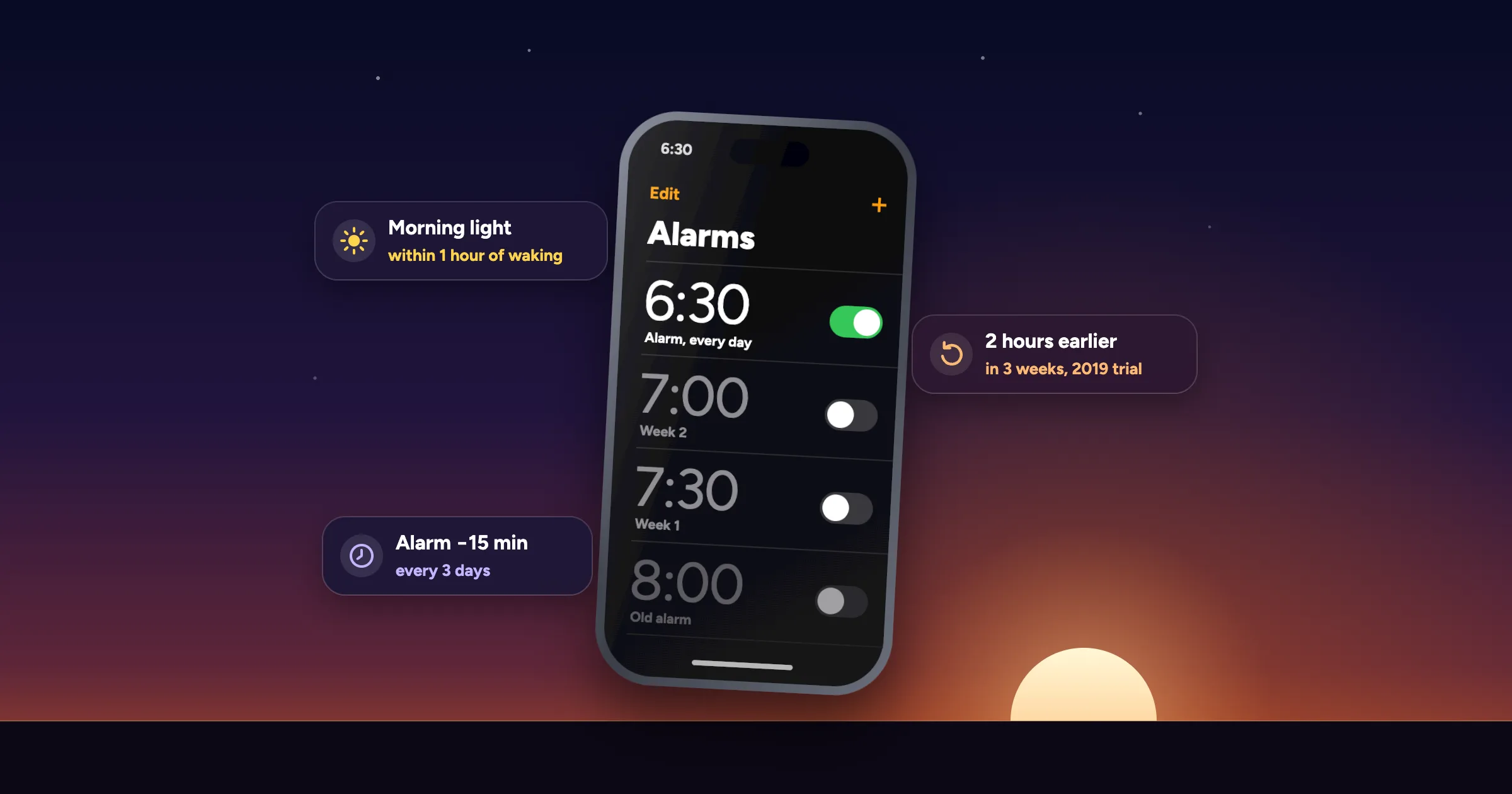
How to Wake Up Early, Even If You’re a Night Owl: A 3-Week Plan
Night owl who wants your mornings back? The 3-week plan behind a trial that moved sleep 2 hours earlier: 15-minute steps, morning light and one weekend rule.
Read the guide →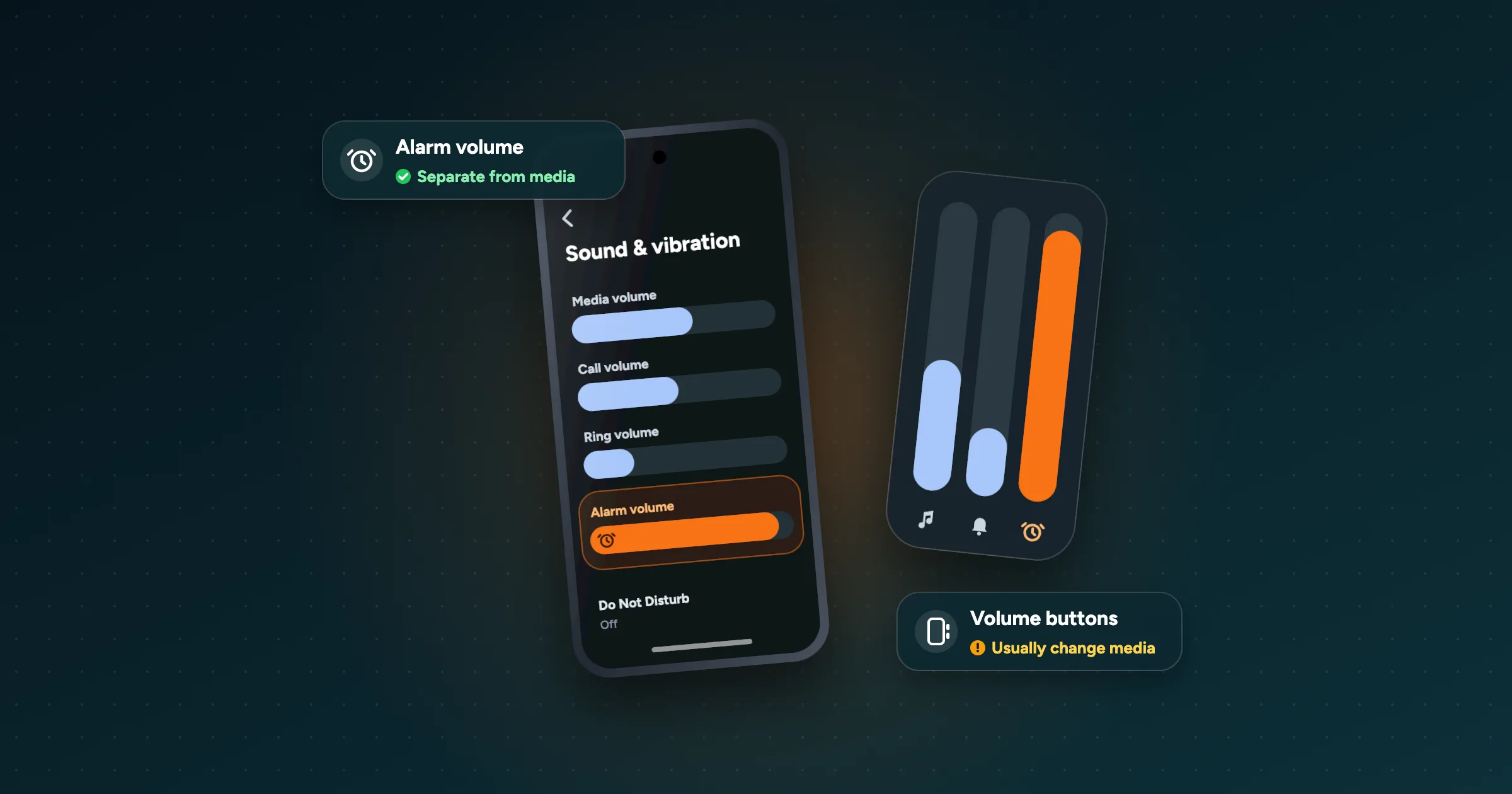
Android Alarm Too Quiet? How to Turn Up the Alarm Volume on Samsung, Xiaomi and Pixel
Android alarm too quiet or silent? Where the alarm volume is on Samsung, Xiaomi and Pixel, why it keeps going down, and how to change the alarm sound.
Read the guide →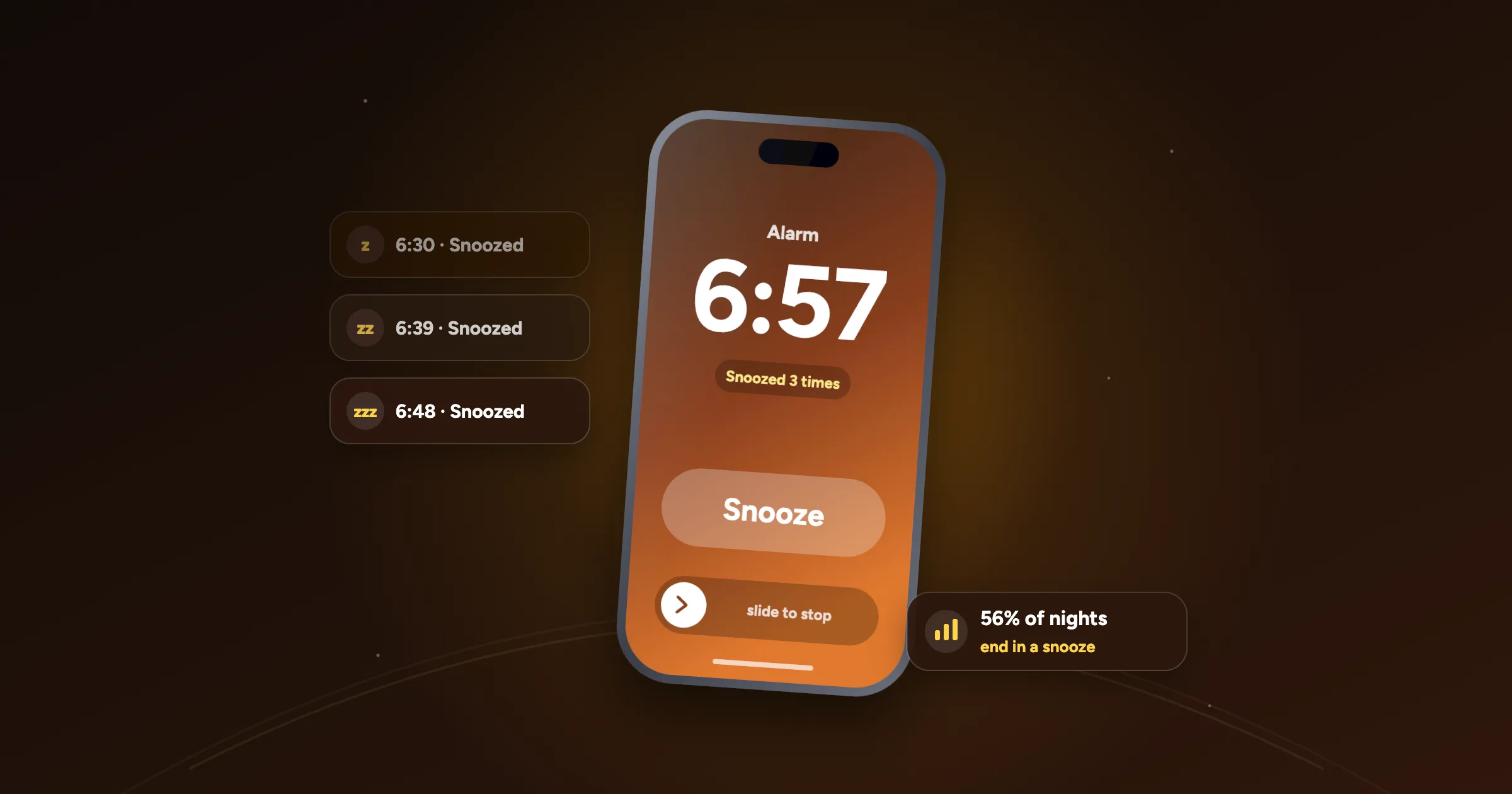
Is Hitting Snooze Bad for You? What 4 Studies Actually Found
Does hitting snooze make you more tired? What four studies actually found, why you keep doing it, when it’s fine, and how to stop, plus how to turn snooze off.
Read the guide →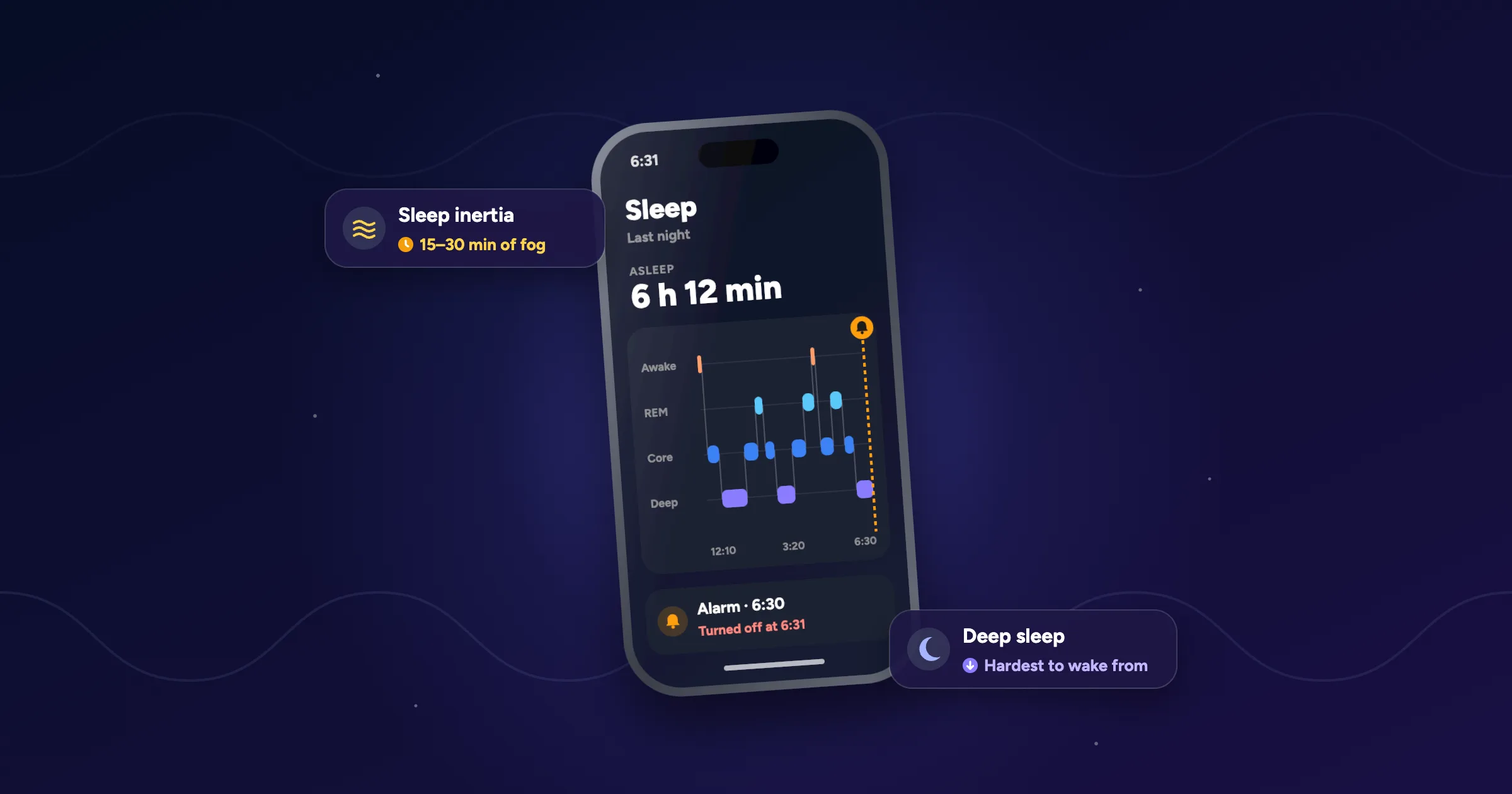
Why Can’t I Wake Up to My Alarm? 7 Reasons You Sleep Through It
Sleeping through your alarm, or turning it off without remembering? The 7 real reasons, from sleep inertia to your body clock, and the fixes that work.
Read the guide →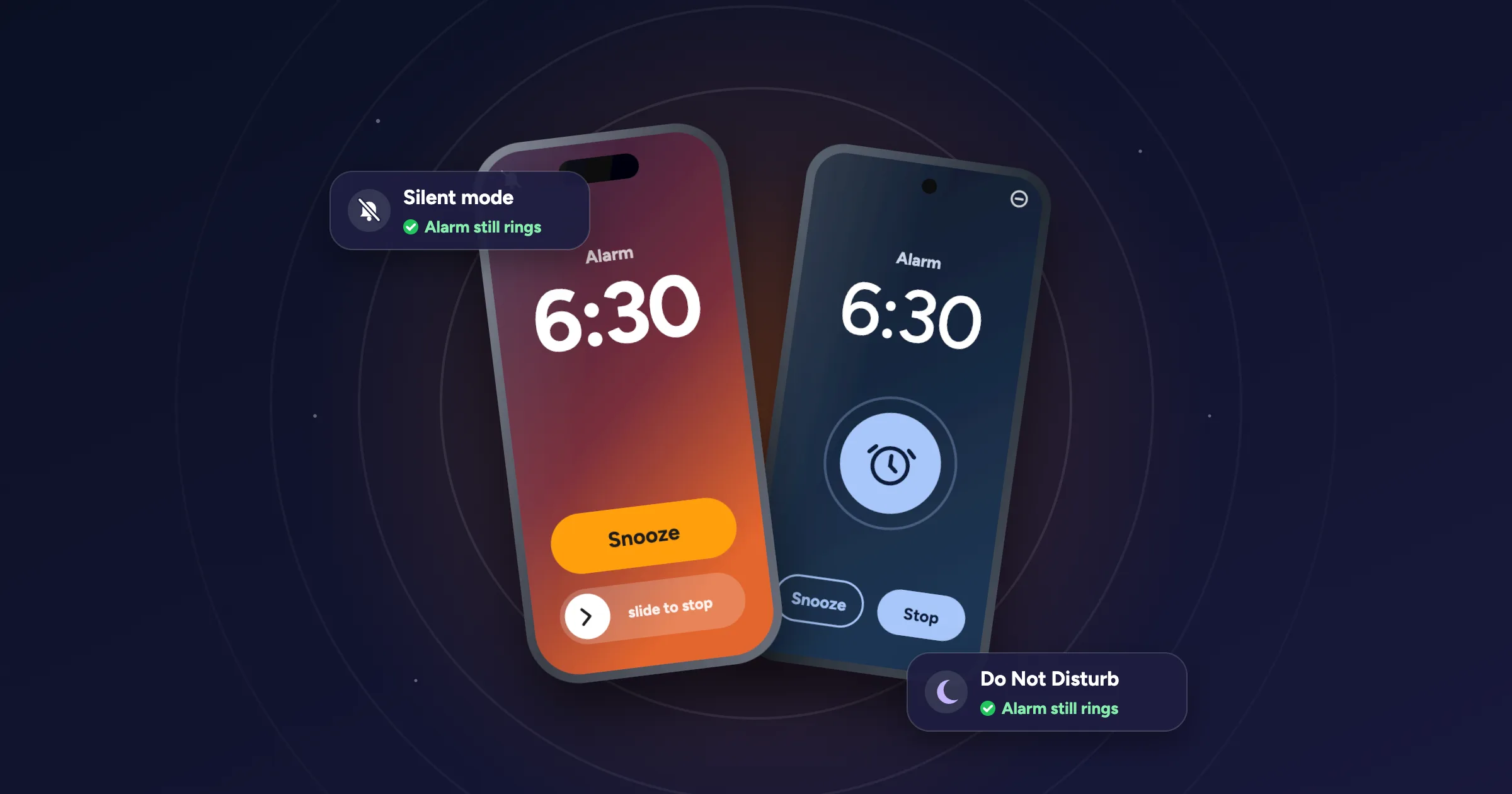
Will My Alarm Ring on Silent, Vibrate or Do Not Disturb? iPhone and Android
Usually yes, on iPhone and Android. But 6 things can still silence it, from a hidden Samsung setting to your Apple Watch.
Read the guide →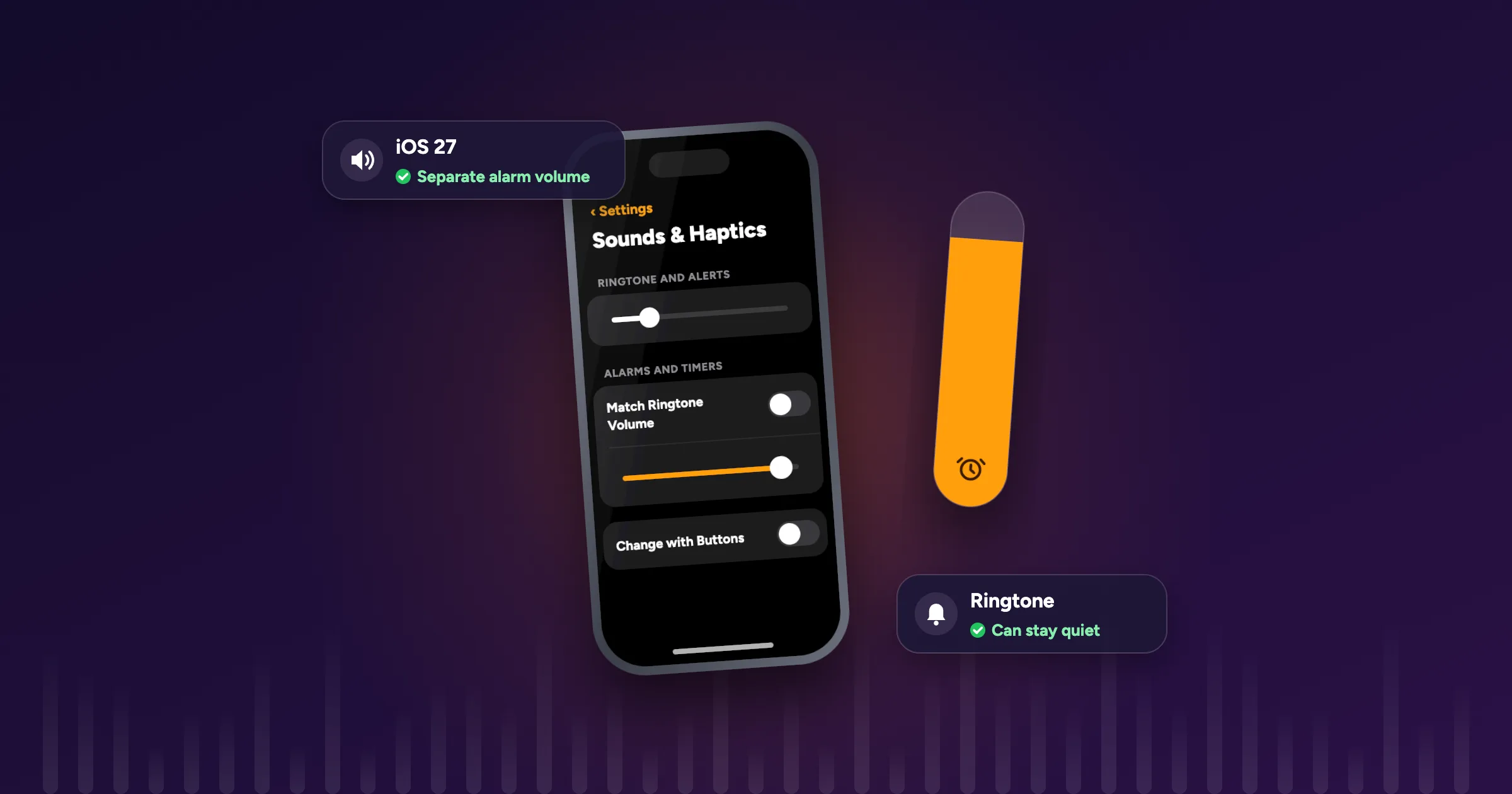
iPhone Alarm Too Quiet? How to Change the Alarm Volume on iOS 27 and iOS 26
Make your iPhone alarm louder: the new separate alarm volume in iOS 27, the right slider on iOS 26, the sleep alarm’s own volume and 6 more fixes.
Read the guide →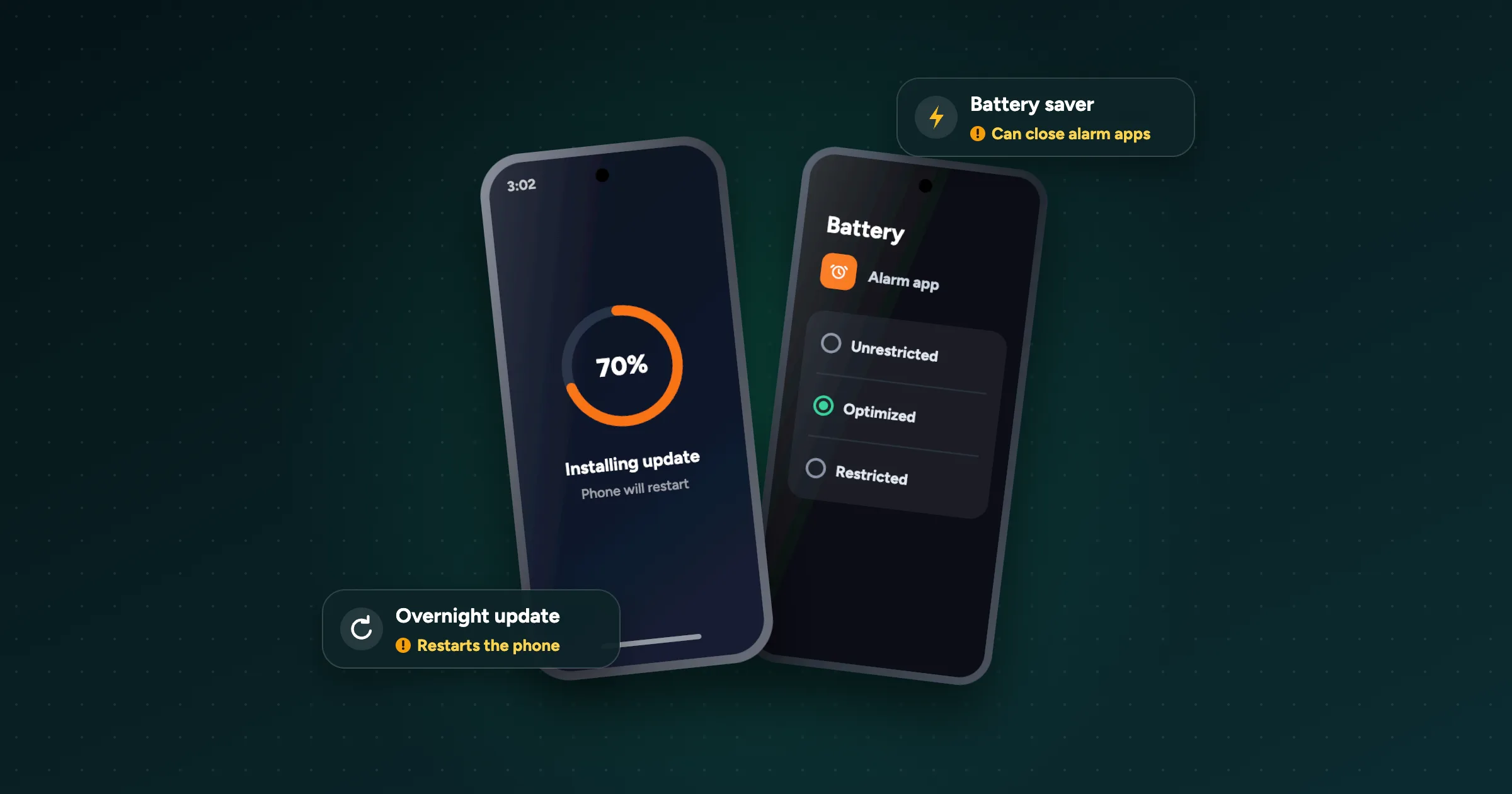
Android Alarm Not Going Off? 9 Fixes for Samsung, Pixel, Xiaomi and More
Android alarm didn’t ring, rang late or only showed a notification? 9 fixes with the exact settings for Samsung, Pixel, Xiaomi, TECNO, OPPO and vivo.
Read the guide →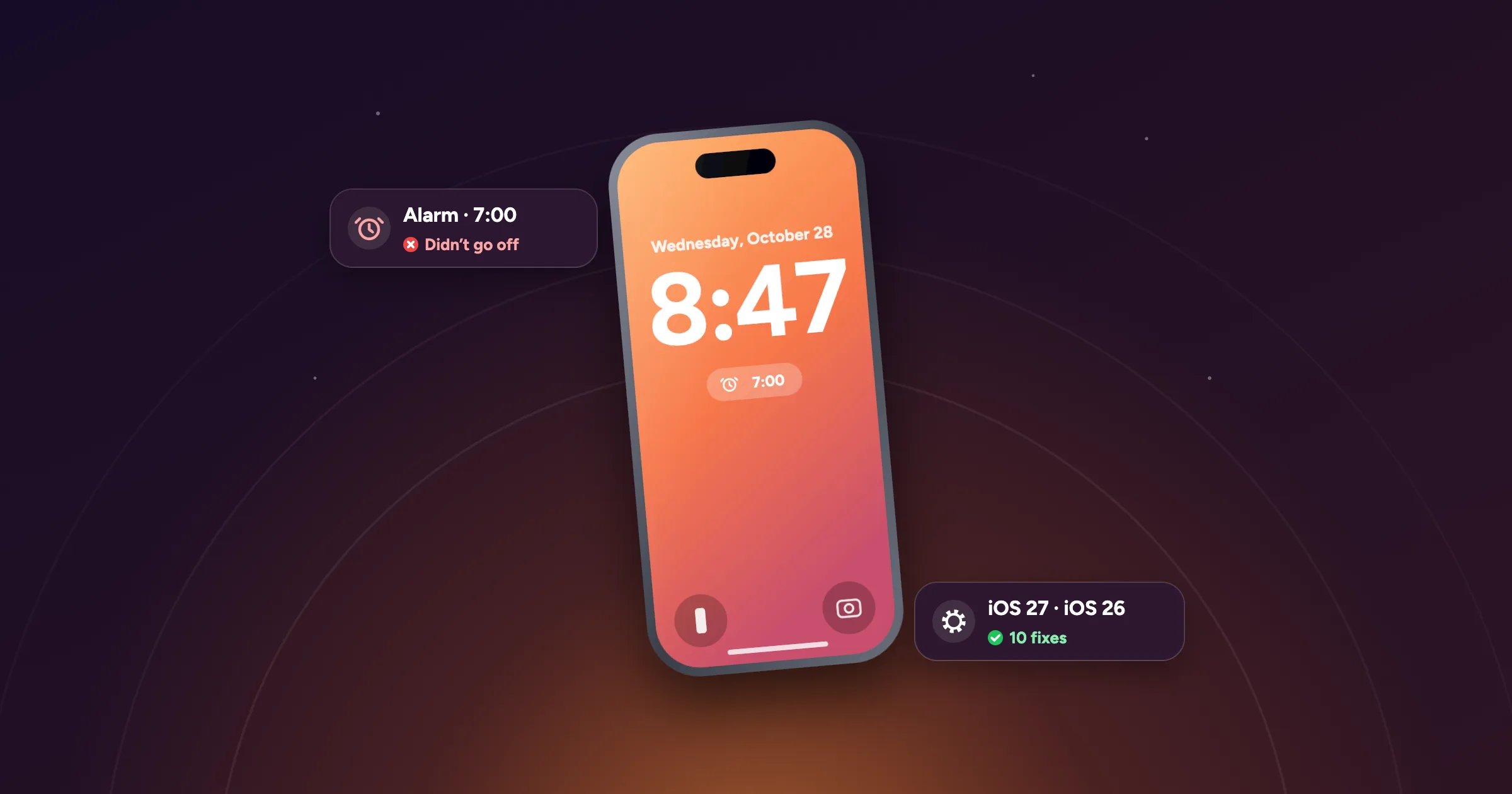
iPhone Alarm Not Going Off? 10 Fixes for iOS 27 and iOS 26
iPhone alarm not going off or not working after the iOS 27 update? 10 fixes: no sound, too quiet, only on Apple Watch, the new alarm volume and alarm apps.
Read the guide →