
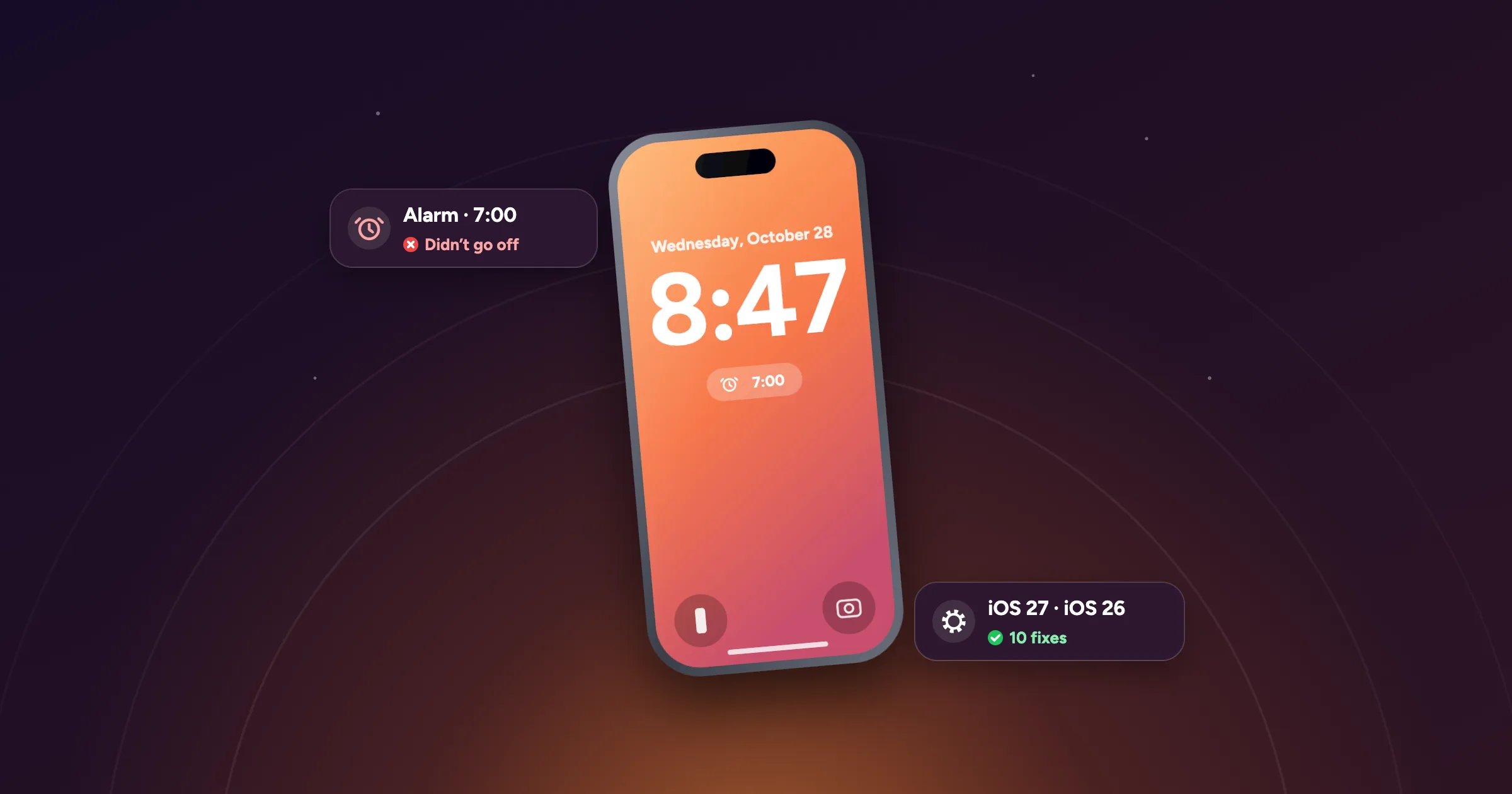
An iPhone alarm that doesn’t ring is almost always set up wrong, not broken. Silent mode, Do Not Disturb and Focus don’t block it.
- Check that the alarm is on, AM/PM and Repeat are right, and its sound isn’t None.
- Turn up the alarm volume: Ringtone and Alerts on iOS 26, or the new Alarms and Timers slider on iOS 27.
- Using the sleep schedule? Its alarm has its own volume, and with an Apple Watch on it may only play on the watch.
- Then run a two-minute test with the screen locked.
On this page
Find your problem by symptom
Start with what actually happened this morning. Each symptom points to a different setting.
Alarm stopped working after the iOS 27 update?
Since iOS 27 came out on September 14, 2026, people on Apple’s forums have reported alarms that light up the screen with no sound or vibration, start minutes late, or play for a second and then go nearly silent. The latest version as of November 6 is iOS 27.2, released October 26. Apple hasn’t listed an alarm fix in any iOS 27 update yet, and some people report the same problem on 27.2, so don’t count on the update alone. Apple hasn’t named a cause, but these checks cover what helped:
- Open the alarm in Clock › Alarms and make sure Sound isn’t None and Haptics isn’t None. An alarm with neither only lights up the screen.
- Check the new volume in Settings › Sounds & Haptics. If you turned off Match Ringtone Volume under Alarms and Timers, alarms now have their own slider, and it may be low. See how to change the alarm volume on iOS 27.
- Sound for a second, then almost nothing? Turn off Attention Aware Features.
- Wear an Apple Watch? Update it to watchOS 27 too. Several people with delayed or silent alarms said matching the watch to iOS 27 fixed it; one unpaired a watch that couldn’t update.
- Install the latest update in Settings › General › Software Update, restart, then test the alarm with the screen locked.
10 fixes for an iPhone alarm that won’t go off
Work through them in order, testing after each one.
Check the alarm itself
All iPhones
Open Clock › Alarms and read the alarm back: its switch is on, AM/PM is right and Repeat includes tomorrow. An alarm without Repeat rings once and then turns itself off, which is why “it worked yesterday” is so common. If you set it with Siri, check the time it actually saved.
No alarm icon at the top of the screen doesn’t mean no alarm. On iPhones with Face ID there’s no room for it in the status bar, so it sits at the top of Control Center: swipe down from the top-right corner and look next to the battery.
Pick a real sound
All iPhones
Tap Edit, tap the alarm, then tap Sound. If it says None, the alarm only vibrates, and in StandBy alarm haptics are off too, so a None alarm gives you nothing at all. Choose a tone, such as Radar, the default.
- RepeatWeekdays
- LabelAlarm
- SoundRadar
- Snooze
Turn up the alarm volume
All iPhones, new slider on iOS 27
The alarm doesn’t use your media volume, so a loud video says nothing about how loud it will be.
iOS 27: open Settings › Sounds & Haptics. Under Alarms and Timers, turn off Match Ringtone Volume and a separate alarm slider appears. Your alarms then ring at that level even with the ringer turned all the way down.
iOS 26 and earlier: alarms follow the Ringtone and Alerts slider in Settings › Sounds & Haptics. If Change with Buttons is on, the side buttons can lower it by accident; turn it off to keep the level where you set it.
Alarm rings but too quietly? Our guide to iPhone alarm volume covers every slider, the sleep alarm’s own volume and six more fixes.
- Match Ringtone Volume
Check your sleep schedule alarm
If you use a sleep schedule
The Sleep | Wake Up alarm is different from a normal alarm: it comes from your sleep schedule in the Health app and keeps its own volume, separate from the slider above. In Clock › Alarms, tap Change next to Sleep | Wake Up and check three things: the wake-up alarm is on, its volume isn’t near zero, and you haven’t changed or turned off just the next wake-up. If you also set a normal alarm at the same time, keep only one.
Wearing an Apple Watch to bed?
If you wear an Apple Watch to bed
When you wear your Apple Watch to bed, the sleep schedule alarm plays on the watch, not the iPhone. If the watch is silenced, all you get is a tap on the wrist. On iOS 26.4 and later, edit your sleep schedule in Clock or Health and turn on Always Play on iPhone, so the alarm plays on both.
- Wake Up Alarm
- Sounds & HapticsRadar
- Always Play on iPhone
Turn off Attention Aware Features
iPhones with Face ID
On iPhones with Face ID, Attention Aware Features lowers the volume of alerts while you look at the screen. If your alarm drops the moment you glance at it, open Settings › Face ID & Passcode and turn off Attention Aware Features.
- Require Attention for Face ID
- Attention Aware Features
Test the speaker
All iPhones
Open Settings › Sounds & Haptics and drag the volume slider back and forth: you should hear a tone. If you hear nothing or the speaker icon on the slider is dimmed, take off the case or screen protector and check that the speaker opening isn’t blocked or dirty. Still silent? Apple says the speaker may need service.
Update iOS and restart
All iPhones
Alarm bugs do happen after updates: in 2024 Apple confirmed it was working on an issue that kept some iPhone alarms from sounding. Install the latest version from Settings › General › Software Update, then restart the iPhone.
Delete and recreate the alarm
All iPhones
An alarm that stays silent while new ones ring is worth replacing. Swipe left on it in Clock › Alarms, delete it and create it again with a built-in tone.
Check your alarm app’s permission
Alarm apps, iOS 26 and later
If the alarm that failed came from another app, see third-party alarm apps below: on iOS 26 and later it needs your permission to set alarms.
What doesn’t stop an iPhone alarm
Many guides send you after settings that don’t matter. For the built-in Clock alarm, these are safe:
What does stop it: an iPhone that’s switched off or out of battery. Keep it on and charging overnight.
All six cases where an alarm does stay quiet on silent, on iPhone and Android, are in Will my alarm go off on silent?
New in iOS 26 and iOS 27: alarm changes to know
Apple changed alarms several times in iOS 26 and iOS 27. If your alarm suddenly behaves differently, this is why.
- iOS 26Snooze length per alarm, 1 to 15 minutes (default 9)Clock › Alarms › edit the alarm › Snooze Duration
- iOS 26Alarm apps can set real system alarms with AlarmKitAllow alarms when the app asks
- iOS 26.1A tap snoozes the alarm; you slide to stop itSettings › Accessibility › Touch › Prefer Single-Touch Actions brings back tap to stop
- iOS 26.4Always Play on iPhone for the sleep schedule alarmEdit your sleep schedule in Clock or Health
- iOS 27Alarms and timers get their own volumeSettings › Sounds & Haptics › Alarms and Timers › turn off Match Ringtone Volume
Third-party alarm apps on iPhone
Since iOS 26, alarm apps can use Apple’s AlarmKit, which schedules real system alarms that ring through Silent mode and Focus once you allow them. The app asks for permission, usually when you set your first alarm; if you said no, find the app in the Settings app and allow it there.
Apps that don’t use AlarmKit fall back on notifications, which play no longer than 30 seconds and stay silent in Silent mode. That’s why older alarm apps ask you not to force-quit them and to keep Low Power Mode off.
- Rings through Silent mode and Focus
- Shows as an alarm, like the Clock app’s
- Doesn’t need the app to stay open
- Sound stops after 30 seconds
- Silent in Silent mode
- Can miss if you force-quit it or turn on Low Power Mode
How to test your alarm the right way
A test with the phone in your hand proves little. Recreate the night instead:
- Set an alarm two minutes from now.
- Lock the screen, put the iPhone face down and don’t touch it.
- If you wear an Apple Watch to bed, keep it on for the test.
- Testing an alarm app? Swipe it away first, the way it may get closed overnight.
Repeat the test after every iOS update.
It rang, but you slept through it
If the alarm rang and you don’t remember turning it off, your iPhone did its job. That’s sleep inertia: the groggy state right after waking, when you can stop an alarm and fall back asleep without remembering it. More volume rarely fixes this. An alarm that needs you to be awake does.
- Put the iPhone across the room, so turning it off means standing up.
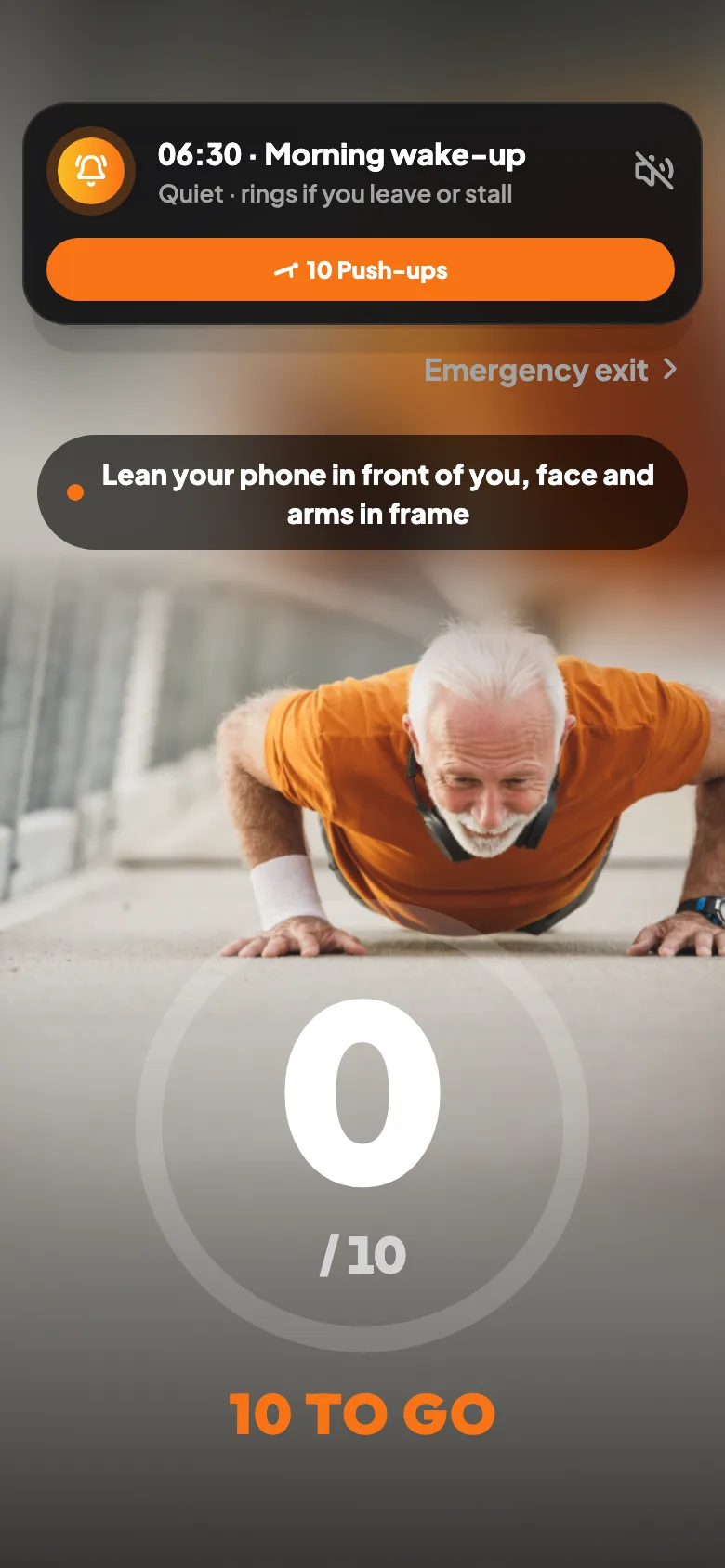
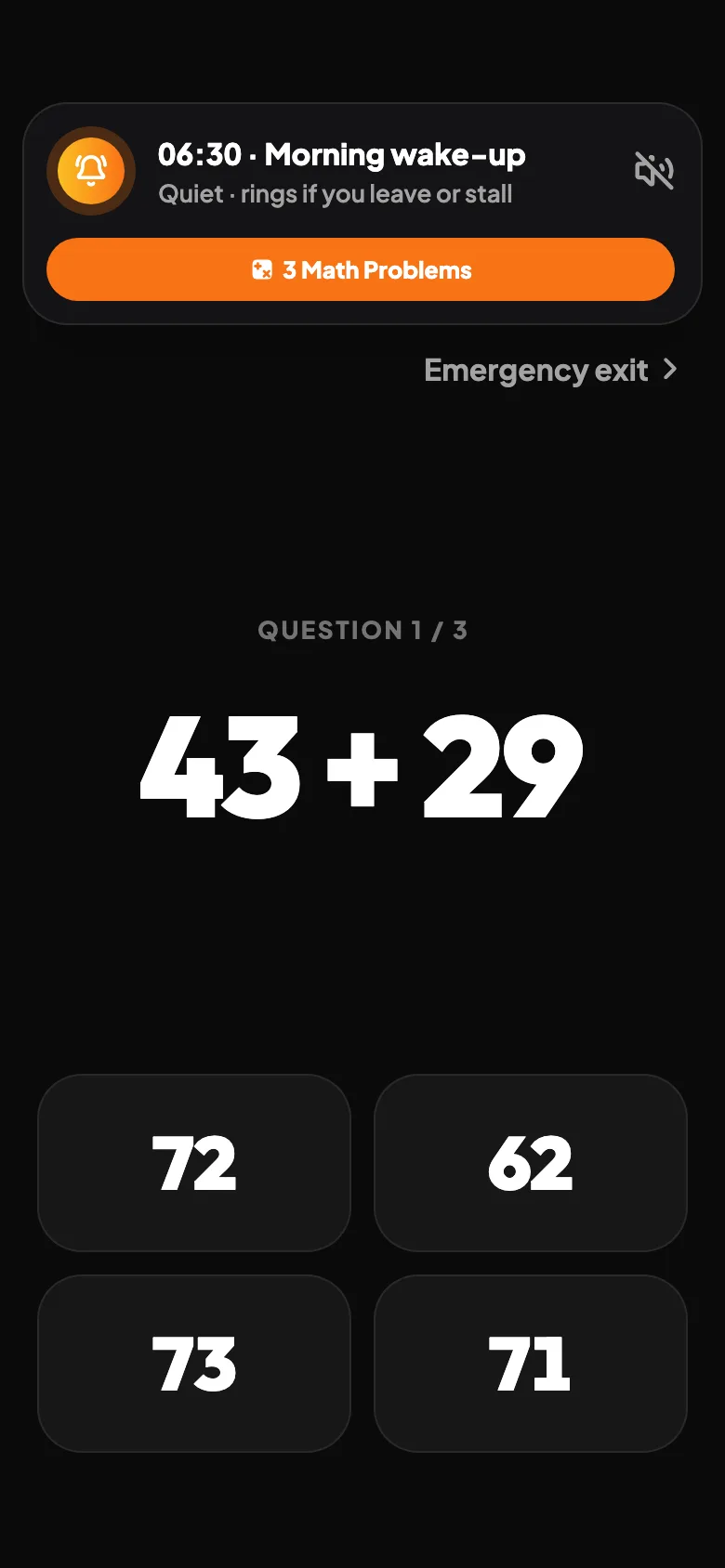
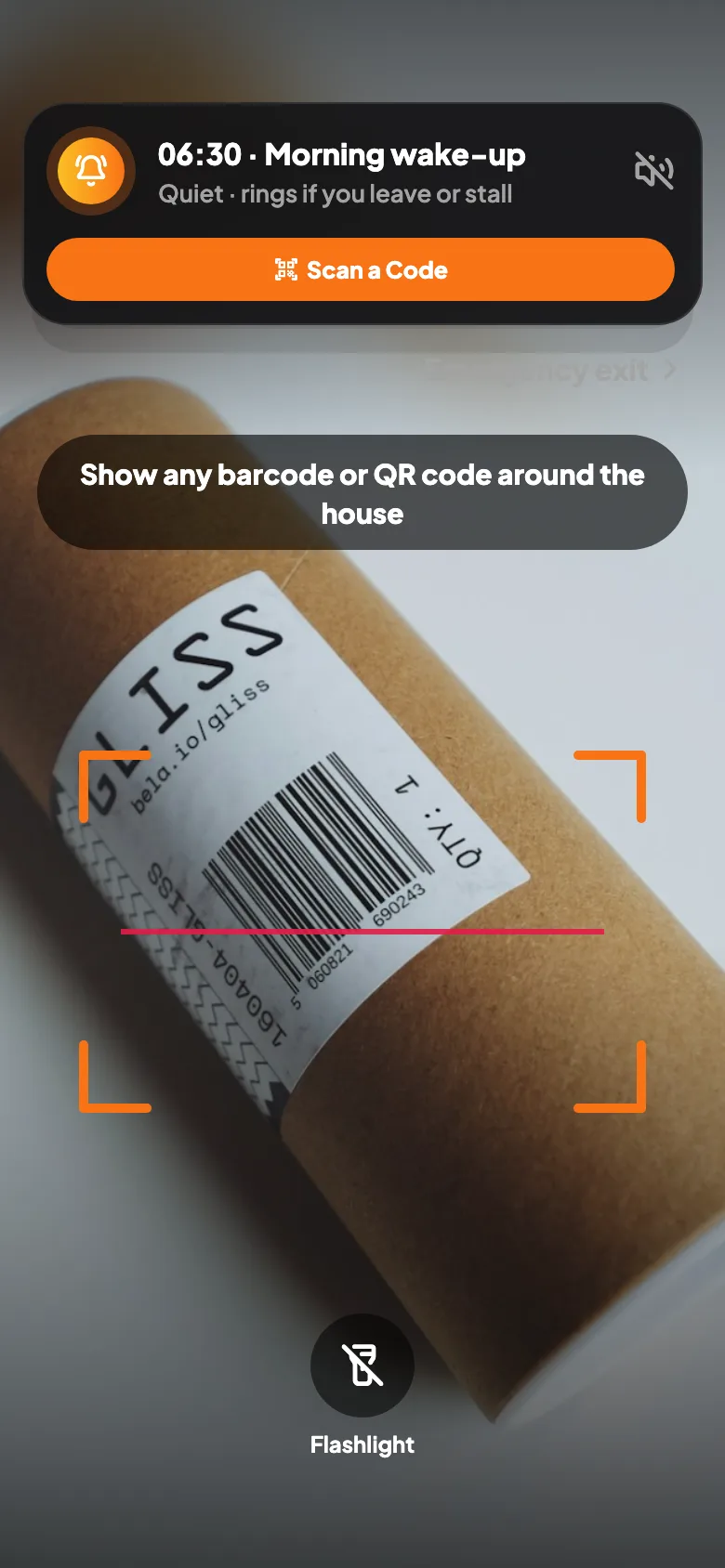
- Use a mission alarm: it keeps ringing until you finish a task that takes a working brain, like push-ups, a math problem or scanning a barcode in another room.
- Add a wake-up check: a quiet prompt a few minutes later that rings the alarm again if you don’t answer.
Frequently asked questions
Why didn’t my iPhone alarm go off?
Usually because of a setting, not a broken iPhone. Check that the alarm is on, AM/PM and Repeat are right, the sound isn’t set to None and the alarm volume is up. If you use the Sleep | Wake Up alarm and wear an Apple Watch to bed, the alarm may have played only on the watch.
Why did my iPhone alarm stop working after the iOS 27 update?
Since iOS 27 came out, people on Apple’s forums have reported alarms that light up with no sound, start late or fade after a second. Check that the alarm’s sound and haptics aren’t None, that the new Alarms and Timers volume isn’t low, and turn off Attention Aware Features. If you wear an Apple Watch, update it to watchOS 27 as well. Then install the latest iOS update (iOS 27.2 as of November 2026) and restart. Apple hasn’t listed an alarm fix yet, so test the alarm afterwards.
Will my iPhone alarm go off on silent?
Yes. Apple says the Ring/Silent switch, the Action button’s Silent mode and Do Not Disturb don’t affect the alarm sound. The Clock alarm still rings at the alarm volume.
Does Do Not Disturb or Sleep Focus stop my alarm?
No. Focus modes, including Do Not Disturb and Sleep, silence calls and notifications, not Clock alarms.
Will my alarm go off if my iPhone is off or the battery is dead?
No. An iPhone that’s switched off or out of battery can’t ring. Keep it on and charging overnight.
Will my alarm go off in Low Power Mode?
Yes. Low Power Mode limits background activity, but the Clock alarm still rings.
Why did my alarm only go off on my Apple Watch?
If you wear your Apple Watch to bed, the Sleep | Wake Up alarm plays on the watch instead of the iPhone. On iOS 26.4 and later, edit your sleep schedule and turn on Always Play on iPhone to hear it on both.
How do I make my iPhone alarm louder than my ringtone?
On iOS 27, open Settings > Sounds & Haptics, and under Alarms and Timers turn off Match Ringtone Volume. A separate alarm slider appears. On iOS 26 and earlier, alarms follow the Ringtone and Alerts slider. The Sleep | Wake Up alarm always has its own volume, set in the sleep schedule.
Why do I have to slide to stop my alarm?
Since iOS 26.1, tapping an alarm snoozes it and you slide to stop it, so you can’t turn it off by accident. To get a single-tap Stop back, turn on Prefer Single-Touch Actions in Settings > Accessibility > Touch.
Why is there no alarm icon on my iPhone?
On iPhones with Face ID the status bar has no room for it, so the alarm icon only shows at the top of Control Center: swipe down from the top-right corner. If it isn’t there either, open Clock › Alarms and check that the alarm is switched on.
Can I change the snooze time on iPhone?
Yes, since iOS 26. Edit the alarm in the Clock app and set Snooze Duration anywhere from 1 to 15 minutes. The default is still 9 minutes, and each alarm keeps its own setting.
Do iPhone alarms play through AirPods or headphones?
According to Apple, with headphones connected the alarm plays at a set volume through the iPhone’s built-in speaker as well as wired and wireless headphones.
Sources
- How to set and change alarms on your iPhonesupport.apple.com
- About Face ID advanced technology (Attention Aware Features)support.apple.com
- If you hear no sound or distorted sound from your iPhone speakersupport.apple.com
- Learn the meaning of the iPhone status iconssupport.apple.com
- WWDC25: Wake up to the AlarmKit APIdeveloper.apple.com
- iOS 27 finally unlinks alarm volume from your iPhone ringermacrumors.com
- iOS 27 adds independent volume settings for alarms and timers9to5mac.com
- iOS 26.4 gave your iPhone an alarm feature that’s long been missing9to5mac.com
- iOS 27 alarms only flash, no sound or vibration (Apple Community)discussions.apple.com
- Apple security releases (iOS 27.2, October 26, 2026)support.apple.com
- iOS 26.1 makes alarms harder to accidentally dismiss9to5mac.com
- How to change your iPhone’s snooze length in iOS 26tech.yahoo.com
- Apple is fixing an iPhone alarm issue (2024)deseret.com
More guides
How to Get Out of Bed in the Morning When You Don’t Want To
Awake but can’t get out of bed? Why the first minutes feel so heavy, an 8-step plan for the first 10 minutes, and when it’s more than a bad morning.
Read the guide →
What Is a Mission Alarm? The Alarm That Won’t Stop Until You’re Up
A mission alarm won’t stop until you finish a task: math, a photo, a barcode or push-ups. Which missions really get you out of bed, and how hard to set them.
Read the guide →
Will My Alarm Go Off If My Phone Is Off, Dead or in Airplane Mode?
Not if it’s off or dead (with two rare exceptions). Yes in airplane mode, Low Power Mode and offline. 10 situations on iPhone and Android, and 5 traps.
Read the guide →
What Time Should I Go to Bed? Sleep Cycle Calculator
Enter your wake-up time and get bedtimes for 4, 5 or 6 sleep cycles. Plus how much sleep you need by age, and why 90-minute cycles are only an average.
Read the guide →
The Best Alarm for Heavy Sleepers: What Actually Wakes You Up
Sleep through every alarm? What research says about sound, vibration, light and mission alarms, how to set up your phone, and which alarm type fits you.
Read the guide →
How to Wake Up Early, Even If You’re a Night Owl: A 3-Week Plan
Night owl who wants your mornings back? The 3-week plan behind a trial that moved sleep 2 hours earlier: 15-minute steps, morning light and one weekend rule.
Read the guide →
Android Alarm Too Quiet? How to Turn Up the Alarm Volume on Samsung, Xiaomi and Pixel
Android alarm too quiet or silent? Where the alarm volume is on Samsung, Xiaomi and Pixel, why it keeps going down, and how to change the alarm sound.
Read the guide →
Is Hitting Snooze Bad for You? What 4 Studies Actually Found
Does hitting snooze make you more tired? What four studies actually found, why you keep doing it, when it’s fine, and how to stop, plus how to turn snooze off.
Read the guide →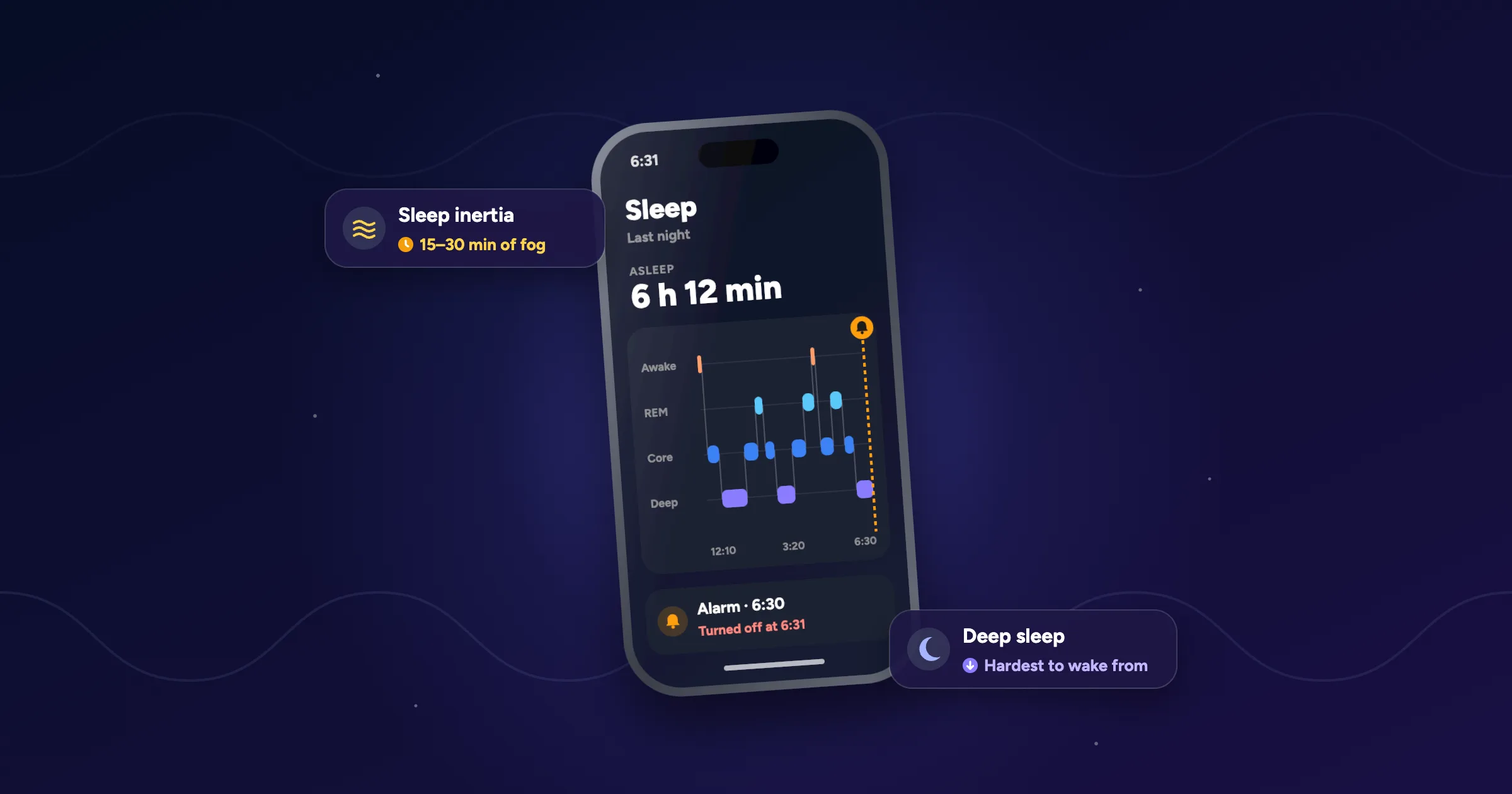
Why Can’t I Wake Up to My Alarm? 7 Reasons You Sleep Through It
Sleeping through your alarm, or turning it off without remembering? The 7 real reasons, from sleep inertia to your body clock, and the fixes that work.
Read the guide →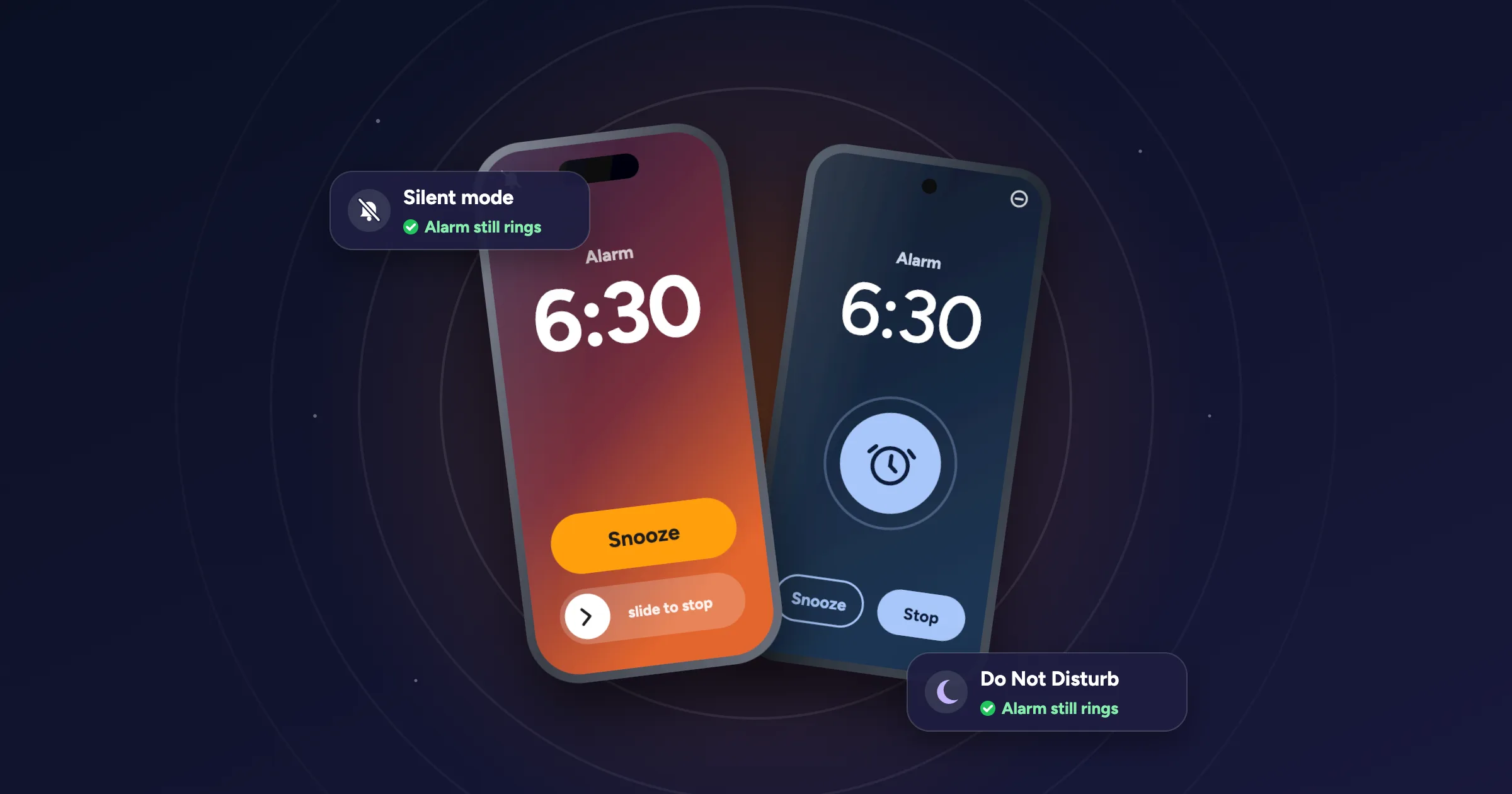
Will My Alarm Ring on Silent, Vibrate or Do Not Disturb? iPhone and Android
Usually yes, on iPhone and Android. But 6 things can still silence it, from a hidden Samsung setting to your Apple Watch.
Read the guide →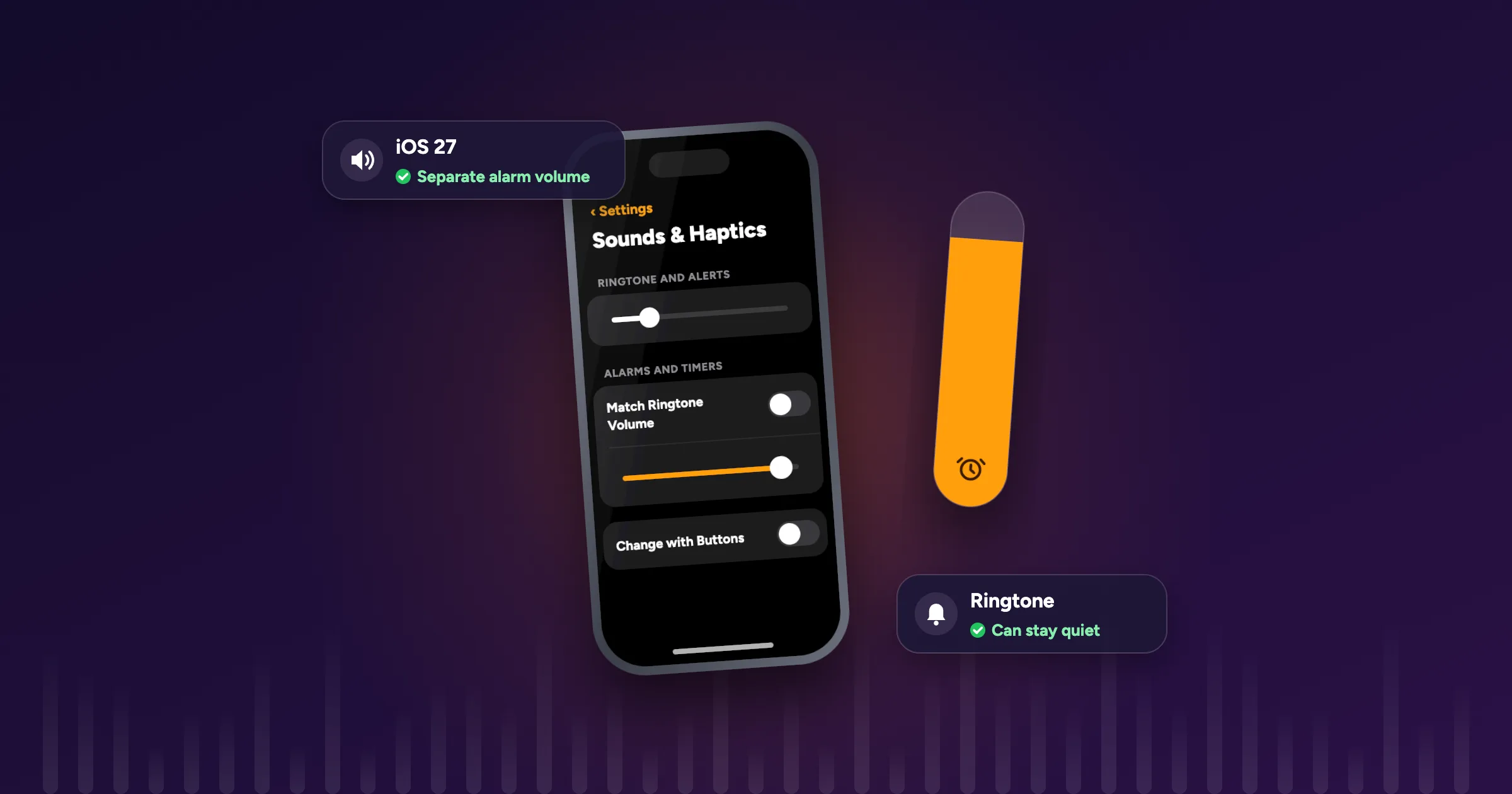
iPhone Alarm Too Quiet? How to Change the Alarm Volume on iOS 27 and iOS 26
Make your iPhone alarm louder: the new separate alarm volume in iOS 27, the right slider on iOS 26, the sleep alarm’s own volume and 6 more fixes.
Read the guide →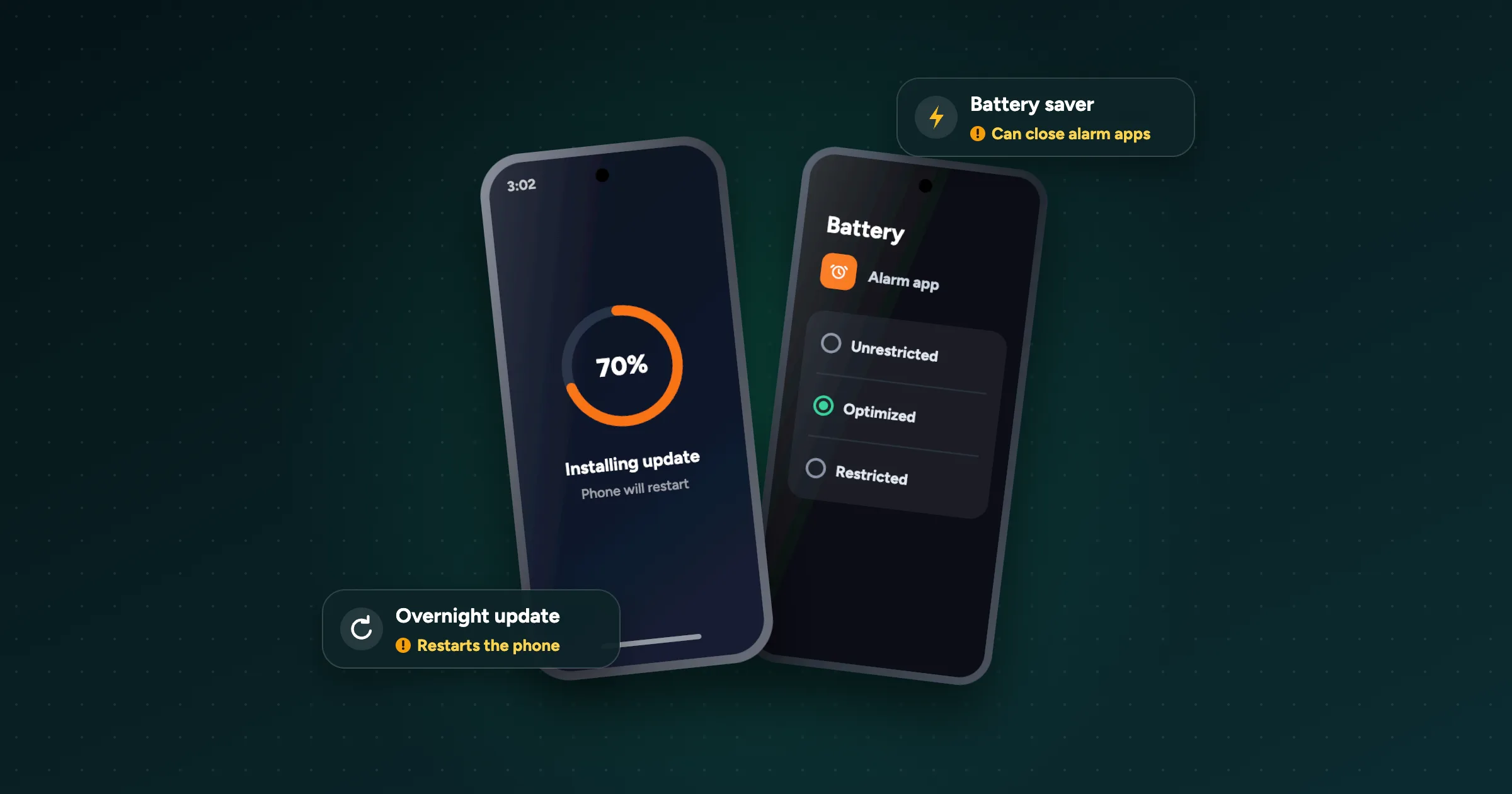
Android Alarm Not Going Off? 9 Fixes for Samsung, Pixel, Xiaomi and More
Android alarm didn’t ring, rang late or only showed a notification? 9 fixes with the exact settings for Samsung, Pixel, Xiaomi, TECNO, OPPO and vivo.
Read the guide →