
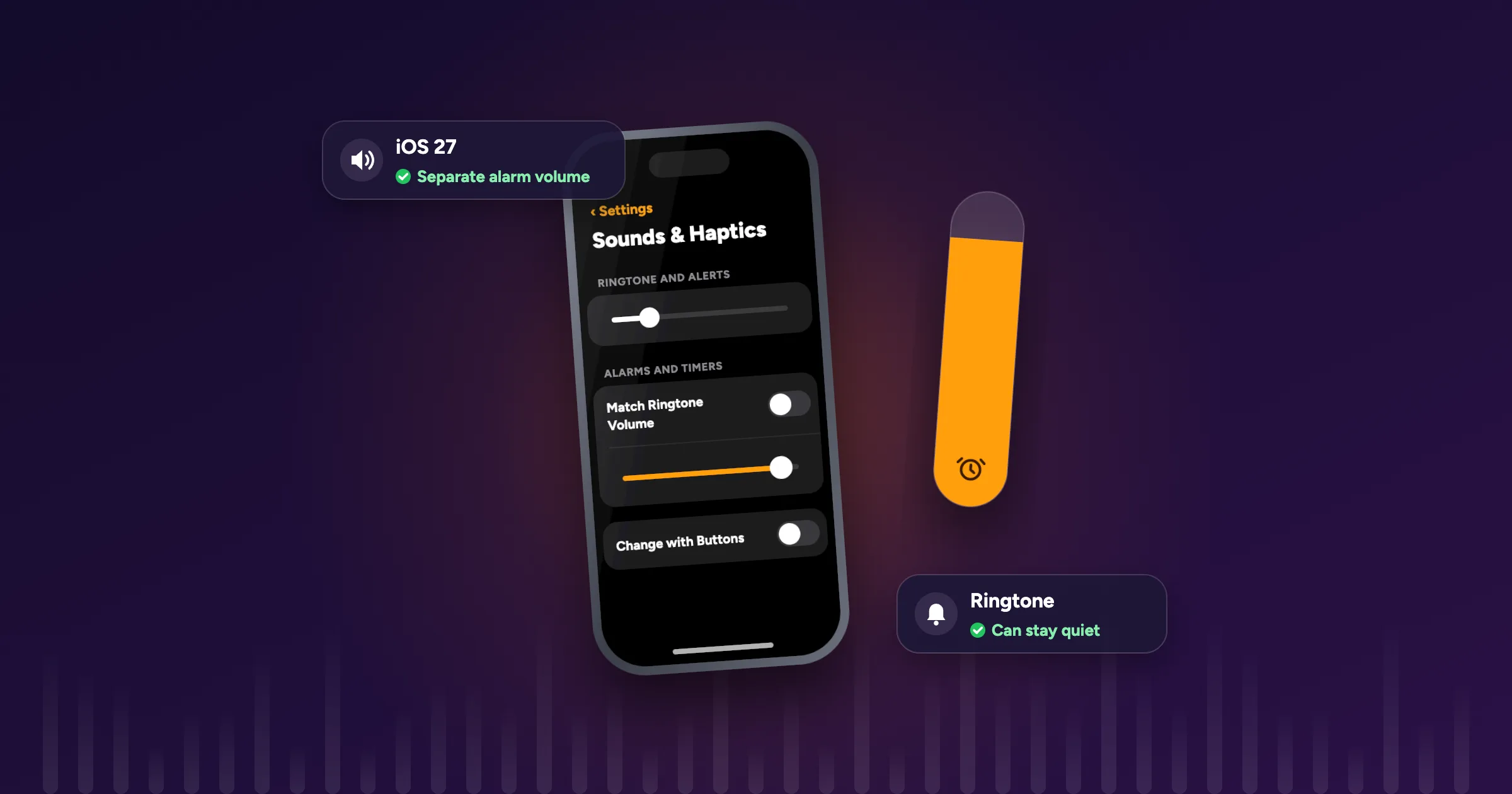
Your alarm doesn’t follow the volume you hear in videos and music. It follows the ringtone, or on iOS 27 a slider of its own.
- iOS 27: Settings › Sounds & Haptics, under Alarms and Timers turn off Match Ringtone Volume and drag the slider up.
- iOS 26 and earlier: raise Ringtone and Alerts in the same screen and turn off Change with Buttons.
- The Sleep | Wake Up alarm has its own volume in the sleep schedule.
- Still quiet? Check the alarm sound, Attention Aware Features and the speaker.
On this page
What kind of quiet?
“Too quiet” has a few different causes. Start with the one that sounds like your morning.
How to change the alarm volume on iOS 27
Since iOS 27, released on September 14, 2026, alarms no longer have to share a volume with your ringtone. It’s one switch:
- Open Settings › Sounds & Haptics.
- Under Alarms and Timers, turn off Match Ringtone Volume.
- Drag the slider that appears. Most people who sleep through alarms want it near the top.
- Want it to stay there? Turn off Change with Buttons in the same screen, so the side buttons can’t move it.
- Match Ringtone Volume
Now your alarms ring at that level even with the ringer turned all the way down, so you can keep calls quiet and mornings loud. Until you turn the switch off, nothing changes: after the update, alarms keep matching your ringtone volume as before.
Two things to know about this slider: the Sleep | Wake Up alarm, which keeps its own volume, and timers, which share the alarm slider. A loud alarm means a loud kitchen timer.
How to change the alarm volume on iOS 26 and earlier
Before iOS 27, alarms follow the ringtone. Open Settings › Sounds & Haptics and drag Ringtone and Alerts up. Calls and notifications get louder too; that’s the trade-off iOS 27 removes.
Then look at Change with Buttons right below it. When it’s on, the side buttons change the ringer, and with it your alarm, whenever nothing is playing. Turning a video down in bed or a squeeze in your pocket can leave the alarm nearly silent. Turn it off and the level stays where you put it.
- Change with Buttons
Not sure which version you have? Check Settings › General › About. If Alarms and Timers isn’t in Sounds & Haptics, you’re not on iOS 27 yet.
Which slider controls what
The volume buttons usually change what’s playing, not your alarm. A loud video at night tells you nothing about the morning.
| Sound | Volume set by |
|---|---|
| Clock alarms | iOS 27: Alarms and Timers (with Match Ringtone Volume off). iOS 26 and earlier: Ringtone and Alerts. |
| Timers | The same slider as alarms. |
| Sleep | Wake Up alarm | Its own slider, in the sleep schedule’s Alarm Options. |
| Music, videos, games | Media volume. It doesn’t change alarms. |
| Volume buttons | Media volume, plus the ringer and alarms when Change with Buttons is on. |
The sleep schedule alarm has its own volume
If your quiet alarm is the Sleep | Wake Up one at the top of Clock › Alarms, the sliders above won’t help. It comes from your sleep schedule in the Health app and has a volume of its own. Tap Change next to it and drag the slider under Alarm Options.
- Wake Up Alarm
- Sounds & HapticsRadar
- Always Play on iPhone
Wear an Apple Watch to bed? Then this alarm plays on the watch, not the iPhone, which feels like a very quiet alarm. On iOS 26.4 and later, turn on Always Play on iPhone in the same screen so it plays on both.
Still too quiet? 6 more fixes
Volume maxed and it’s still weak? Work through these, testing after each one.
Pick a louder sound
All iPhones
Each alarm has its own sound, and some tones are much softer than others at the same volume. In Clock › Alarms, tap the alarm, then Sound. If it says None, it only vibrates. Pick a sharp tone you react to, like Radar, the default, and make sure Haptics isn’t set to None, so you feel it as well as hear it. A song you fall asleep to is a poor alarm.
Turn off Attention Aware Features
iPhones with Face ID
If the alarm starts loud and drops the moment you look at it, that’s by design: Attention Aware Features lowers alerts while you’re looking at the screen. Open Settings › Face ID & Passcode and turn off Attention Aware Features.
- Require Attention for Face ID
- Attention Aware Features
Don’t muffle the speaker
All iPhones
Under a pillow, face down on a duvet or wrapped in a thick case, the speaker loses much of its punch. Put the iPhone on a hard surface with the bottom edge, where the main speaker is, facing the room. Across the room is even better: you’ll have to get up to turn it off.
Test the speaker
All iPhones
In Settings › Sounds & Haptics, drag the volume slider and listen for a tone. If it’s faint, crackly or silent, take off the case and check the speaker openings for lint. Still bad? Apple says the speaker may need service.
Don’t blame AirPods
If you sleep with headphones
The alarm doesn’t move to your headphones and leave the speaker silent. Apple says that with headphones connected, it plays at a set volume through the iPhone’s built-in speakers and the headphones.
Update iOS and restart
All iPhones
Install the latest version from Settings › General › Software Update and restart. If an alarm is quiet while new ones are fine, delete it and set it again with a built-in tone. And if your alarm doesn’t ring at all, that’s a different problem: see iPhone alarm not going off.
The 30-second bedtime check
- iOS 27: Match Ringtone Volume off, alarm slider high. iOS 26: Ringtone and Alerts high. Either way, Change with Buttons off.
- The alarm’s sound is a real tone, not None.
- Sleep schedule alarm? Its own slider is up.
- The iPhone is on a hard surface, speaker uncovered, and charging.
To test, set an alarm two minutes ahead, lock the screen and put the phone where it sleeps. If you can hear it from the bed with the door closed, you’re set.
Loud enough, but you slept on
If the alarm was loud and you still don’t remember turning it off, more volume won’t fix it. That’s sleep inertia: the groggy minutes after waking when you can stop an alarm and fall back asleep without remembering it. What works is an alarm that needs you awake to turn it off.
- Put the iPhone across the room, so stopping it means standing up.
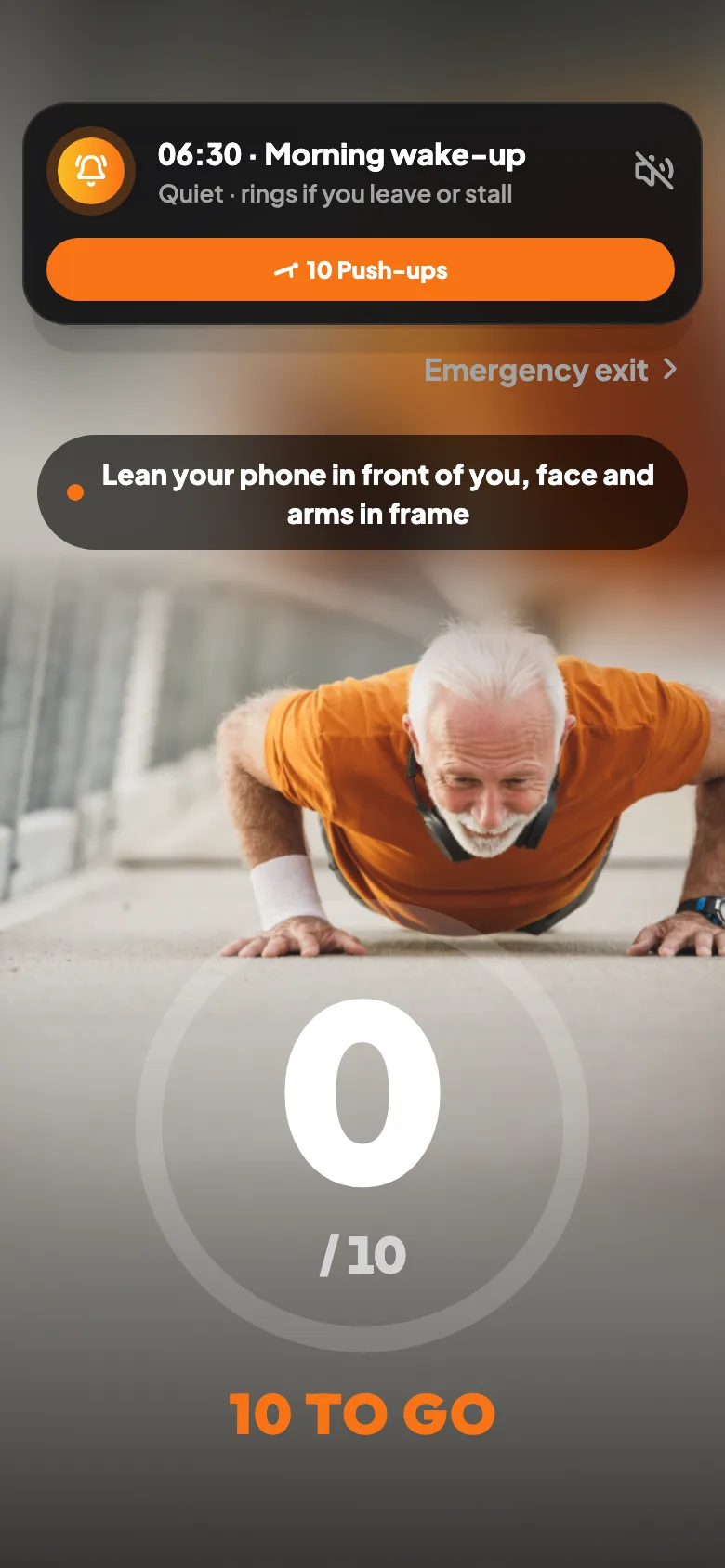
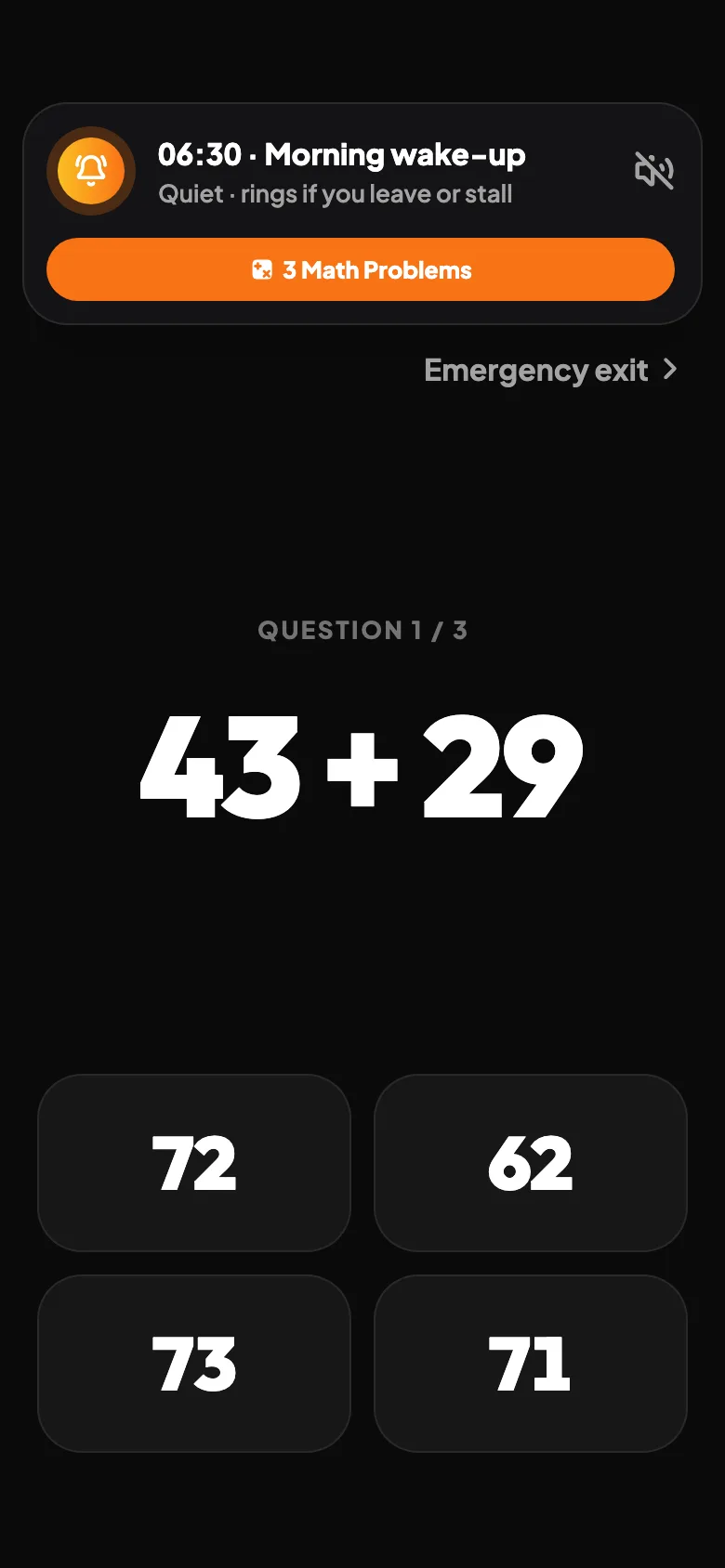
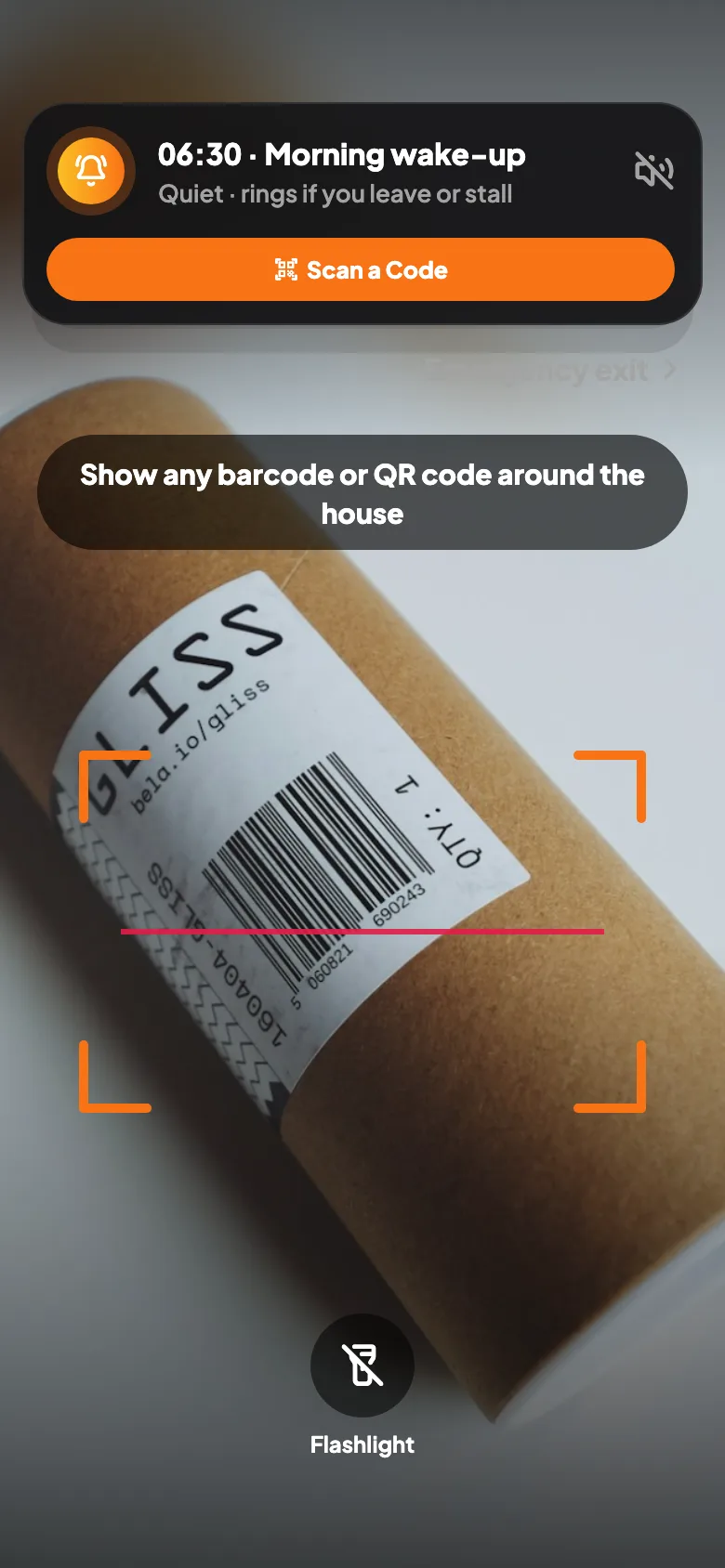
- Use a mission alarm: it keeps ringing until you finish a task that takes a working brain, like push-ups, a math problem or scanning a barcode in another room.
- Add a wake-up check: a quiet prompt a few minutes later that rings the alarm again if you don’t answer.
Frequently asked questions
How do I change the alarm volume on my iPhone?
On iOS 27, open Settings > Sounds & Haptics. Under Alarms and Timers, turn off Match Ringtone Volume and drag the slider that appears. On iOS 26 and earlier, alarms use the Ringtone and Alerts slider in Settings > Sounds & Haptics. The Sleep | Wake Up alarm has its own volume, set in your sleep schedule.
Why is my iPhone alarm so quiet?
Usually the wrong slider. The volume buttons change media volume while you watch or listen, but alarms follow the ringtone volume, or on iOS 27 their own Alarms and Timers slider. Other causes: a soft alarm sound, Attention Aware Features lowering it when you look at the screen, or a low Sleep | Wake Up alarm volume.
Can my iPhone alarm be louder than my ringtone?
Yes, on iOS 27. Turn off Match Ringtone Volume under Alarms and Timers in Settings > Sounds & Haptics and set the alarm slider high. Your ringer can then stay low or even all the way down while alarms still ring at the level you chose.
Do the volume buttons change my alarm volume?
Only if Change with Buttons is on in Settings > Sounds & Haptics; otherwise they change media volume. If the side buttons keep lowering your alarm by accident, turn Change with Buttons off and set the level with the slider instead.
Why does my alarm get quieter when I look at my iPhone?
That’s Attention Aware Features on iPhones with Face ID: it lowers the volume of alerts while you look at the screen. Turn it off in Settings > Face ID & Passcode.
How do I change the volume of the Sleep | Wake Up alarm?
In the Clock app, tap Alarms, then Change next to Sleep | Wake Up, and drag the volume slider under Alarm Options. This alarm keeps its own volume and ignores the Alarms and Timers slider.
Does the iOS 27 alarm slider change timer volume too?
Yes. Alarms and timers share one slider in iOS 27, so a loud alarm also means a loud timer.
Does silent mode make my iPhone alarm quieter?
No. Apple says the alarm still sounds in Silent mode and with Do Not Disturb or any other Focus on.
Will my alarm play through AirPods instead of the iPhone speaker?
No, it plays on both. Apple says that with headphones connected the alarm plays at a set volume through the iPhone’s built-in speakers and the headphones.
Did the iOS 27 update change my alarm volume?
Not by itself. Match Ringtone Volume is on until you turn it off, so alarms keep following your ringtone volume after the update.
Sources
- Set an alarm in Clock on iPhone (iPhone User Guide, iOS 27)support.apple.com
- How to set and change alarms on your iPhonesupport.apple.com
- About Face ID advanced technology (Attention Aware Features)support.apple.com
- If you hear no sound or distorted sound from your iPhone speakersupport.apple.com
- iOS 27 finally unlinks alarm volume from your iPhone ringermacrumors.com
- iOS 27 adds independent volume settings for alarms and timers9to5mac.com
- Apple Announces iOS 27 Release Datemacrumors.com
More guides
How to Get Out of Bed in the Morning When You Don’t Want To
Awake but can’t get out of bed? Why the first minutes feel so heavy, an 8-step plan for the first 10 minutes, and when it’s more than a bad morning.
Read the guide →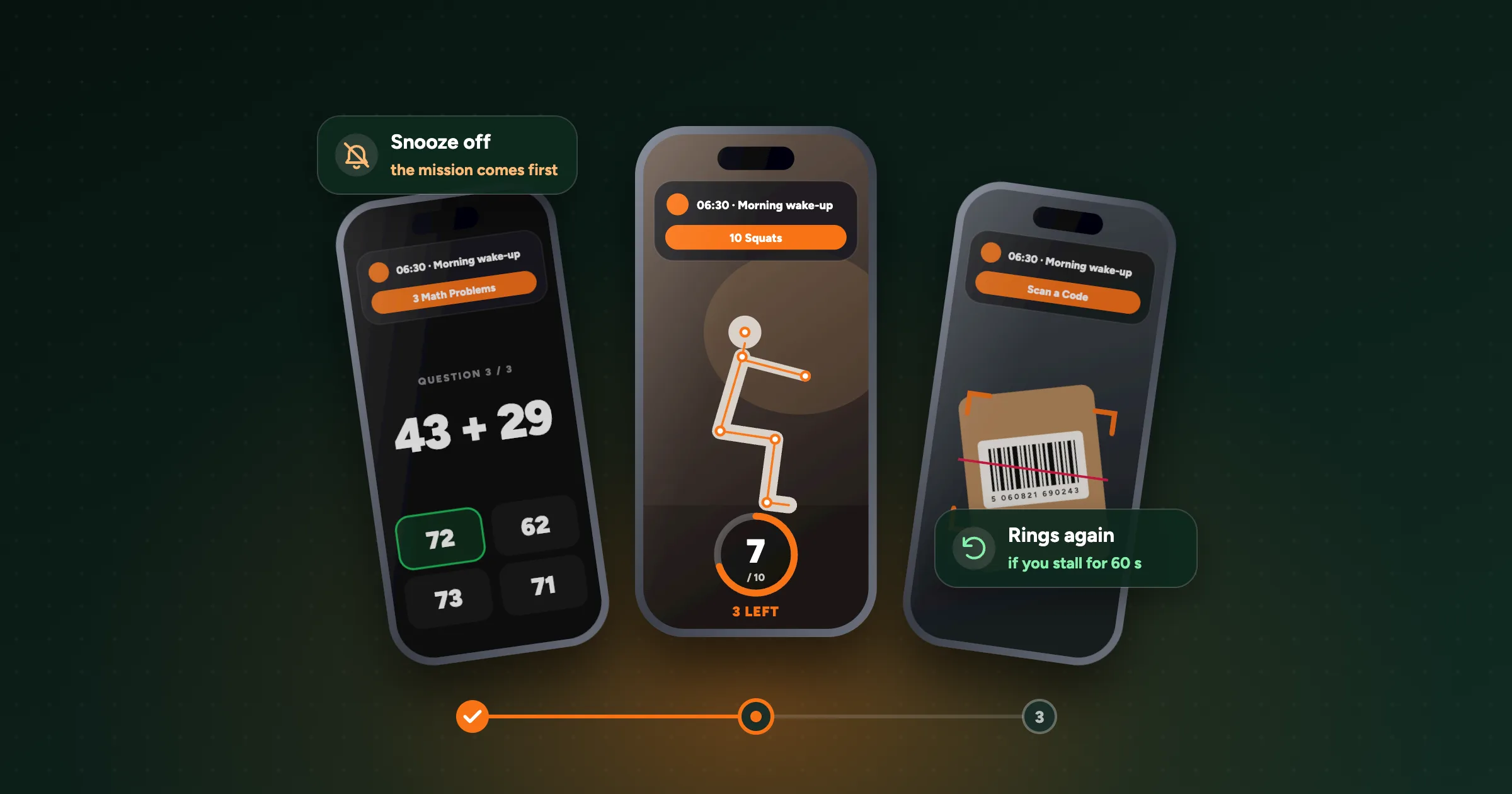
What Is a Mission Alarm? The Alarm That Won’t Stop Until You’re Up
A mission alarm won’t stop until you finish a task: math, a photo, a barcode or push-ups. Which missions really get you out of bed, and how hard to set them.
Read the guide →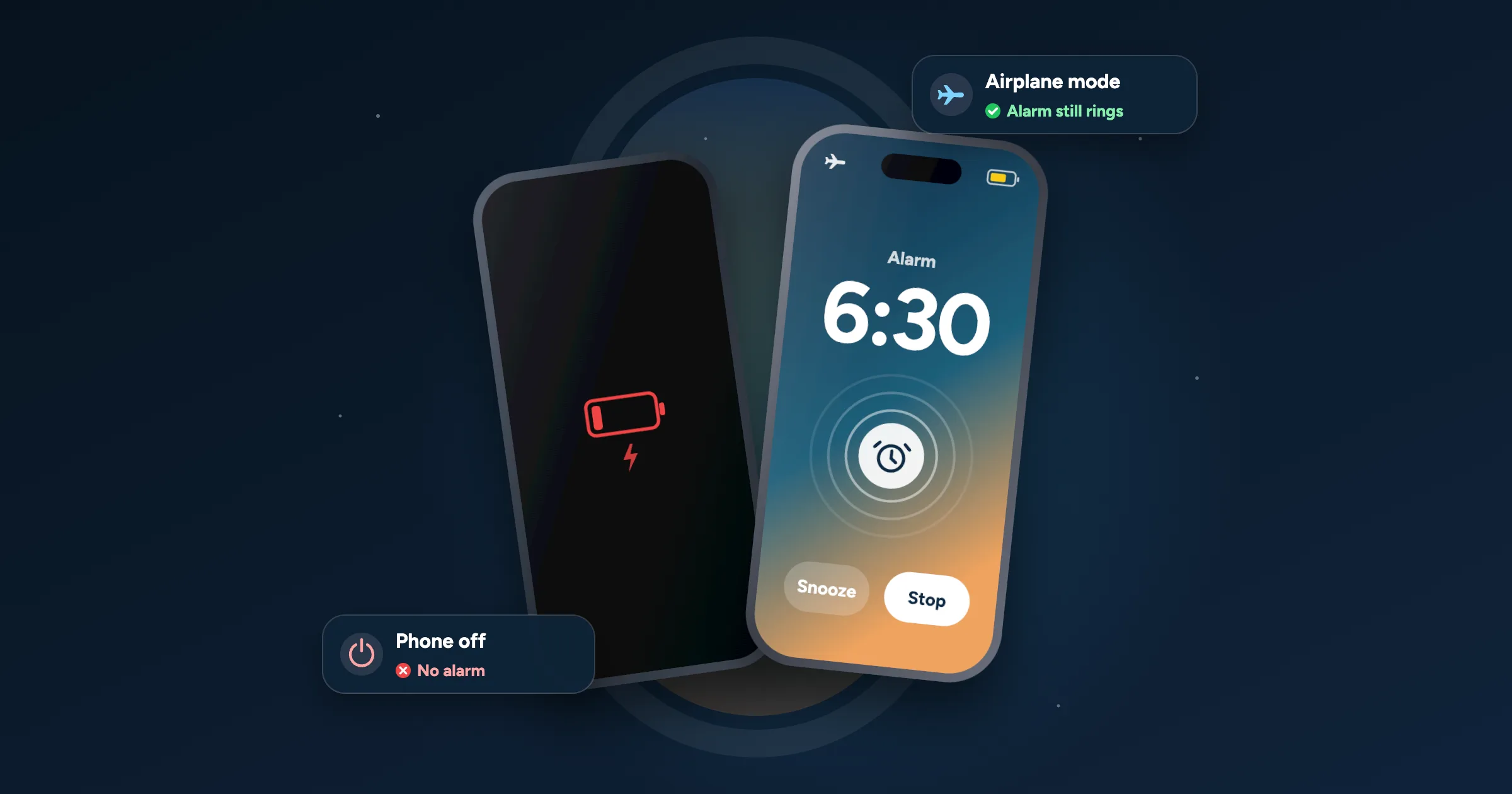
Will My Alarm Go Off If My Phone Is Off, Dead or in Airplane Mode?
Not if it’s off or dead (with two rare exceptions). Yes in airplane mode, Low Power Mode and offline. 10 situations on iPhone and Android, and 5 traps.
Read the guide →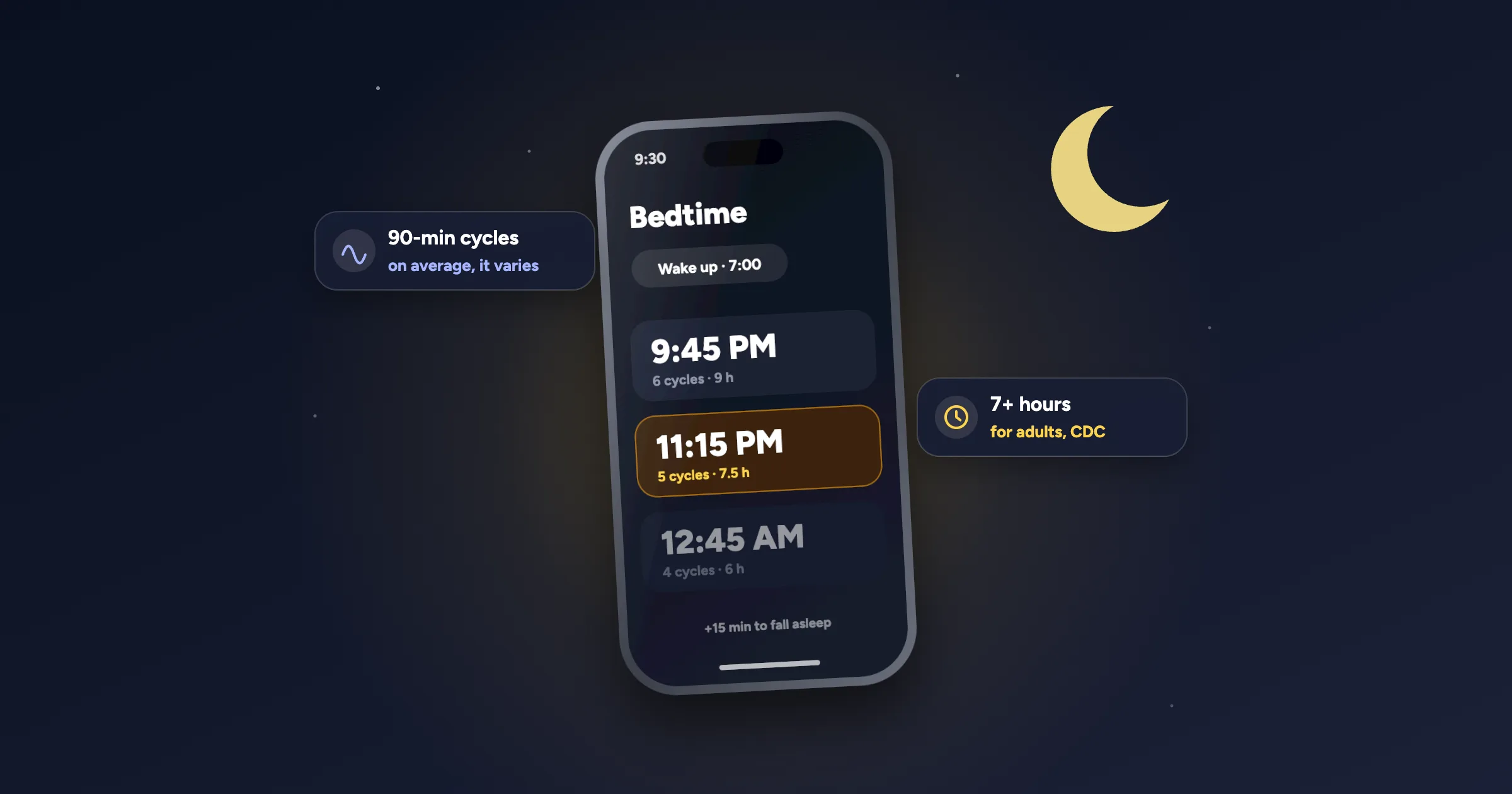
What Time Should I Go to Bed? Sleep Cycle Calculator
Enter your wake-up time and get bedtimes for 4, 5 or 6 sleep cycles. Plus how much sleep you need by age, and why 90-minute cycles are only an average.
Read the guide →
The Best Alarm for Heavy Sleepers: What Actually Wakes You Up
Sleep through every alarm? What research says about sound, vibration, light and mission alarms, how to set up your phone, and which alarm type fits you.
Read the guide →
How to Wake Up Early, Even If You’re a Night Owl: A 3-Week Plan
Night owl who wants your mornings back? The 3-week plan behind a trial that moved sleep 2 hours earlier: 15-minute steps, morning light and one weekend rule.
Read the guide →
Android Alarm Too Quiet? How to Turn Up the Alarm Volume on Samsung, Xiaomi and Pixel
Android alarm too quiet or silent? Where the alarm volume is on Samsung, Xiaomi and Pixel, why it keeps going down, and how to change the alarm sound.
Read the guide →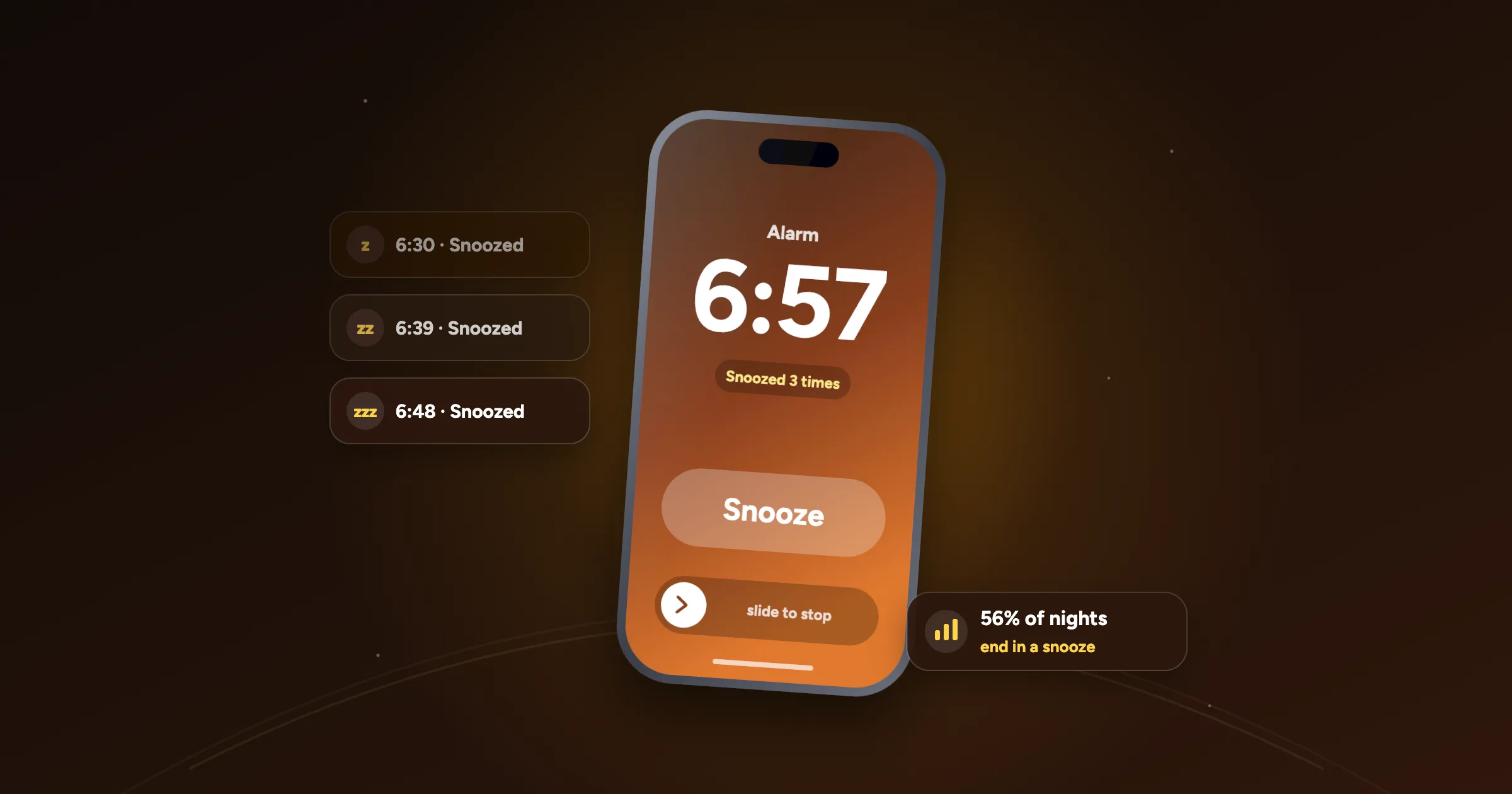
Is Hitting Snooze Bad for You? What 4 Studies Actually Found
Does hitting snooze make you more tired? What four studies actually found, why you keep doing it, when it’s fine, and how to stop, plus how to turn snooze off.
Read the guide →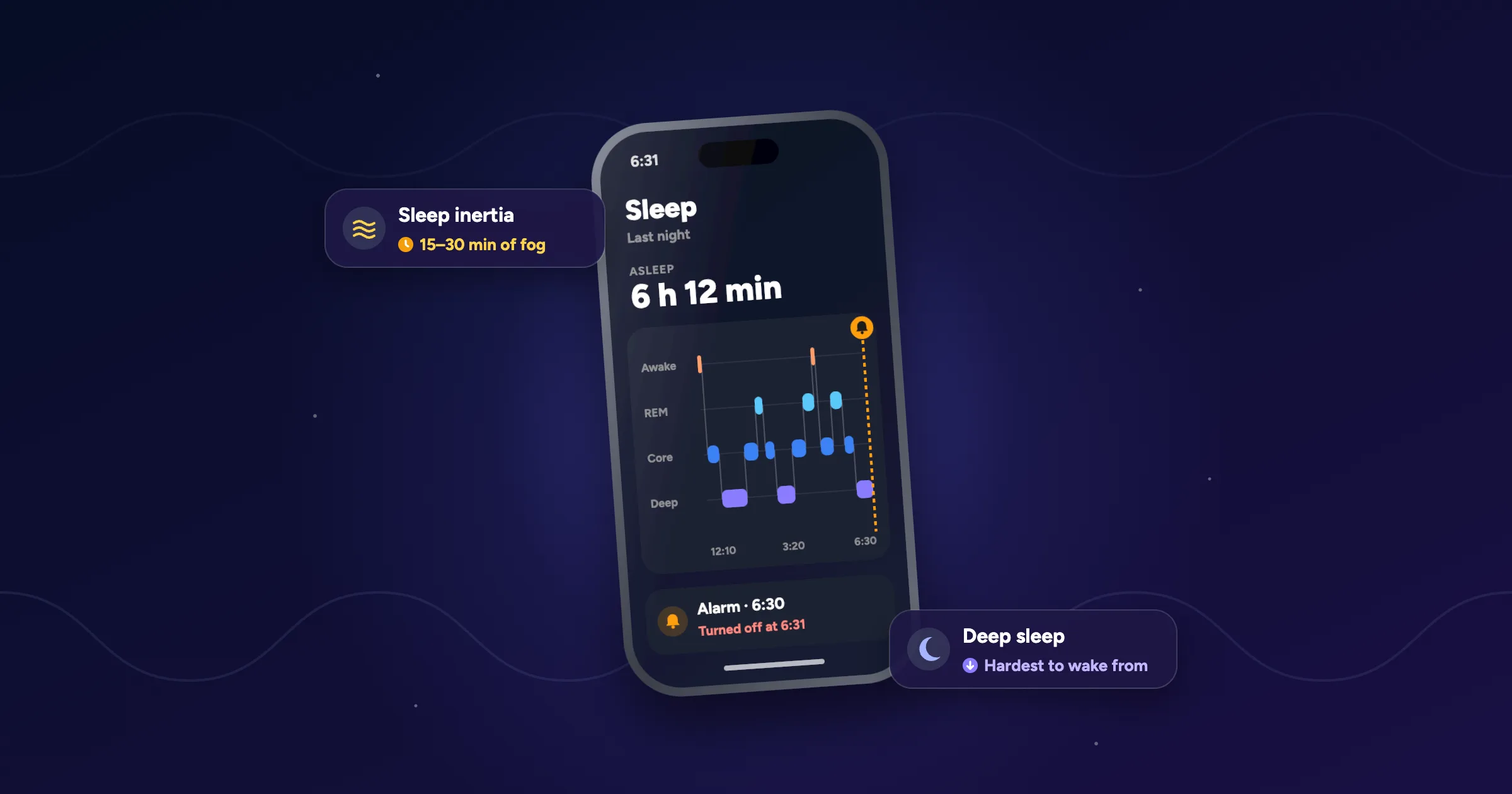
Why Can’t I Wake Up to My Alarm? 7 Reasons You Sleep Through It
Sleeping through your alarm, or turning it off without remembering? The 7 real reasons, from sleep inertia to your body clock, and the fixes that work.
Read the guide →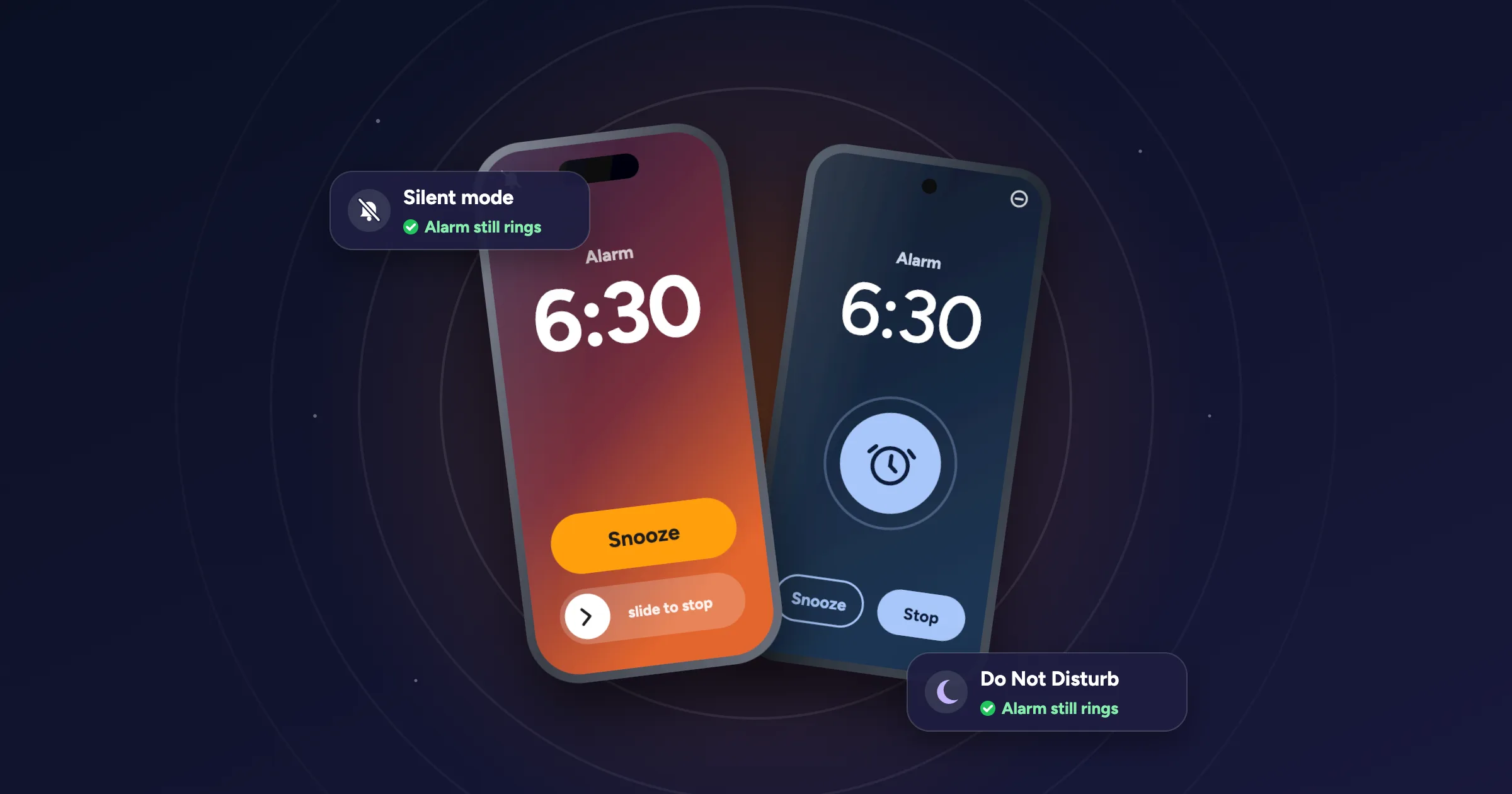
Will My Alarm Ring on Silent, Vibrate or Do Not Disturb? iPhone and Android
Usually yes, on iPhone and Android. But 6 things can still silence it, from a hidden Samsung setting to your Apple Watch.
Read the guide →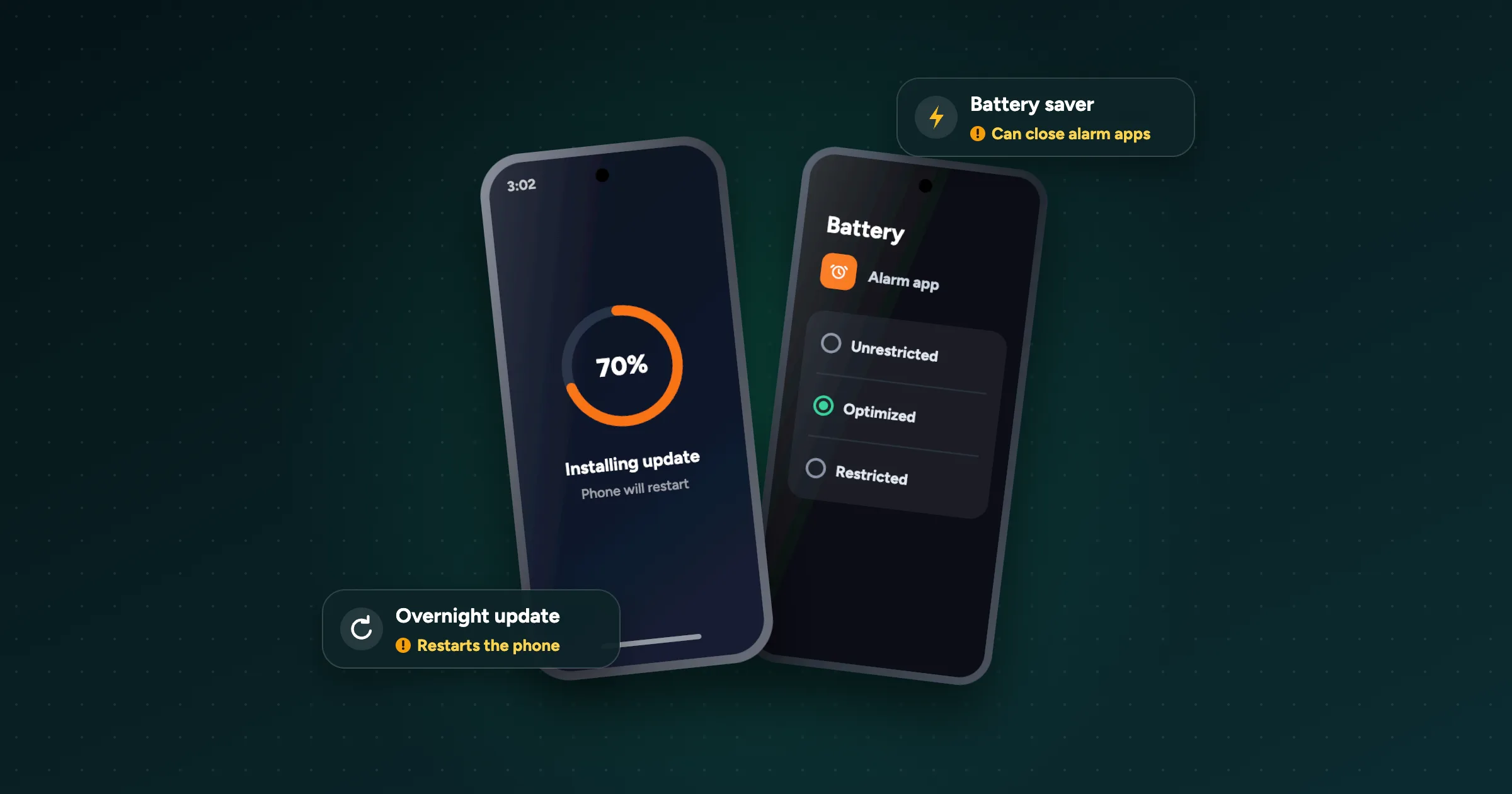
Android Alarm Not Going Off? 9 Fixes for Samsung, Pixel, Xiaomi and More
Android alarm didn’t ring, rang late or only showed a notification? 9 fixes with the exact settings for Samsung, Pixel, Xiaomi, TECNO, OPPO and vivo.
Read the guide →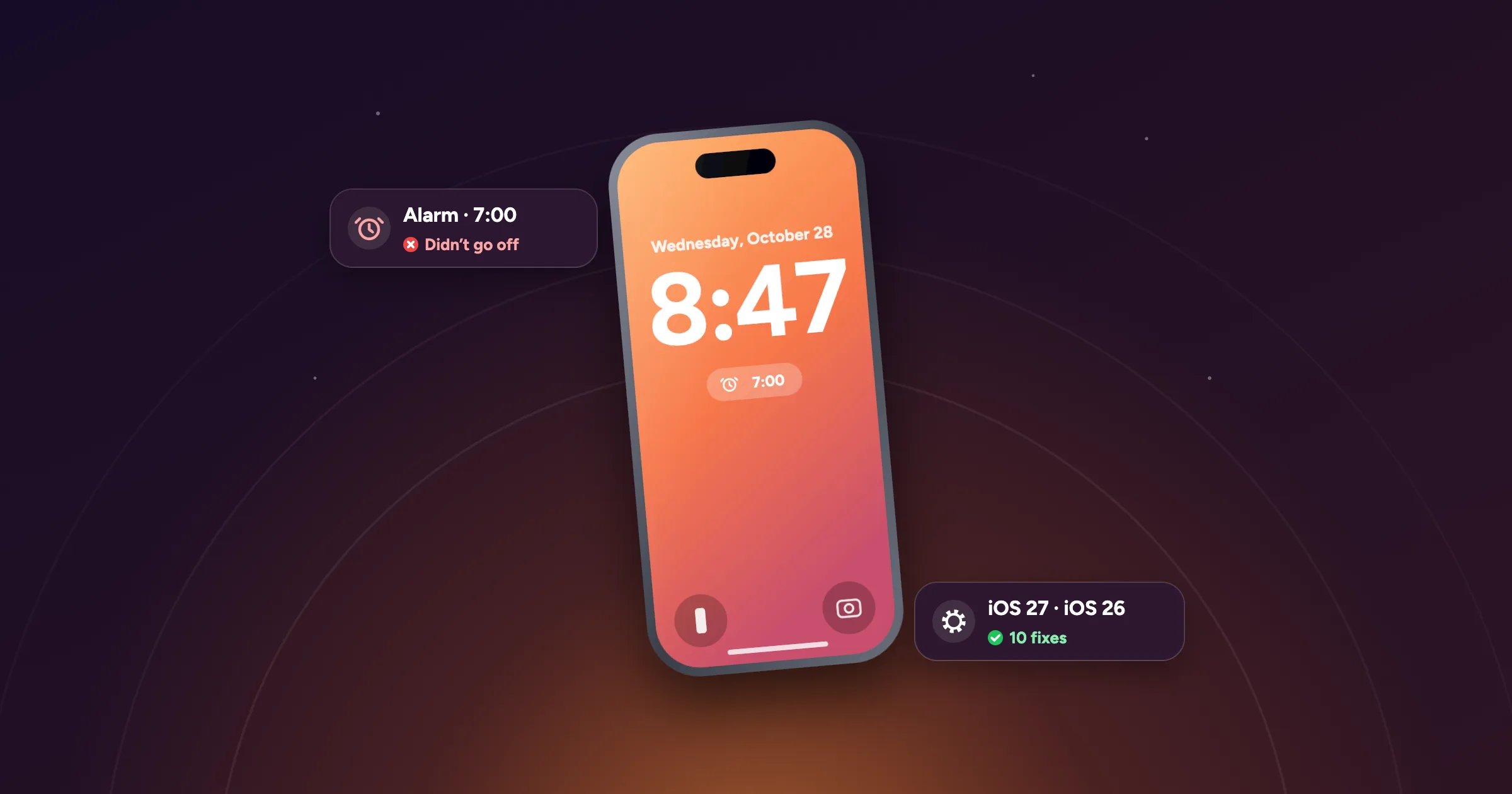
iPhone Alarm Not Going Off? 10 Fixes for iOS 27 and iOS 26
iPhone alarm not going off or not working after the iOS 27 update? 10 fixes: no sound, too quiet, only on Apple Watch, the new alarm volume and alarm apps.
Read the guide →